Batch Email Validation: From RFC 5321 Syntax to Real-World Deliverability
Cleaning a 10,000-row mailing list starts with a syntax check and ends with deliverability questions the syntax check cannot answer. The Batch Email Validator sits in that gap: it parses, normalises, and rates an entire list in one pass — and the gaps it leaves behind are exactly the gaps that matter when you decide which addresses to keep, which to quarantine, and which to drop.
The tool accepts up to 100,000 addresses per submission with a configurable delimiter (comma, semicolon, space, newline, or a custom character). Output is structured line-by-line with a verdict, a normalised form, and a quality score, so a downstream script can branch on a column rather than re-parse free text. If you only need a one-off check on a handful of addresses, the same engine is exposed at Elysia Tools’ single-address validator; if you want full RFC 5321 grammar with quoted local parts and IP-literal domains, the parser there is the canonical reference implementation.
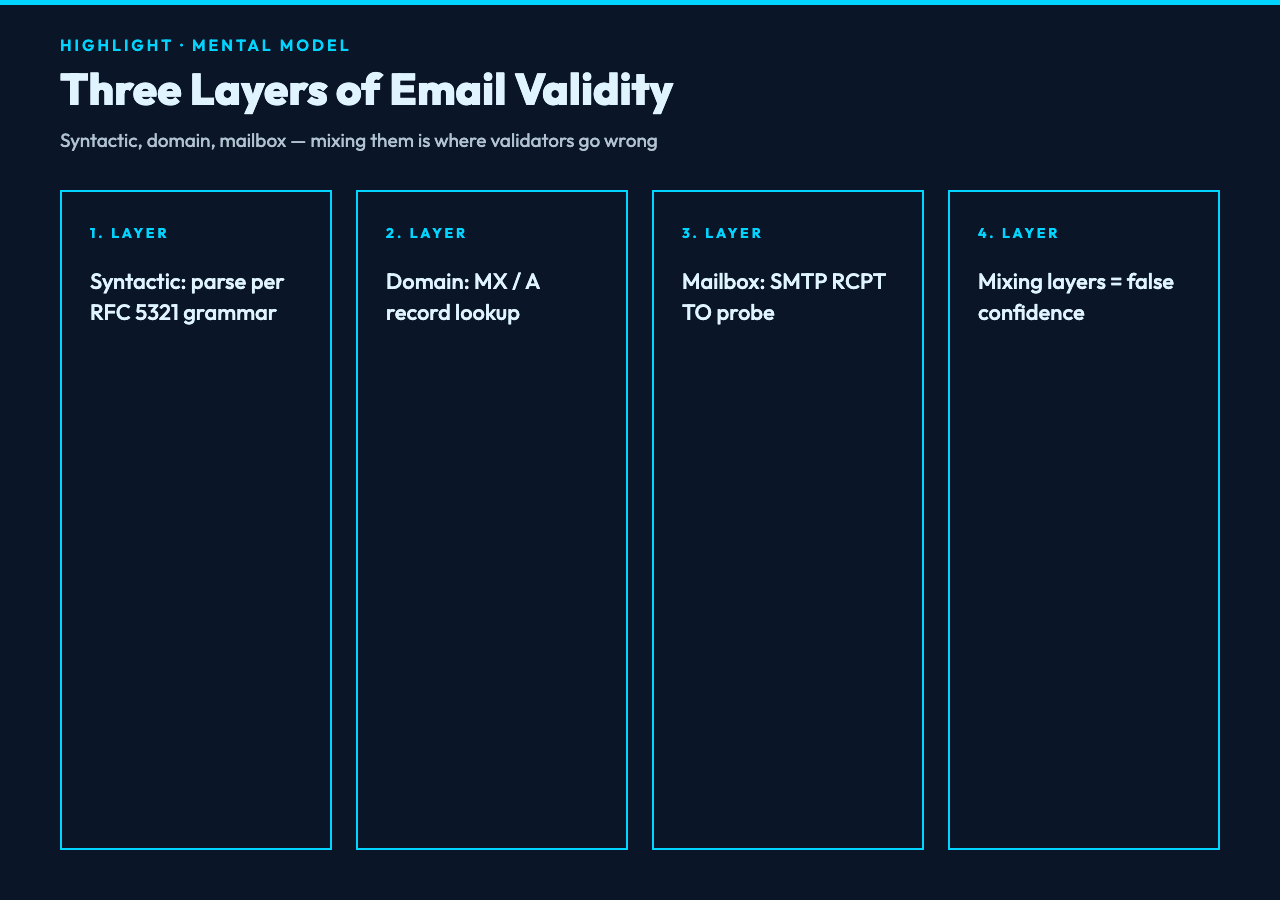
The three layers of “is this email valid”
“Valid” splits into three layers, and any validator that does not separate them is going to confuse you.
Layer 1 — syntactic validity. Does the address parse under RFC 5321 / RFC 5322? Local part, `@`, domain, optional display-name angle brackets, that whole grammar. Almost every modern email regex already handles the common cases; the trick is the corner cases — quoted local parts like "john q. public"@example.com, IPv4 literal domains like admin@[192.0.2.1], and the obsolete route syntax [email protected]. Elysia Tools’ regex tester lets you paste a candidate pattern and step through matches against the RFC test vectors; that’s the fastest way to know whether your regex handles quoted local parts or quietly drops them.
Layer 2 — domain resolvability. Does the domain have MX records, or at minimum an A record? This requires DNS, which is a network call. Most “syntax-only” validators, including the Batch Email Validator, do not do this — they cannot, because pure client-side tools do not have a DNS resolver. The tool flags suspicious TLDs and obvious typos (gmial.com, yaho.com, hotmial.com), which catches a surprising fraction of real-world bad data without leaving the browser.
Layer 3 — mailbox existence. Does the address actually receive mail? This is what SMTP RCPT TO tells you, and most production mailers refuse to do it on bulk lists because it triggers spam filters. The Batch Email Validator explicitly does not probe mailboxes — it documents that boundary in its output, and you should respect it. For deeper inspection of suspicious addresses one at a time, the ReDoS scanner is the closest sibling: it stress-tests the email regex against pathological inputs before you ship the validator to production.
Mixing those three layers is where bulk-validation tools go wrong: they claim “deliverability” while only doing syntax, or they skip obvious typos that a typo-aware regex would catch in milliseconds.
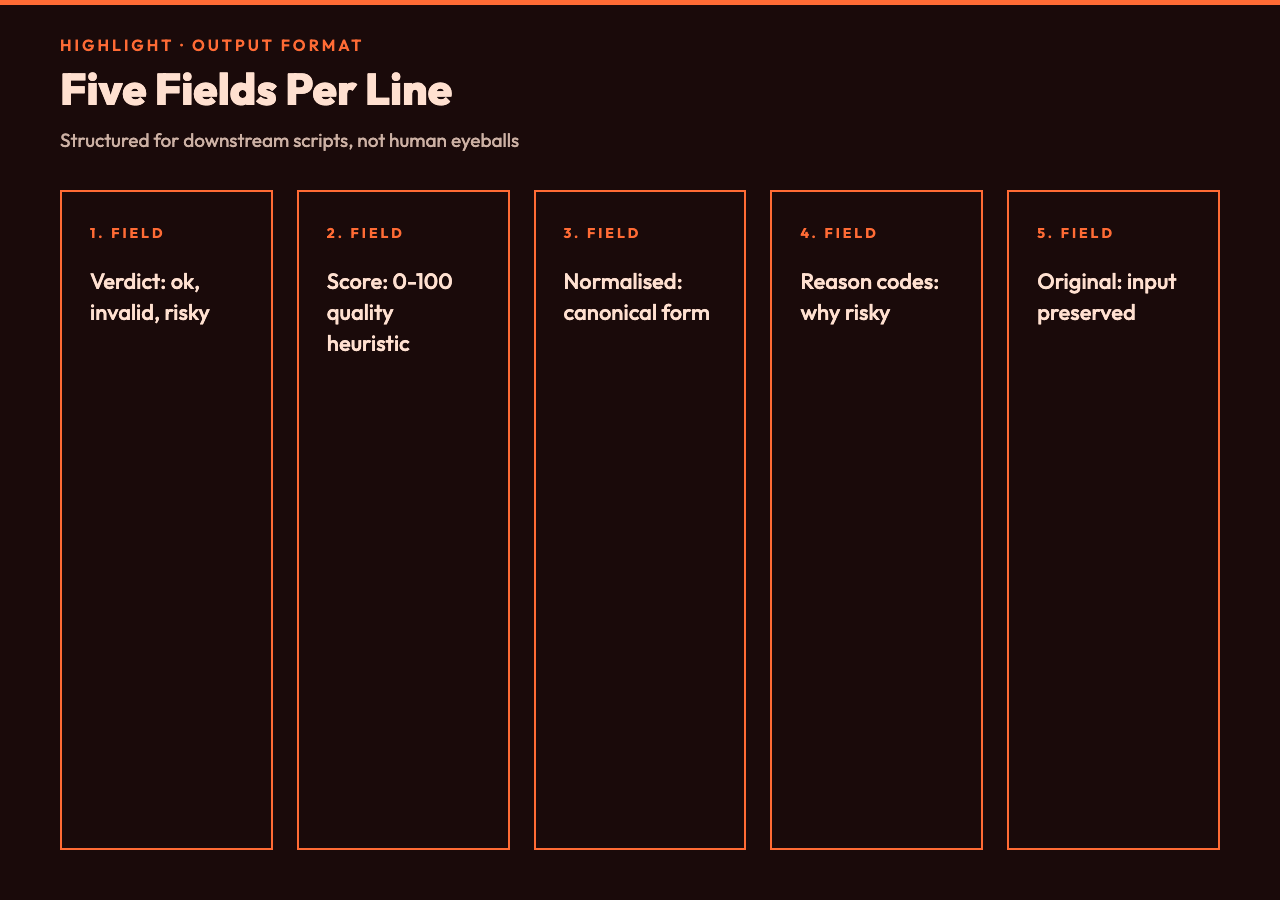
What the Batch Email Validator actually reports
The output is structured for downstream scripting, not for human reading. Each line in the result carries five fields: the original input, the normalised form, a verdict tag, a quality score, and a notes field with reason codes when the verdict is not “ok”.
Verdict tags. ok for a syntactically valid address that passes the typo screen; invalid for anything that fails RFC 5321 grammar; risky for addresses that parse but trip a heuristic (role-based like info@ / admin@, free webmail on a disposable domain, suspicious TLD); duplicate when the same address appears more than once in the input, normalised; empty when an input field resolves to no address at all.
Quality score. A 0–100 integer that combines the verdict with structural signals — length of the local part, presence of digits or special characters, domain age proxy via the public suffix list, and whether the domain is in a known role-account or disposable-email blocklist. The score is not a deliverability prediction; it is a sortable heuristic so you can split a list into keep / quarantine / drop without eyeballing every line.
Normalised form. Lowercases the domain, strips display-name brackets, removes dots from Gmail-style local parts (so [email protected] and [email protected] dedupe to the same canonical address), and collapses plus-addressing ([email protected] → [email protected]) when the domain is in a known plus-tag list. If you do not want plus-addressing collapsed, the single-address validator exposes the same normalisation step-by-step so you can see what gets stripped.
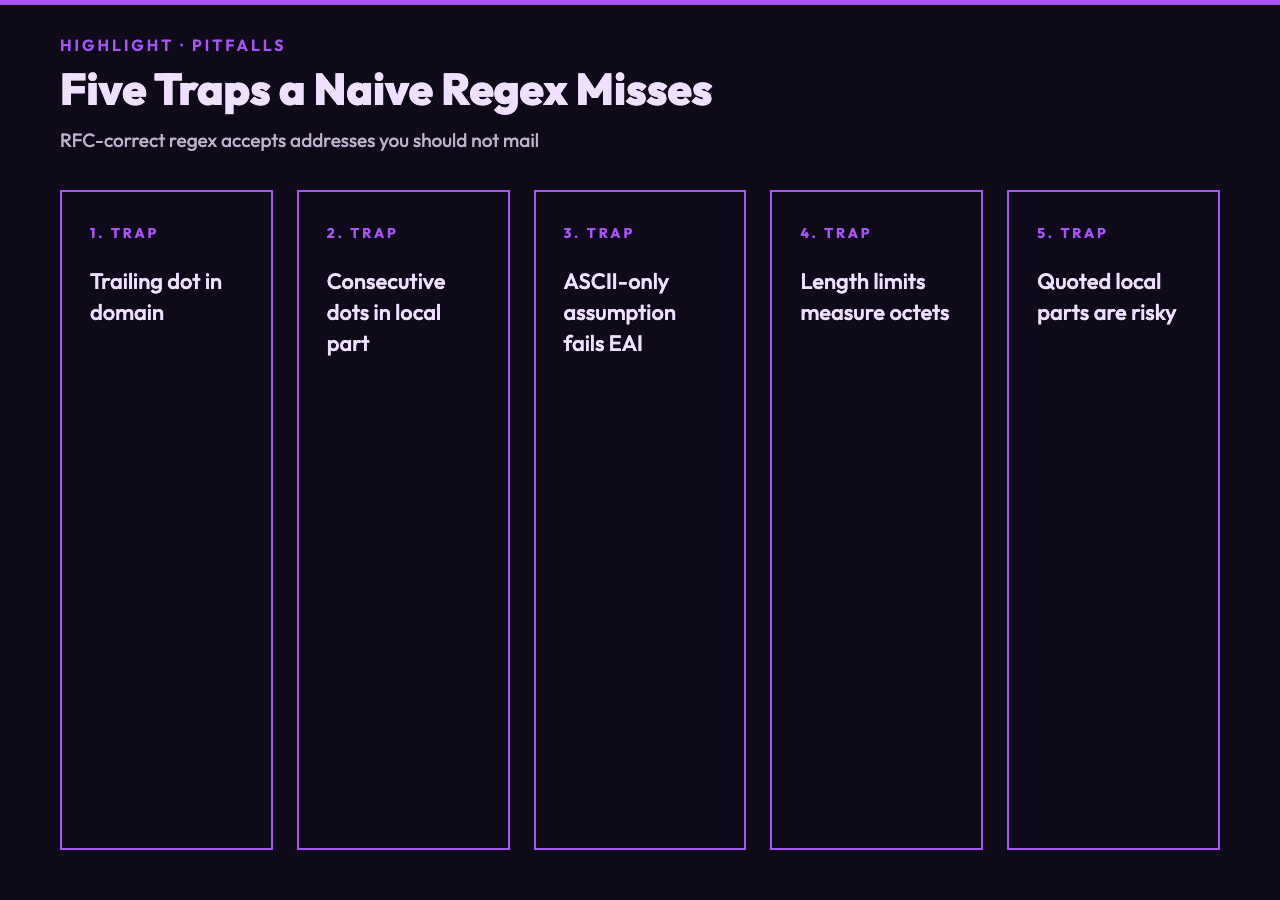
Five things the validator catches that a naive regex misses
The interesting engineering is in the heuristics, not the grammar. A correct RFC 5321 regex will accept some addresses that you absolutely should not mail, and reject some addresses that are perfectly deliverable.
1. Trailing dot in the domain. [email protected]. is technically valid (RFC 5321 treats the trailing dot as a fully-qualified form). Most regex patterns reject it. The Batch Email Validator accepts it, normalises it to [email protected], and flags it in the notes field — so you see the input you submitted, not a silent rewrite.
2. Consecutive dots in the local part. RFC 5321 prohibits [email protected], but many regex patterns accept it because the negative lookahead is easy to forget. The validator flags this with a consecutive-dot reason code.
3. ASCII-only assumption. Internationalised email (EAI / SMTPUTF8) allows UTF-8 in the local part. The Batch Email Validator currently outputs a warning when it sees non-ASCII in the local part rather than rejecting, because the downstream MTA configuration matters: a recipient server without SMTPUTF8 will reject the address at delivery time anyway. If you are working with internationalised addresses, Elysia Tools’ whitespace normaliser is a useful preprocessing step to put everything in NFC form before validation.
4. Length limits. The local part is capped at 64 octets, the full address at 254. The validator measures octets, not characters, which matters for non-ASCII addresses where a single character may be multiple bytes.
5. Quoted local parts. Addresses like "john q. public"@example.com are valid and a corner case that most regex patterns get wrong. The validator parses them, but flags them as risky because few real-world mail servers handle them correctly in practice.
How to wire the output into a downstream pipeline
The output is line-oriented and tab-separated, which means a few lines of shell or Python is enough to turn the validator’s output into actionable segments.
One common pattern: split the output on verdict tags, then export each verdict bucket to a separate CSV. The ok bucket goes to your CRM for the next campaign; the risky bucket goes to a manual review queue; the invalid and duplicate buckets are dropped before they pollute downstream metrics. For the CSV-splitting step, Elysia Tools’ CSV splitter takes a column-value filter and produces one file per bucket, which is faster than writing the equivalent Python yourself.
Another pattern: re-feed the validator’s normalised output back through the validator, this time with a stricter delimiter configuration. If you started with a paste from a spreadsheet where the delimiter was actually a tab, the first pass will mis-parse some rows; the second pass with the corrected delimiter will dedupe them. This is a simple but effective self-healing step.
If you want to compare two validators’ results against each other — useful when you are evaluating whether to migrate from one bulk-validation provider to another — Elysia Tools’ CSV diff tool will compute set differences between two output files keyed on the normalised address column. The diff tells you which addresses one tool marked ok and the other marked risky, which is the actual decision point when you migrate.
Where the tool stops and your judgement starts
The Batch Email Validator is a deterministic, client-side tool. It does not make deliverability predictions, and it does not have access to live DNS or SMTP. Treat its verdict as a syntactic filter and a heuristic shortlist, not as ground truth on whether an email will reach an inbox.
For the high-value decisions — which addresses to drop from a campaign list, which role accounts (info@, contact@) to send to, which free-webmail addresses look like spam traps — the validator’s risky bucket is a starting point for manual review, not a final answer. The structural signals it captures (typo distance from a known domain, role-account prefix, disposable-domain blocklist membership) are necessary but not sufficient inputs to a deliverability decision.
If you are cleaning a list before a one-off send, the validator gets you 80% of the way in a few seconds. If you are building a sign-up flow that runs the validator on every new registration, treat its verdict as one input among several — combine it with MX lookup, SMTP probing at low rate, and engagement history, and never trust a single “valid” flag as the last word on whether an address is worth sending to.
For a tool that covers this validation surface in a single pass, the Batch Email Validator is the entry point. To run the same engine one address at a time with full RFC 5321 grammar visible, use the single-address email validator; for the deeper regex work, the regex tester lets you step through your pattern against canonical test vectors.
Explore more validation and text-processing tools at elysiatools.com.