A suspicious value is not a disposable value. The 72°C sensor reading, the $4.8 million invoice, and the customer who bought 300 units may be errors, but each may also be the only row worth investigating. Yet many cleaning workflows still turn one threshold into an automatic delete command. That shortcut makes the dataset look calmer while quietly changing the question it can answer.
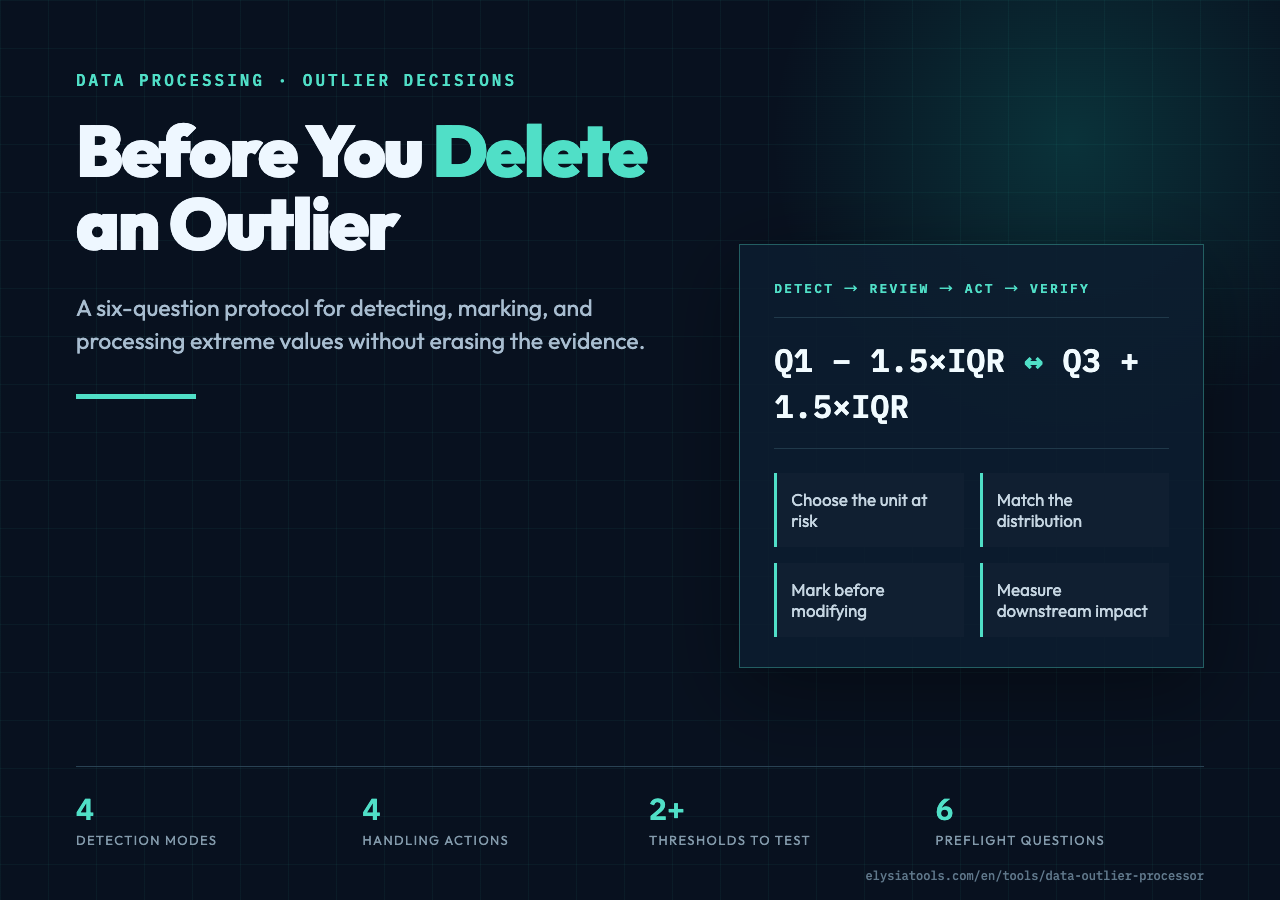
This is the protocol I use before touching an extreme value: choose the unit of analysis, define the detector, inspect the row, select a reversible action, compare the distribution, and record the decision. The Data Outlier Processor at Elysia Tools puts those choices in one interface rather than hiding them behind a single “clean” button.
One cell can condemn an entire row
Suppose a CSV contains 10,000 temperature readings with five numeric columns. One pressure value crosses the upper IQR fence. If the handling strategy is Remove, the whole record disappears—not only the pressure measurement. The timestamp, flow rate, operator ID, and valid temperatures vanish with it.
That may be the right decision when the row is a corrupted packet. It is destructive when a single sensor drifted while the rest of the event remained useful. The first question is therefore not “Is this number extreme?” It is “What is the unit I am willing to lose?”
The outlier processing workbench can auto-detect numeric columns or accept a target list. Use that list deliberately. Start with the field whose behavior you understand, then widen the scope. A narrower first pass produces evidence you can interpret; an all-column pass can turn independent flags into an opaque deletion rule.
If you need identification without modification, the separate Outlier Detector is the cleaner first stop. Detection and treatment are different jobs. Keeping them separate prevents a statistical flag from becoming a data-retention policy by accident.
Pick a detector that matches the distribution
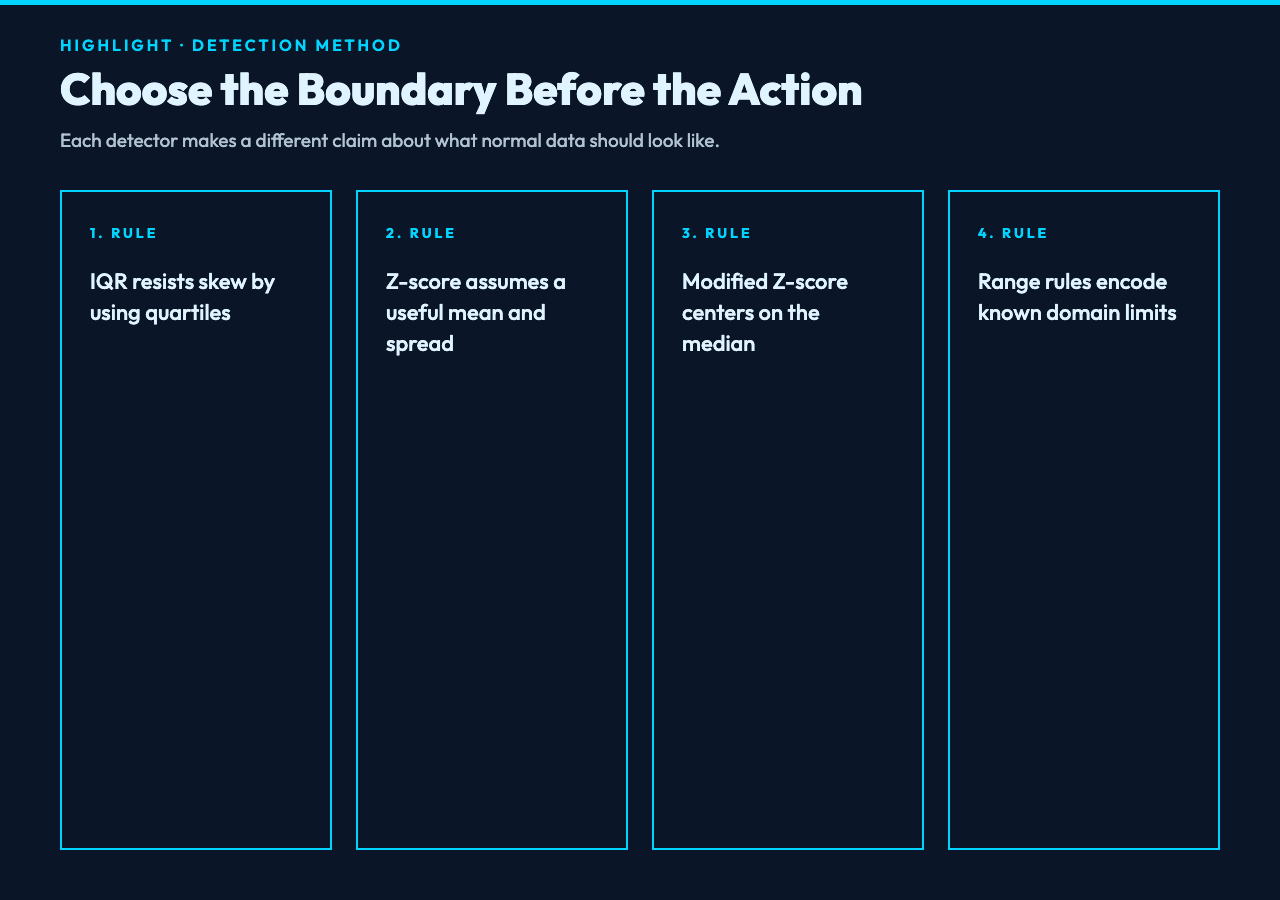
The familiar IQR rule builds fences at Q1 − 1.5 × IQR and Q3 + 1.5 × IQR. It is a strong default for skewed operational data because quartiles do not move as sharply as the mean when an extreme point appears. For revenue, latency, claim size, or transaction value, that robustness is usually more useful than a perfect bell-curve assumption.
A standard Z-score asks a different question: how many standard deviations separate a value from the mean? The conventional 3σ threshold is easy to explain, but the mean and standard deviation are themselves influenced by extremes. On a heavy-tailed distribution, an extreme point can widen the boundary that is supposed to catch it.
Modified Z-score replaces that fragile center with the median and median absolute deviation. It is often the better choice when a column is mostly stable but periodically spikes. Simple range rules are useful when domain limits are known. The interface also exposes an Isolation Forest option, but reproducible production work should verify its implementation before treating its score as a model-grade anomaly decision. In the current tool source, that path is a simplified stochastic stand-in rather than a full forest.
If your goal is to compare values across scales before detection, the Z-Score Standardizer is a related—but different—operation. Standardization changes representation; outlier processing changes what happens to flagged observations. Do not confuse a transformed value with a justified deletion.
Thresholds encode the cost of being wrong
A threshold is not merely a sensitivity knob. It expresses which error you can afford.
Lower the IQR multiplier from 1.5 to 1.0 and you will flag more observations. That can be appropriate in a safety monitor where missing a dangerous reading is expensive. The same move can be harmful in customer analytics, where rare high-value behavior is commercially important. Raise the threshold and the balance reverses: fewer false alarms, more missed anomalies.
The tool supports manual thresholds, automatic optimization, and low, medium, or high sensitivity. Treat the automatic setting as a proposal, not a verdict. Run at least two settings and compare the flagged row IDs. The rows that appear only at high sensitivity form a useful review band; they are the cases where policy, not arithmetic, should decide.
Write the threshold beside the result. “Cleaned with IQR” is incomplete. “Flagged salary values outside Q1 − 1.5 × IQR and Q3 + 1.5 × IQR on the 2026-07-17 extract” is repeatable.
Mark first; modify second
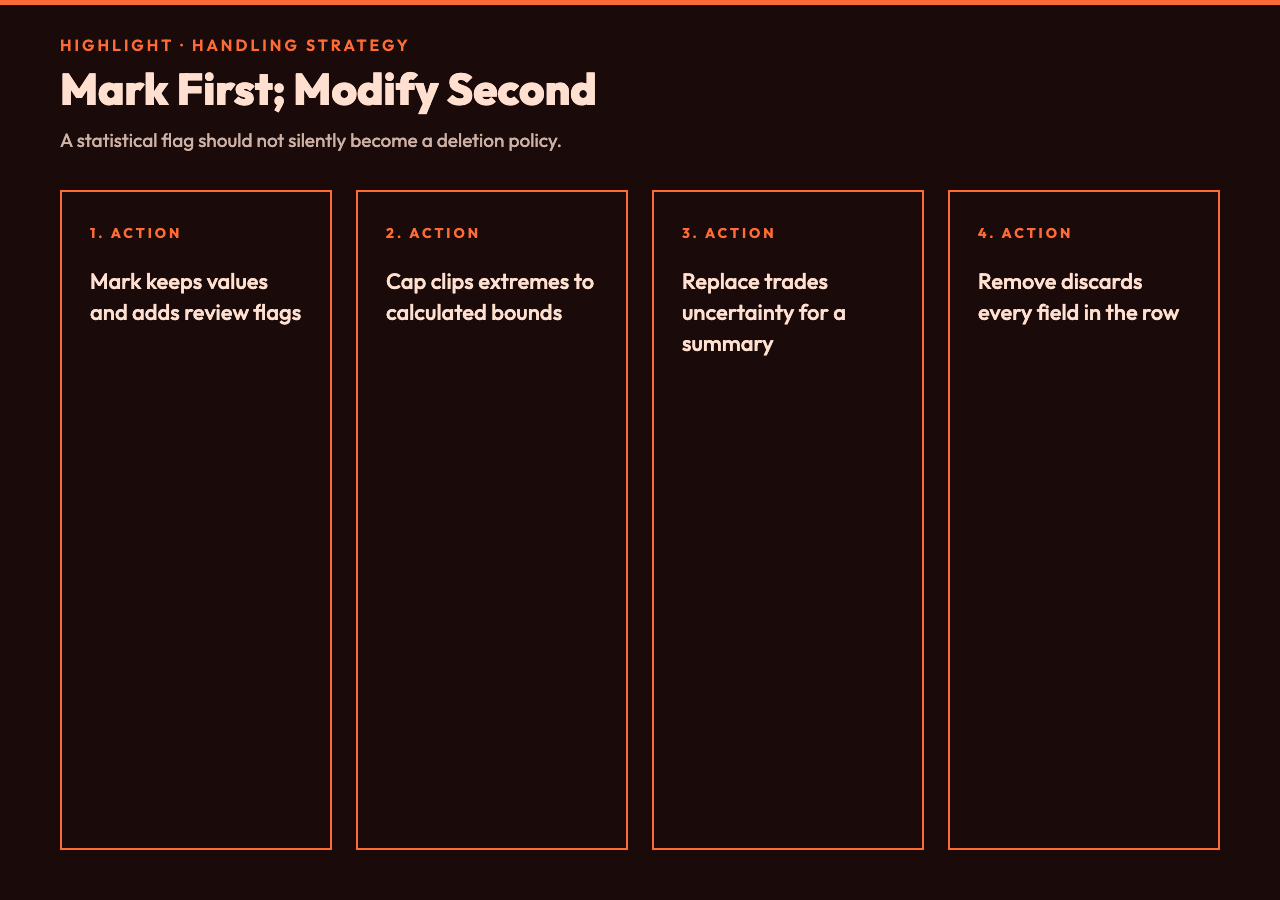
The four handling strategies have different consequences:
- Mark keeps the original value and adds a Boolean outlier flag.
- Cap clips a value to a calculated boundary.
- Replace substitutes a summary value such as the median.
- Remove deletes records that contain a flagged value.
Start with Mark. It is the only option that preserves both the observation and the decision signal without changing the measurement. You can filter flagged rows, show them to a domain owner, or train two model variants without reconstructing lost data.
Capping is defensible when the measurement system has a known saturation range or when a downstream model cannot tolerate extreme leverage. Median replacement preserves row count but collapses uncertainty into a typical value. Mean replacement is more sensitive to the very extremes you are processing. Interpolation makes sense only when row order has meaning—usually time or position—and neighboring observations provide real evidence.
If absence is the problem rather than extremity, use a Missing Value Handler instead. A blank cell and a surprising cell are not interchangeable. One says “unknown”; the other says “observed, but unusual.” Treating both with the same imputation rule erases that distinction.
Inspect impact, not just the outlier count
A good report answers more than “How many values were flagged?” Compare the original and processed record counts, the outlier rate by column, the mean and standard deviation before and after treatment, and the row numbers affected. The processor can append this statistics section to its CSV output.
The most useful question is often: which conclusion changed? If removing 14 rows flips a coefficient from positive to negative, the outlier policy has become part of the analysis. If capping reduces standard deviation by 40% but leaves the median untouched, the effect may be acceptable for a robust summary and unacceptable for tail-risk work.
Run the comparison as an experiment:
- Export a marked-only version as the baseline.
- Export a capped or replaced version using the same detector and threshold.
- Recalculate the statistic or model metric that matters.
- Review the changed rows and explain the difference.
For gaps that emerge after a removal step, Data Interpolator can help when order is meaningful. For impossible values beyond a hard physical or contractual bound, Data Range Limiter expresses the rule more directly. Choose the tool that matches the reason for the edit, not the one that happens to produce a neat CSV.
Keep the decision reversible
Preserve original columns whenever you replace or cap. Add row identifiers before processing if the file lacks them. Store the detector, threshold, selected columns, handling strategy, replacement method, and run date alongside the output. These details are the minimum audit trail for reproducing a cleaning decision.
Also keep the raw file immutable. A suffix such as sensor_readings_2026-07-17_raw.csv is less glamorous than a dashboard, but it prevents a silent overwrite from becoming the only version of reality. The processed file should be a derivative with a clear policy name, such as sensor_readings_iqr15_marked.csv.
The Data Outlier Processor is most useful as a decision workbench: paste CSV data, target the numeric columns, compare IQR or Z-score methods, mark the candidates, and read the impact report. It is less useful as an unquestioned “fix everything” stage. The interface makes several choices convenient; your job is to make those choices explicit.
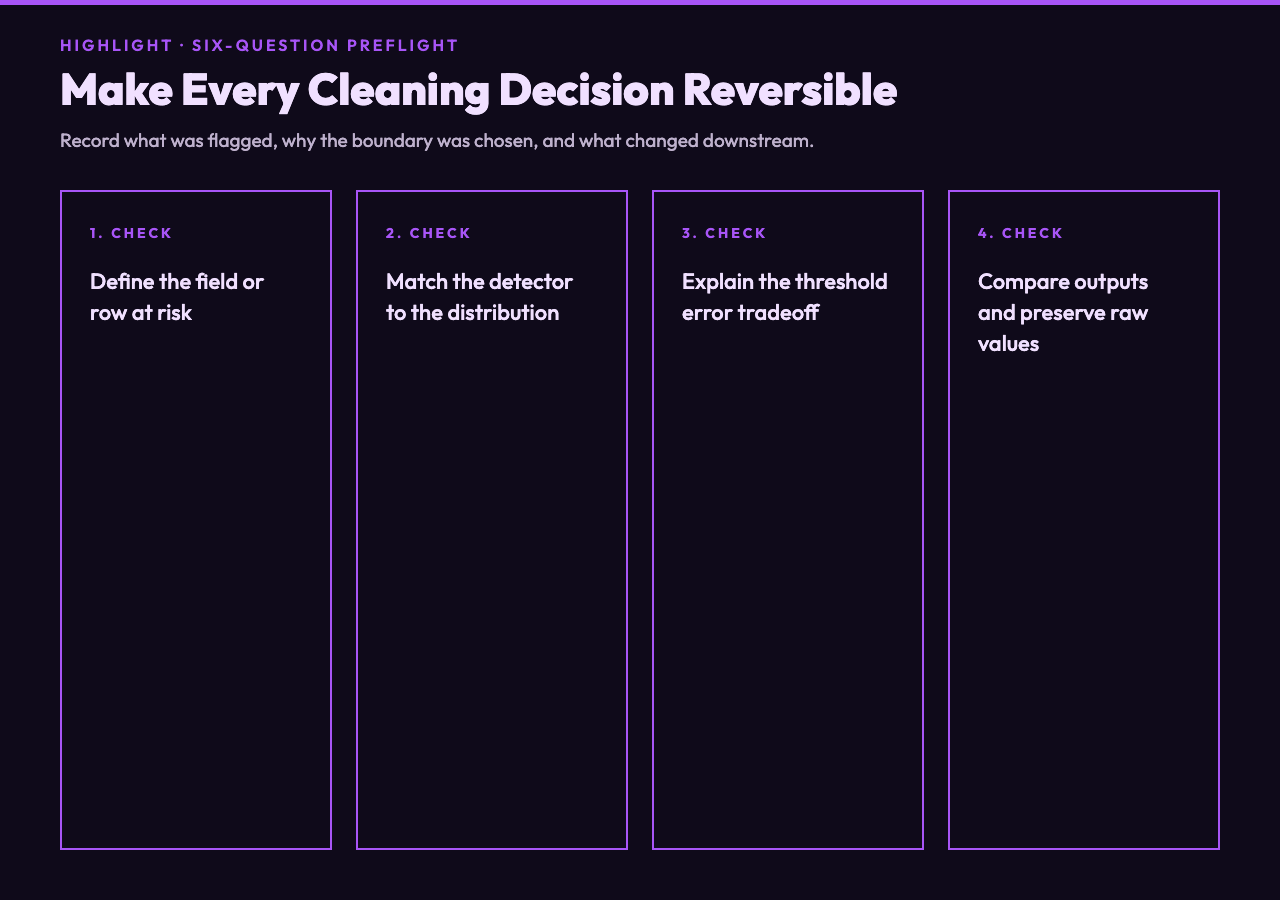
The 6-question preflight
Before exporting a processed dataset, answer these six questions:
- What field or row am I willing to change or lose?
- Why does this detector fit the column’s distribution?
- What does the threshold say about false alarms and missed anomalies?
- Can I mark the value before modifying it?
- Which downstream statistic or model result changes?
- Can another analyst reproduce and reverse the decision?
If any answer is missing, keep the flag and postpone the edit. A tidy dataset is not automatically a truthful dataset.
Ultimately, a trustworthy outlier workflow does not end when the extreme values disappear. It ends when another person can see what was flagged, why the boundary was chosen, what changed, and how to recover the original observations. Use the processor to make comparisons cheap, not judgment invisible. Mark first, test at least two thresholds, preserve the raw columns, and let domain evidence decide. The final question is not whether the dataset looks cleaner. It is whether the next analyst can still distinguish noise, failure, and the signal that only appeared once.
Explore more focused data tools at elysiatools.com.