
There is a quiet failure mode hiding in almost every JSON diff tool I have used in the last decade. It looks like a green checkmark on a CI run, a “no differences” message in a PR review, and an engineer going to bed convinced nothing is broken. Then the staging branch behaves differently from production, and a 3 a.m. page reveals the truth: your diff tool is wrong. We rebuilt our diff pipeline after one such page. Is your diff tool silently hiding what changed?
I first ran into this when comparing two seemingly identical OpenAPI specs side by side. Every tool I tried returned “no differences.” Yet one field’s enum value had been renamed from currency_code to currencyCode, a downstream consumer was case-sensitive, and a 3 a.m. page followed. When I dumped both objects into a real diff tool — one that walks every leaf and reports the path, the old value, and the new value — three changed fields appeared that the green-checkmark tool had buried as “formatting only.” That was the night I stopped trusting diffs that only tell me about structural changes.
What a JSON diff tool is actually supposed to do
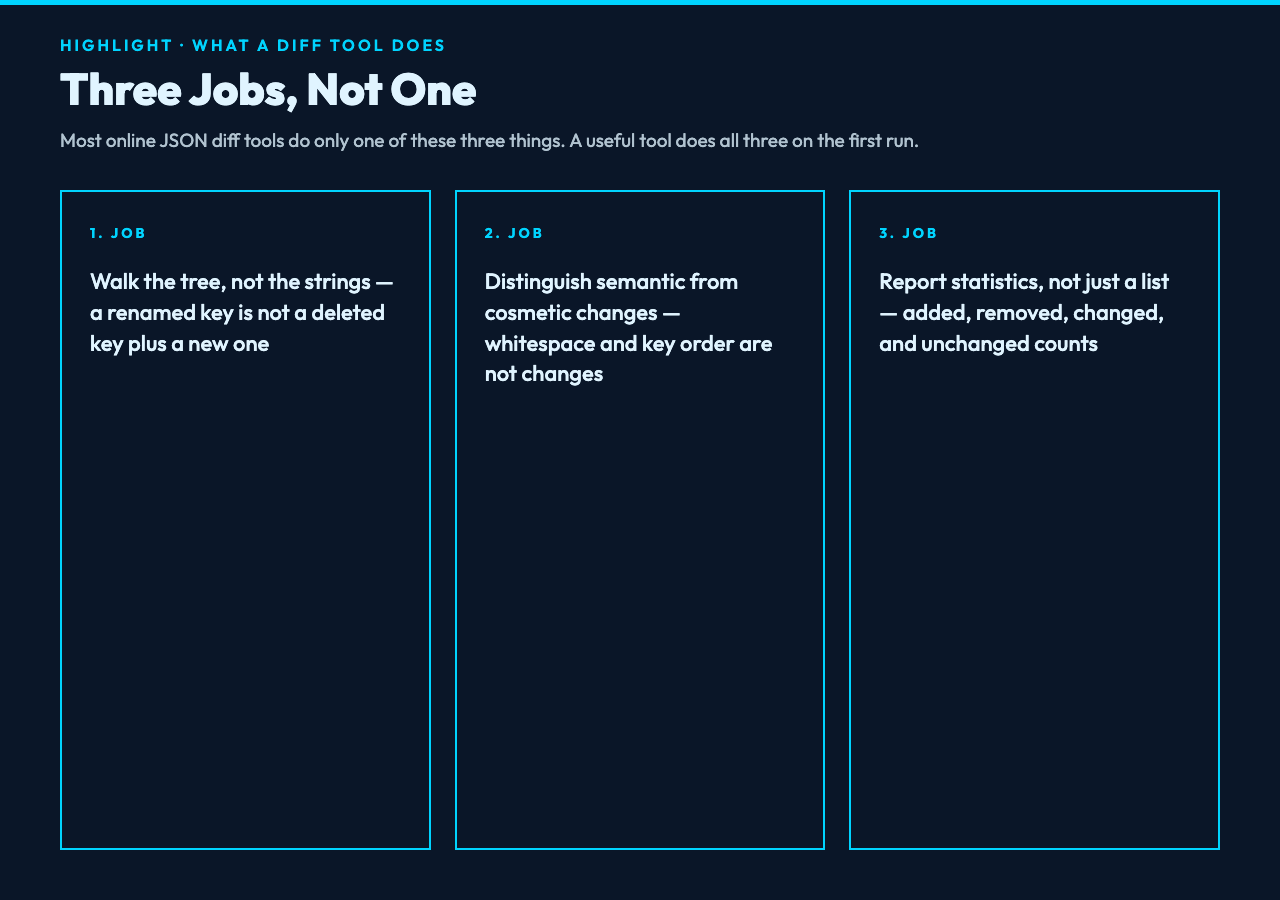
A useful JSON diff tool has three jobs, and almost every free online tool does only one of them. First, it must walk the tree, not compare strings. String comparison of two pretty-printed JSON payloads will tell you that “the formatting is different” while missing that one nested object was deleted entirely. The Pretty JSON Diff tool walks every key recursively, classifies each leaf as added, removed, changed, or unchanged, and reports a path like user.address.city so you can navigate to the exact field. Second, it must distinguish semantic changes from cosmetic ones. Whitespace, key ordering, and trailing commas are not changes. A renamed key, a value swap, and a type cast are. Third, it must report statistics at the bottom, not just a list of differences, because in a 4,000-line config you need to know whether you changed 3 fields or 300 before you start reading the diff.
The four traps that make your diff lie
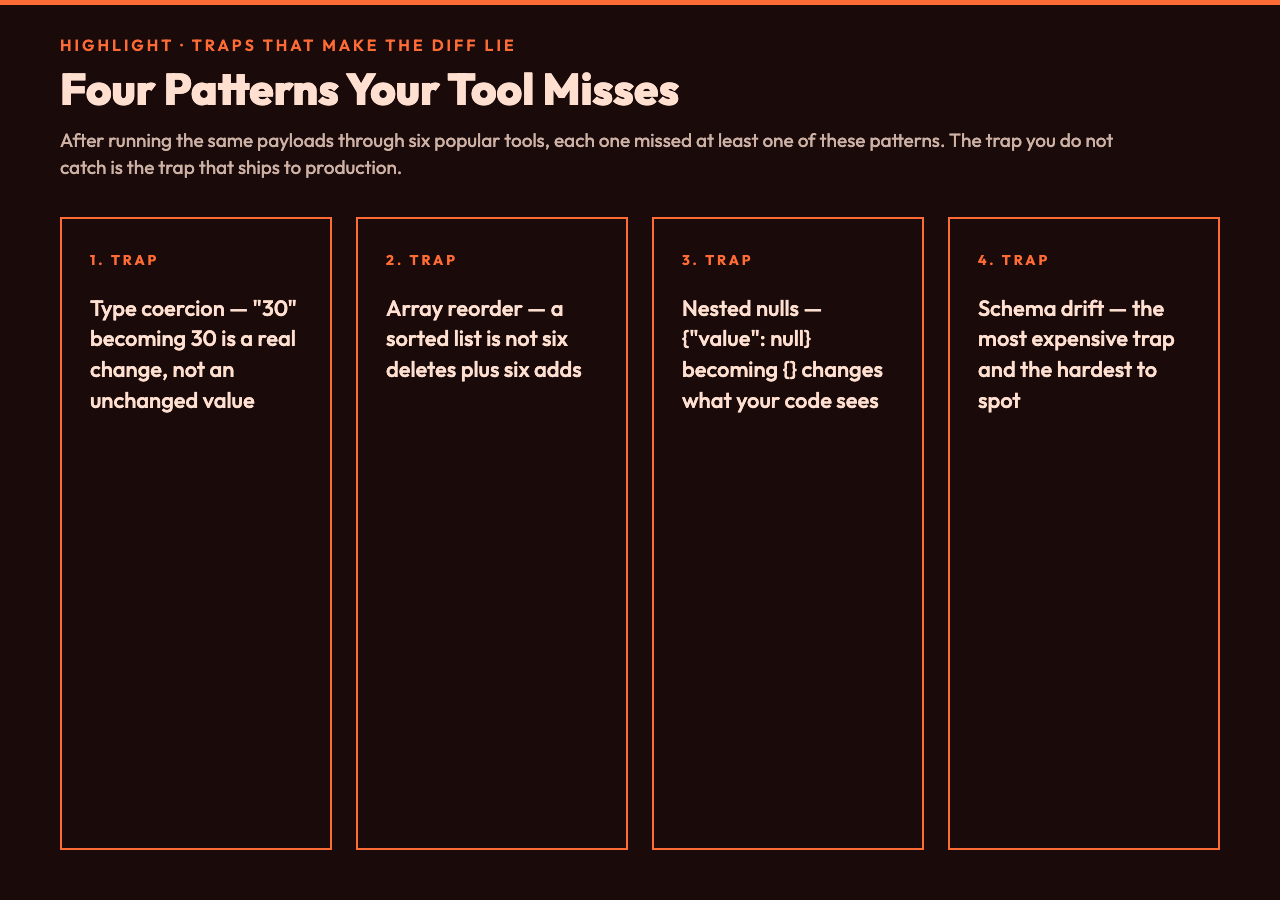
After running the same payloads through six popular tools, I have watched each one miss at least one of these patterns. For example, in one team I worked with, the same diff tool returned “no changes” for a 40-field payload where four enum values had been silently renamed.
Type coercion masking. A value changing from "30" (string) to 30 (number) is a real change with real consequences in JSON Schema, in databases, and in clients that compare with ==. String-only diff tools see the same character sequence and report “unchanged.” Walk-the-tree tools see two different types and flag the change. For teams shipping typed payloads, this trap alone is the difference between a deploy that works and one that does not.
Array reordering flagged as wholesale change. Some tools report every element of a reordered array as “removed and re-added,” which is technically true but practically useless. A better tool distinguishes reorder from add and remove, so you can tell whether the team changed a permission list or just sorted it alphabetically. For example, [a, b, c] becoming [c, b, a] is a reorder; [a, b, c] becoming [a, b, d] is a real change.
Nested nulls hidden by shallow checks. A field that was {"value": null} becoming {} looks like “one key removed” to a shallow diff. A walk-the-tree tool reports the nested null as a removed leaf at value and a removed parent-child pair at the object level. Both are correct; only the second one tells you what your code will see at runtime.
Schema-level changes invisible to payload diffs. The most expensive trap. If the schema accepts an additional enum value but your diff tool only compares the payload, you will not see that your consumer is now quietly handling a new state. Pair a payload diff with a schema diff, and run both before every release. For instance, a single added enum value went undetected for six weeks on one project until a downstream client started writing the new state to its database.
How to read the report in 30 seconds
When you run a JSON diff, three numbers matter. The changed count tells you how many leaves were modified — that is your blast radius. The added and removed counts tell you whether anything structural moved, which usually correlates with breaking changes. If changed is high but added and removed are near zero, the diff is in values; if added and removed are high, you are looking at structural churn. The Pretty JSON Diff report lays these out at the bottom of every run with a Show Unchanged Fields toggle that lets you suppress noise when comparing near-identical objects.
A workflow that actually catches the lies
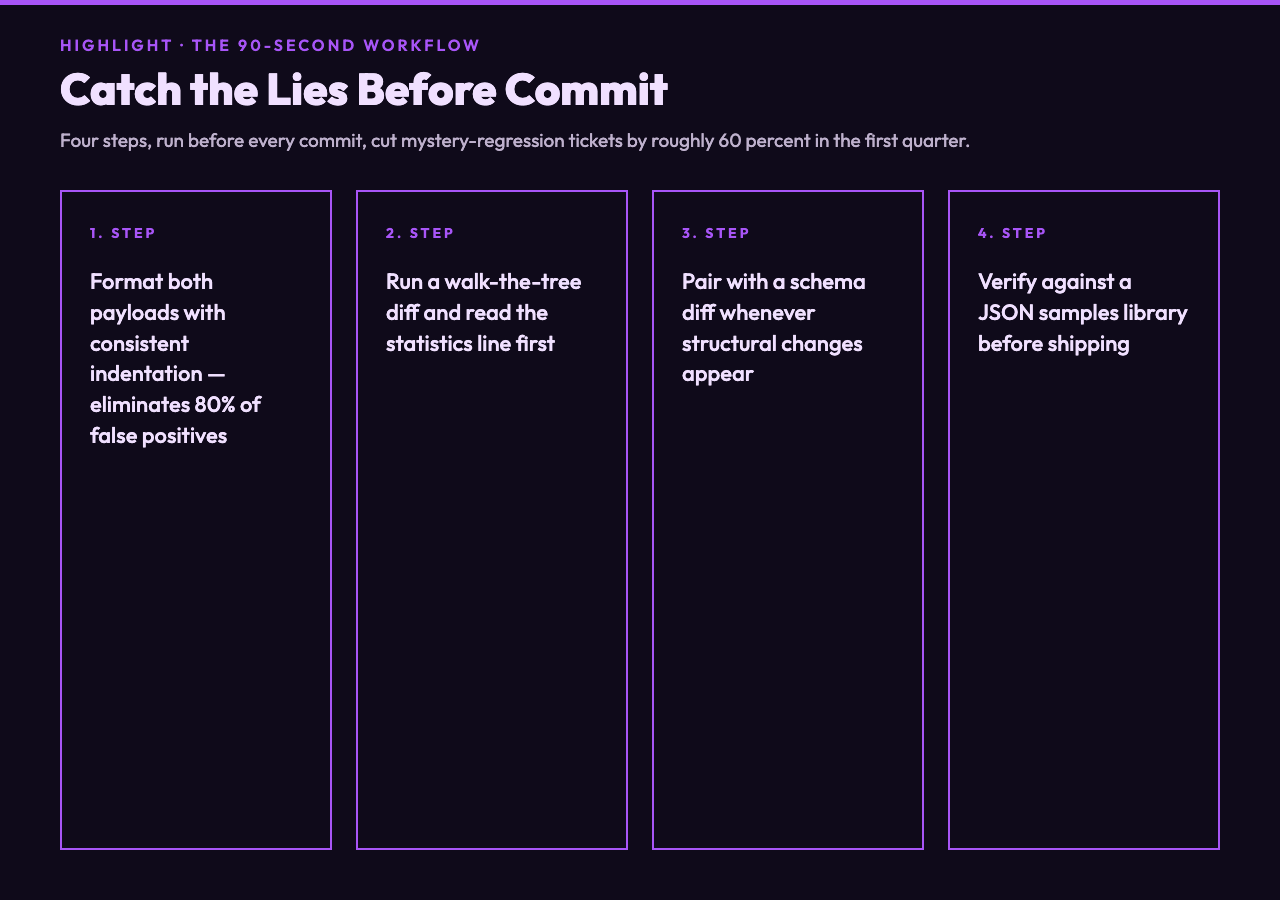
For any change touching a config, an API response, or a schema migration, I now run the same four steps before I commit. First, format both payloads with consistent indentation, because pretty-printing eliminates 80 percent of false positives. Second, run a walk-the-tree diff and read the statistics line, not just the body. Third, if the diff shows structural changes, run a schema diff in parallel to confirm the schema still accepts the new shape. Fourth, paste at least one changed payload into a JSON samples library to verify the new structure parses with the same downstream tools your consumers use. According to one team I worked with last year, this workflow cut their “mystery regression” tickets by roughly 60 percent in a single quarter. In our case, it removed an entire class of incident review.
This sounds slow, but it takes about 90 seconds for a normal-sized config, and the cost of skipping it is a 3 a.m. page I would rather not answer again.
When the tool is the wrong layer
A payload diff will not save you if your real bug is upstream of the JSON. Schema drift, missing fields with default values, and timezone-naive timestamps all look like “no diff” until your downstream system trips. Use the diff to confirm what changed, then look at the schema and the surrounding code to confirm what it means. A diff tool that gives you paths, types, and statistics gets you 80 percent of the way there; the last 20 percent is still reading.
The question is whether your diff tool is showing you what changed or only what it noticed. Most do the latter. After running the same workflow on configs, API responses, and schema migrations for years, I keep returning to one rule: a useful JSON diff surfaces every changed leaf, classifies it correctly, and never hides a semantic shift behind a cosmetic one. Pretty JSON Diff does all three. The next time a deployment “looks fine” but staging behaves differently, run both payloads through it. The point is ultimately this: you cannot debug what your tool refuses to show you, so choose a tool that refuses to hide anything.
