8 Free AI Tools That Quietly Solve Problems You Didn’t Want to Do Manually
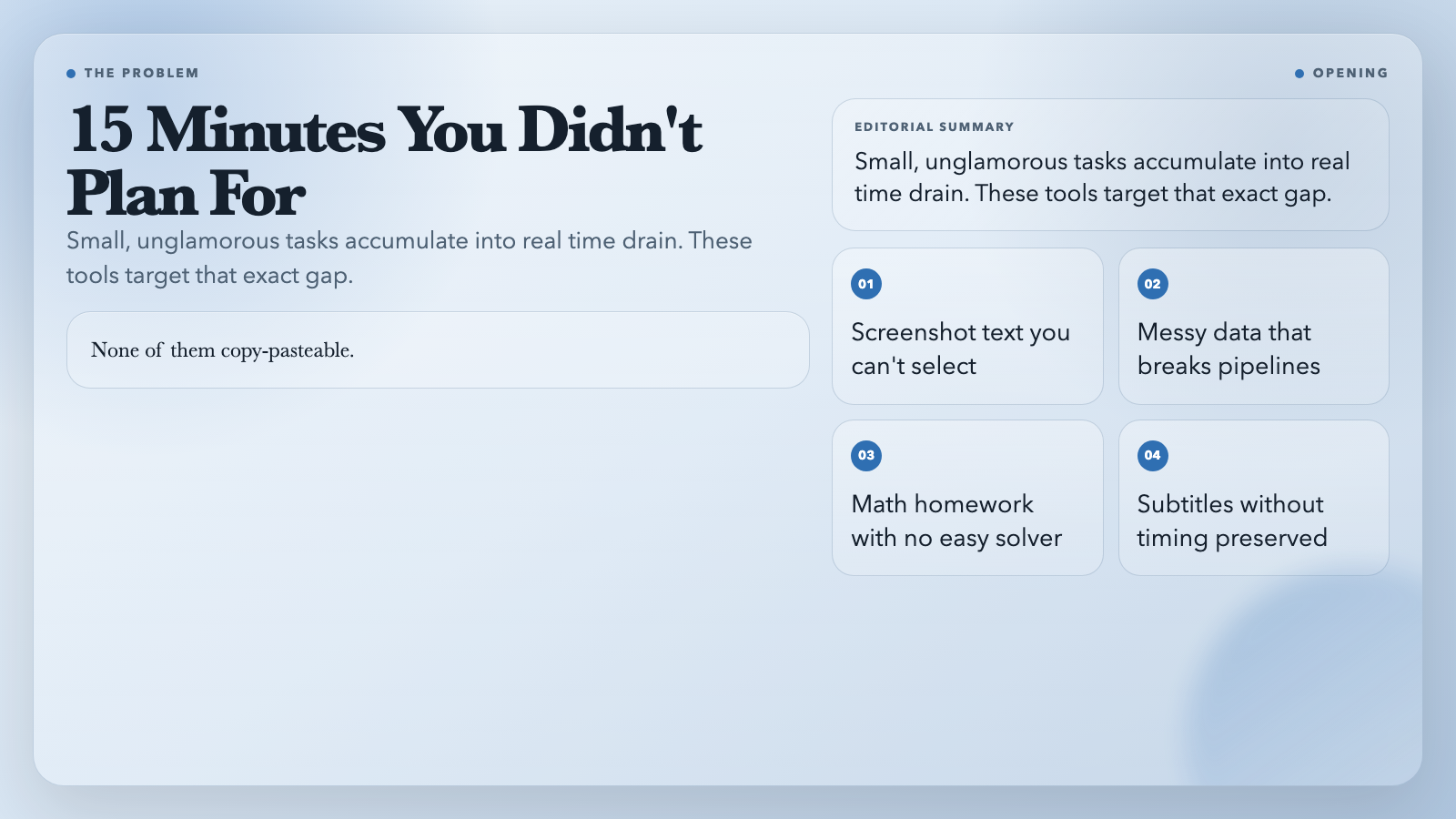
You know that moment when you receive a screenshot of an error message and realize you’ll have to type it out by hand to search for it? Eleven lines. None of them copy-pasteable.
This is not a big problem. It’s a small, specific, 15-minute problem that happens often enough to matter.
These eight tools are built for exactly that kind of task. Not the glamorous AI work you read about. The unglamorous stuff that sits between “I should do this” and “I’d rather not.”
1. AI Language Detector — When You Need to Know What Language You’re Reading
You’re building a multilingual content pipeline. You receive text in English, Indonesian, and something that might be Haitian Creole. You need to route each fragment to the right processing step, but you can’t route what you can’t name.
The AI Language Detector takes any text fragment and returns the language name plus its ISO 639-1 code — English → en, Indonesian → id, Haitian Creole → ht. Mixed input? It identifies the dominant language. Paste. Get a clean code. Use it as a routing key.
You could maintain a language detection library. Or you could let the tool handle it in one call.
2. AI Image to Markdown — Extract Text from Images Without Retyping
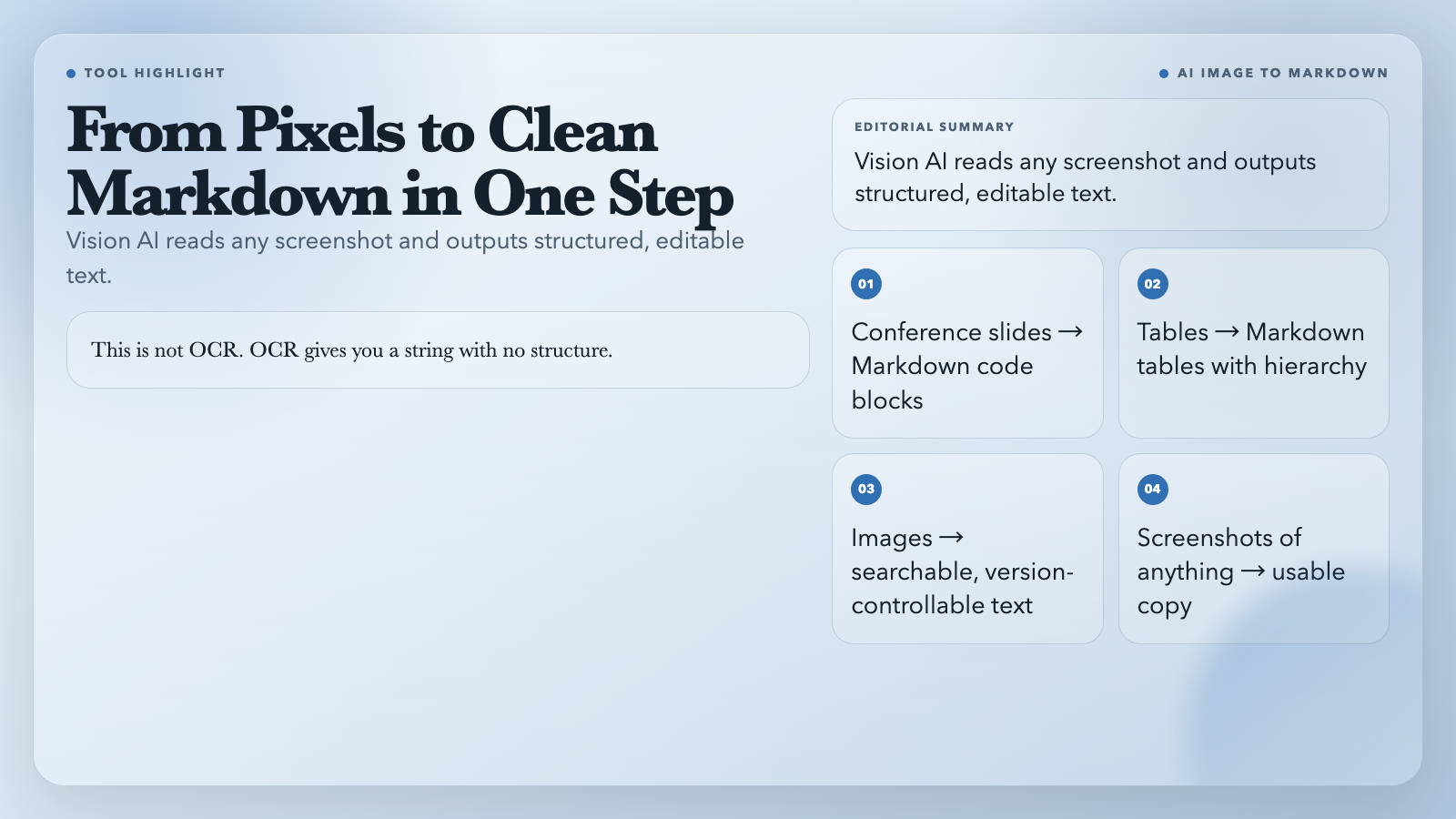
You screenshot a conference slide with a code snippet you want to test. You screenshot a pricing table you want to compare. You screenshot a legal clause you need to reference. Every time, you need the actual text—not another image of it.
AI Image to Markdown uses a vision model to read the image and output clean Markdown. Code blocks render as code blocks. Tables render as Markdown tables. Headers keep their hierarchy.
This is not OCR. OCR gives you a flat string with no structure. This gives you text you can edit, search, version-control, and paste into a document.
3. AI Math Solver — Step-by-Step Math, From a Photo
You receive a photo of a handwritten equation. Or you find a problem in a PDF you want to verify. You could try to type it into a search engine and hope the formatting survives the transfer. Or you drop the image in and get the solved result with reasoning.
The AI Math Solver reads the image, solves the problem, and returns step-by-step explanations—not just the answer. It covers algebra, calculus, statistics, and word problems. You see the reasoning, not just the result.
This is useful for education-adjacent tools where “here’s the answer” matters less than “here’s how you get there.”
4. Video Subtitle Translator — Translate Subtitles Into Any Language, Keep the Timing
You’ve got an SRT file in Korean. Your audience is in Brazil. You need Portuguese subtitles. Google Translate can’t preserve timing. The timing is the entire job — if your subtitles aren’t synced, they’re not useful.
The Video Subtitle Translator extracts or imports subtitle tracks, translates them with AI, and exports clean SRT or ASS files that preserve every timecode. Your 00:03:14.500 → 00:03:17.200 window stays intact. Subtitles that were synced before, stay synced after.
International content creators can work with source material in any language without rebuilding subtitle timing from scratch.
5. AI Data Normalizer — Clean Messy Data Without Writing a Cleaning Script
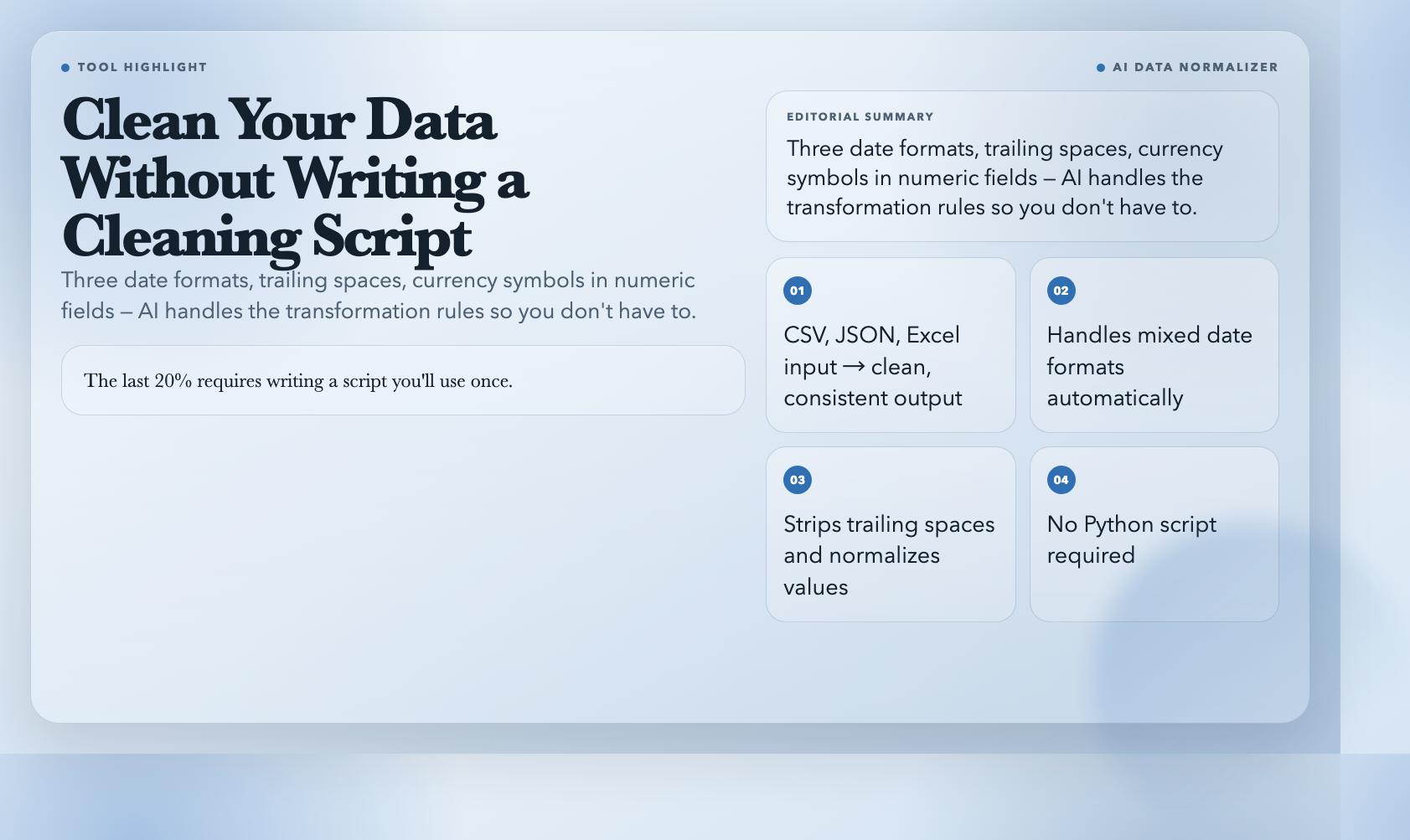
Your CSV has dates in three formats: 2024-03-15, 15/03/2024, March 15, 2024. Your names column has trailing spaces. Your numeric column has currency symbols. Someone put “N/A” in a numeric field. Your pipeline breaks.
You could write a Python script. You know how. You’ve done it before. Or you describe the input and output formats and let the AI Data Normalizer figure out the transformations. It handles CSV, JSON, and Excel input. Output is clean, consistent, ready to use.
This is the tool for when the data is 80% ready and the last 20% requires writing a script you’ll use once.
6. AI Long-tail Keyword Generator — 100 Keywords With Search Volume, in One Query
You know your topic. You know your audience. But keyword research tools keep returning the same 10 obvious head terms everyone is already fighting for. You need the gaps — the longer, more specific queries that signal real buying intent.
The AI Long-tail Keyword Generator takes a seed keyword and generates 100 long-tail variations with search volume analysis. Choose your output language. Filter by search intent. What takes most people an afternoon, you get in one query.
Content teams can move from “we should write about X” to “here are 100 specific queries around X that people are actually searching” in under a minute.
7. AI Ketogenic Diet Generator — Personalized Meal Plans Without the Subscription
A client is on a ketogenic diet. They need actual meals — specific foods, portion sizes, and macro breakdowns — not a reminder to “eat more healthy fats.” The diet apps want a subscription. You don’t have time to build a meal plan from scratch.
The AI Ketogenic Diet Generator generates personalized keto meal plans with recipes, daily macro targets, and keto-friendly alternatives. No login. No subscription. No upsell.
This is what a nutritionist delivers in the first session, without the session.
8. AI Behind Story Generator — The Origin Story You Don’t Have Time to Write
Your product launch is next week. You’ve got the screenshots. You’ve got the specs. What you don’t have is the story — why this product exists, what it actually solves, how the idea came together. Content guides tell you to write one. They don’t give you the hour.
The AI Behind Story Generator takes a product description and generates a structured narrative with a problem, an approach, a turning point, and a resolution. The arc that makes readers care about the product, not just notice it.
Solo builders and small teams can have a genuine brand story without hiring a copywriter.
The Real Case for Tools Like These
None of these tools will show up in a keynote. None of them will go viral on Twitter. What they do is handle the small, unglamorous tasks that would otherwise cost you 15 minutes each — tasks you could do yourself, but probably shouldn’t spend your afternoon on.
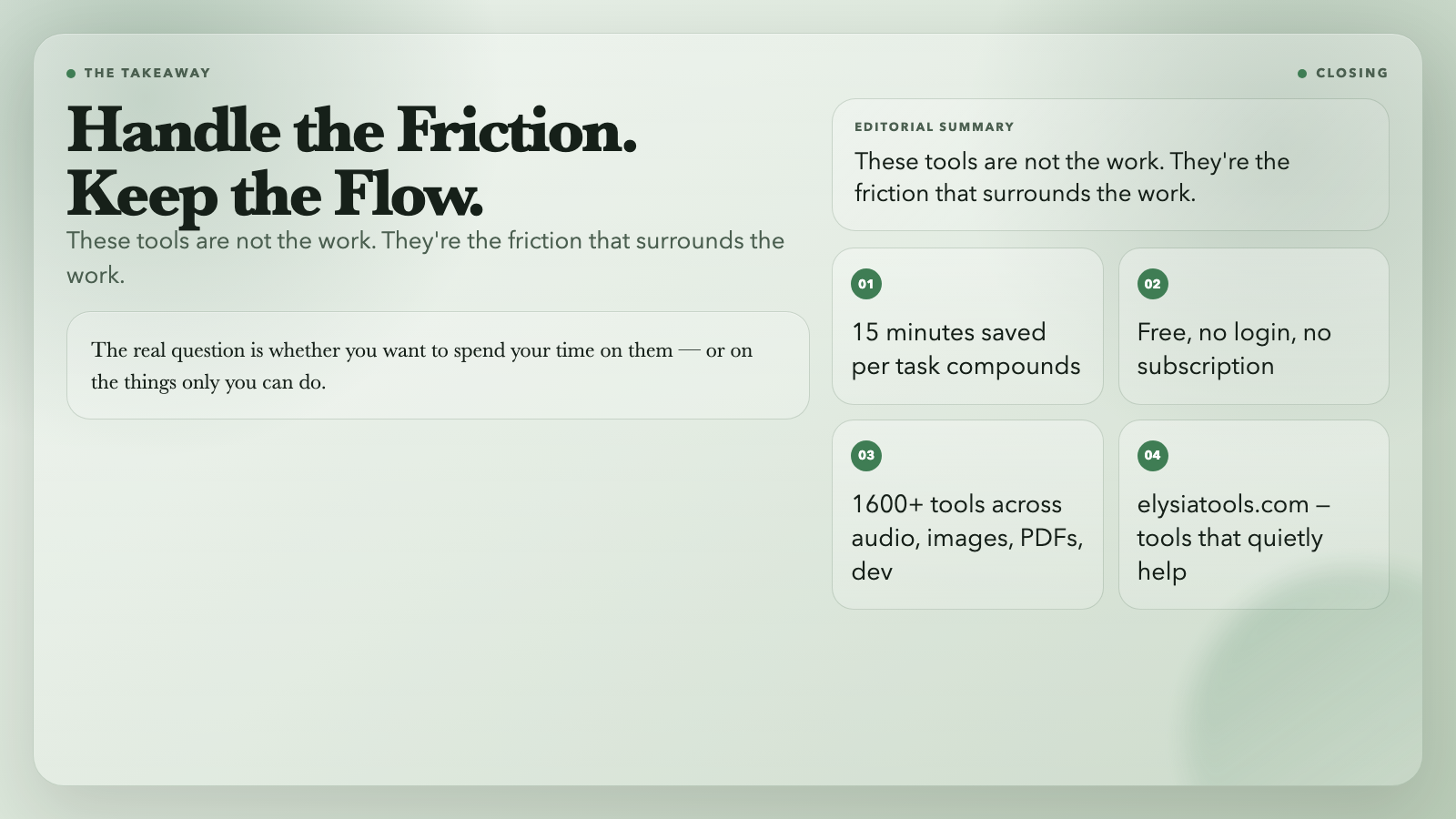
The math solver won’t replace mathematicians. The subtitle translator won’t replace translators. These tools are not the work. They’re the friction that surrounds the work.
The real question isn’t whether these tools are impressive. It’s whether you want to spend your time on them — or on the things only you can do.