
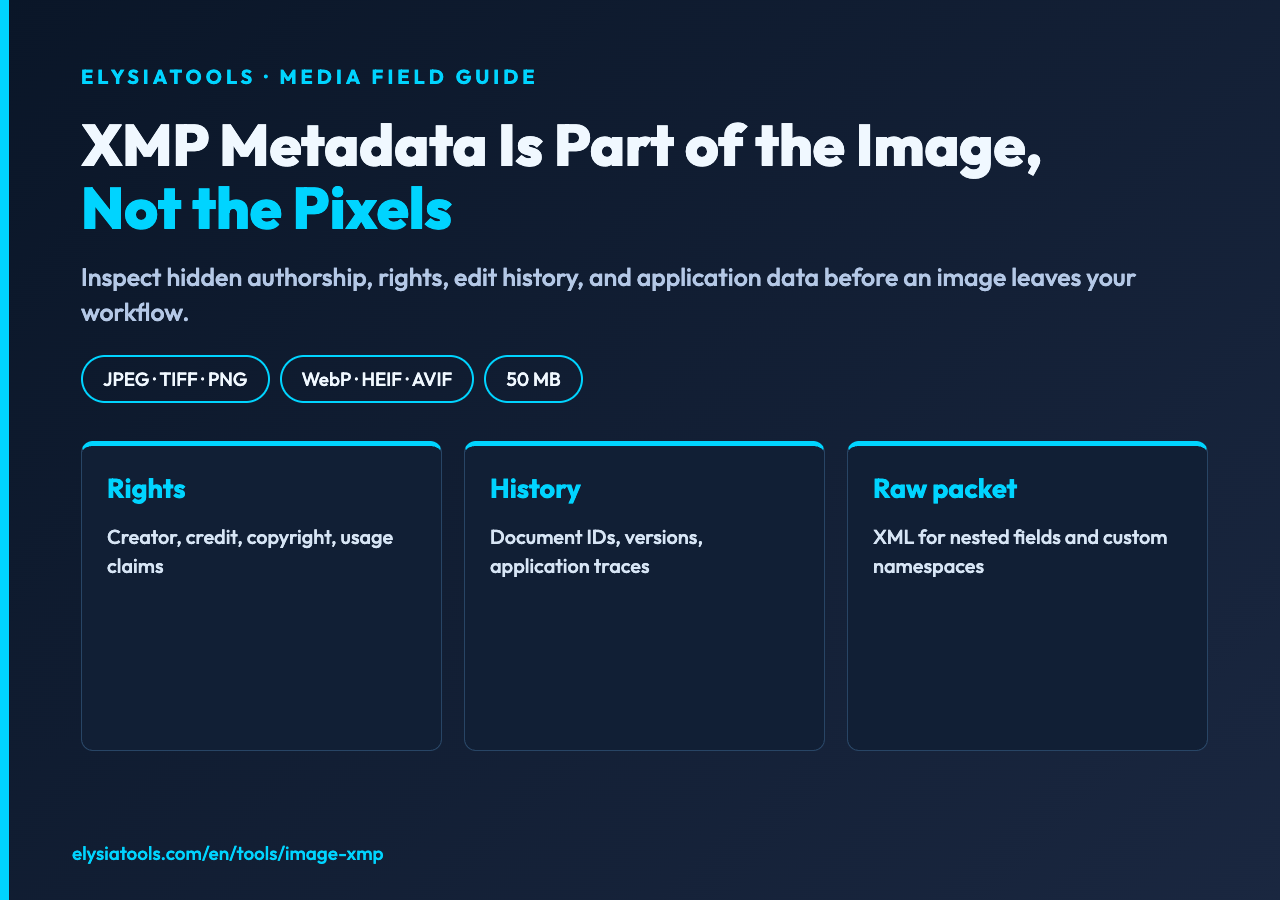
XMP Metadata Is Part of the Image, Not the Pixels
A finished image can look clean while carrying an invisible record of edits, rights, authorship, software, and export history. That record matters when a photo moves from Lightroom to a DAM, from an agency to a client, or from a newsroom to an archive. The XMP Metadata Extractor at Elysia Tools turns that hidden packet into something you can inspect before you publish, hand off, or troubleshoot a file.
The practical question XMP answers
XMP is Adobe’s Extensible Metadata Platform: an XML-based packet embedded in or associated with a media file. It can describe who created an asset, which application touched it, whether usage rights were declared, and how versions relate. Unlike pixels, these fields survive many ordinary editing operations.
That makes XMP useful evidence, but not absolute truth. Metadata can be edited, removed, duplicated, or left stale. Treat it as a structured claim attached to the file, then compare it with the surrounding workflow.
What the extractor reads
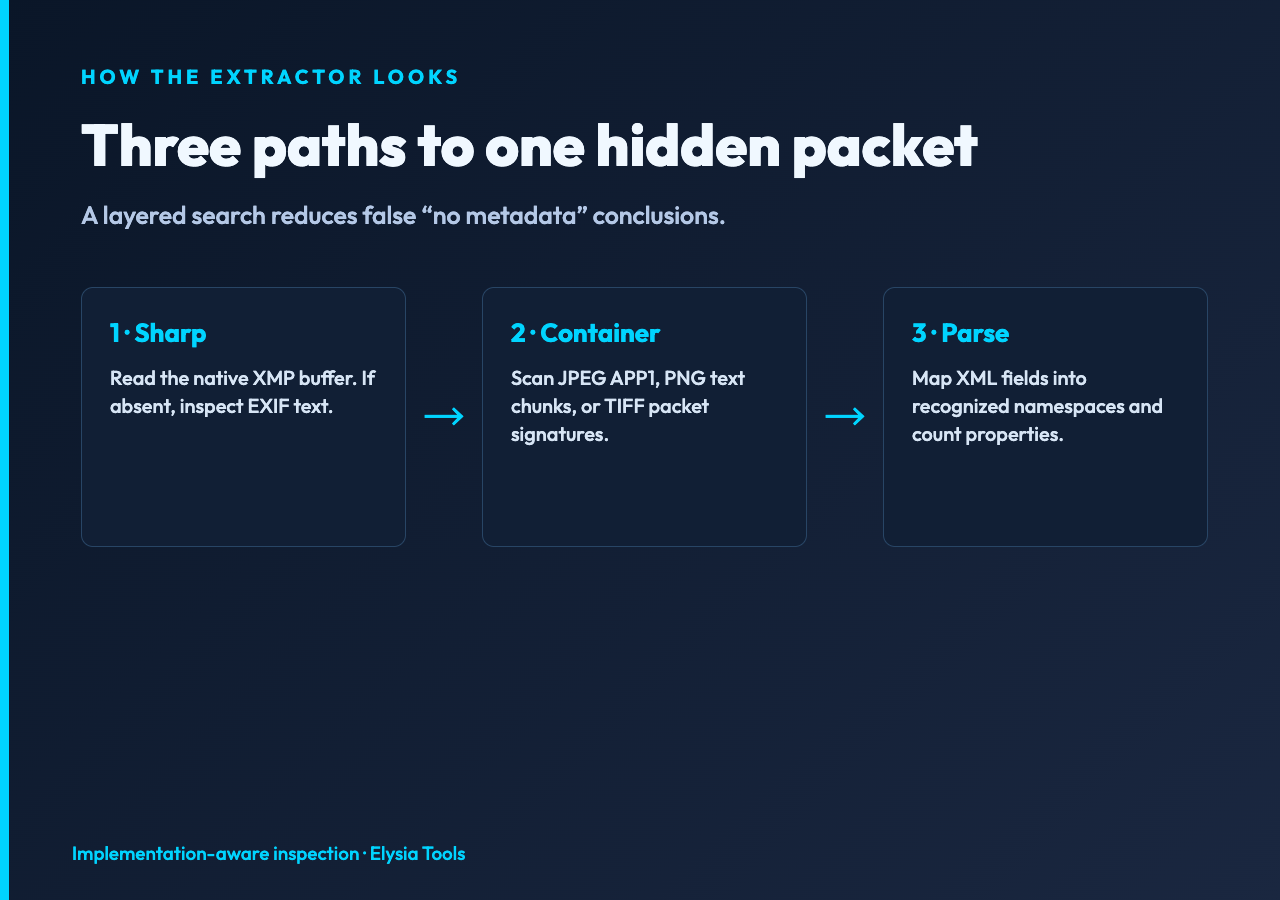
The tool accepts JPEG, TIFF, PNG, WebP, HEIF, and AVIF images up to 50 MB. Its implementation first asks Sharp for an XMP buffer. If that route yields nothing, it checks EXIF text and then scans format-specific containers: APP1 segments in JPEG, text chunks in PNG, and packet signatures in TIFF data.
This layered approach matters because software vendors do not always put equivalent metadata in the same container. A single-library lookup can report “no XMP” when the packet is present in a less convenient location. Try the extractor before assuming the image was stripped.
The namespace map is the useful part
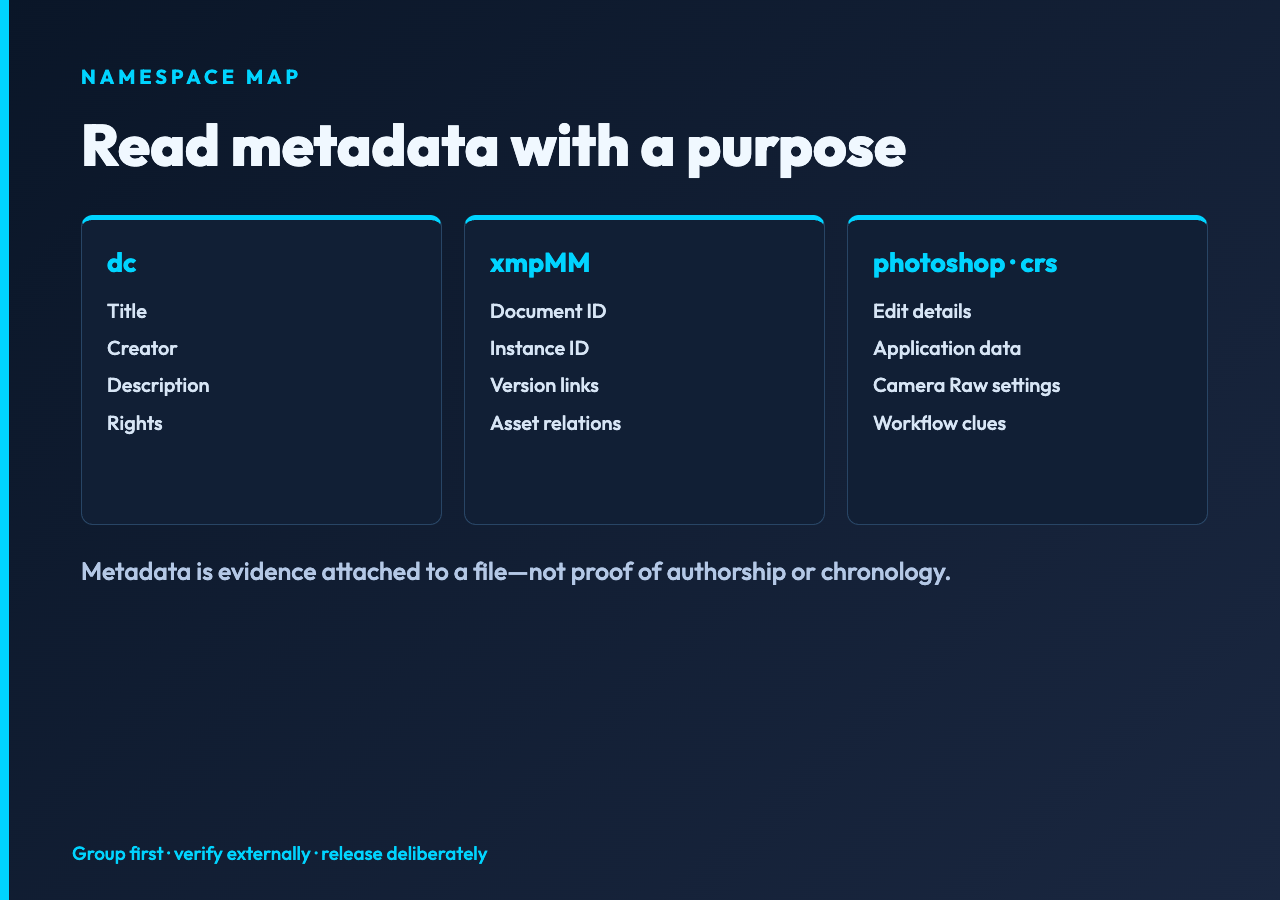
Raw XMP is verbose. The prefixes make it navigable. Dublin Core fields often carry title, creator, description, and rights. Photoshop fields can include editing and document details. Camera Raw Settings describe adjustments. XMP Media Management can connect document IDs, instance IDs, and version history.
The extractor recognizes common namespaces including dc, xmp, xmpMM, xmpRights, photoshop, tiff, exif, crs, Creative Commons, and IPTC extensions. That turns an undifferentiated XML packet into groups you can review with a purpose.
A reliable inspection workflow
Start with the file you intend to deliver, not the editable master. Upload it with raw XML disabled and inspect the grouped properties. Look first for creator and rights fields, then identifiers and timestamps, then application-specific edit history.
Enable raw XML only when you need to confirm nesting, repeated values, language alternatives, or a field the summary does not surface. Save the result beside the asset or copy the relevant fields into your review ticket. The goal is not to admire metadata; it is to make a release decision with fewer unknowns.
Three investigations worth doing
Rights handoff. Compare creator, credit, copyright, and usage terms with the contract or asset record. A blank rights block is not permission, and an old copyright notice can be just as misleading as no notice.
Export diagnosis. Compare the final JPEG with an earlier export. Changed document IDs, application fields, or edit timestamps can reveal where a pipeline generated the wrong derivative.
Privacy review. Look for names, contact details, project labels, GPS-adjacent fields, and internal identifiers before public release. XMP inspection complements EXIF review; it does not replace it.
What a clean result does not prove
“No XMP found” can mean the file never had a packet, an export removed it, the packet uses an unsupported placement, or the data is malformed. Likewise, a populated packet does not prove authorship or chronology. Anyone with suitable software can rewrite it.
Use cryptographic signatures, source records, access logs, and provenance systems when authenticity matters. The extractor is a visibility tool: it helps you find claims and anomalies quickly, then decide what deserves stronger verification.
Why raw XML is an expert switch
The raw packet is valuable when arrays, alternate-language values, nested resources, or custom namespaces matter. It is also noisy and may expose more information than a summary view. Keep the switch off for routine triage; turn it on for forensic comparison or interoperability debugging.
If you do export raw data, store it with the same care as the image. Metadata can contain personal or commercial information even when the pixels appear harmless.
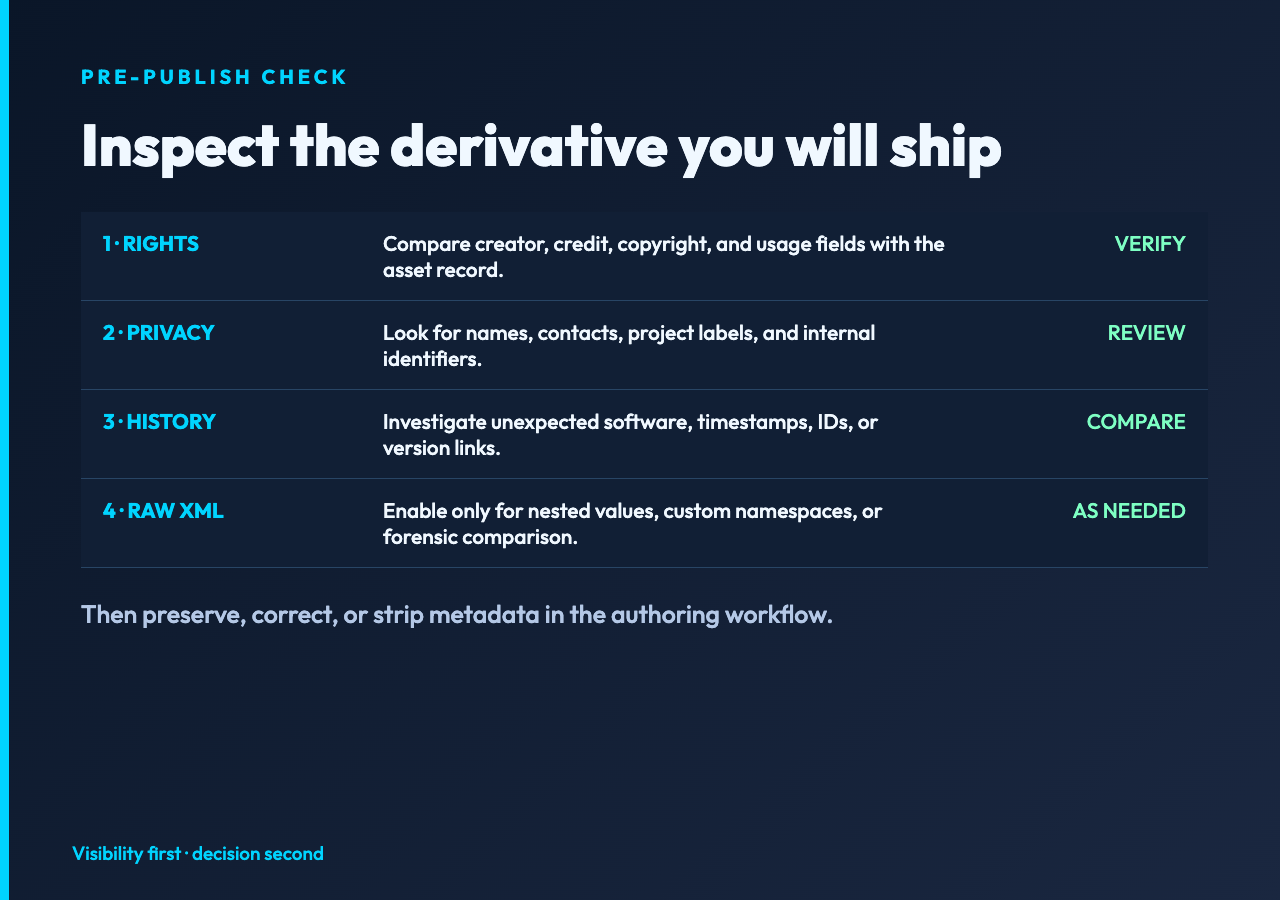
A final check before the file leaves your hands
Inspect the exact derivative you will publish. Verify rights and creator fields against an external record, scan for private identifiers, and investigate unexpected application or version history. Then decide whether to preserve, correct, or strip the packet in your authoring workflow. The XMP Metadata Extractor makes hidden fields visible; your release process determines what they mean. Explore more focused utilities at elysiatools.com.
