# 7 Free Photography Calculators for Perfect Light Timing
The last time I missed golden hour, I was standing in Reykjavik at noon in December. I had driven 40 minutes for a landscape shot. The photo came out flat, shadowless, and dead. Noon, at 64°N, in December: the sun barely clears the horizon and golden hour does not exist.
I had checked the weather. I had not checked the light.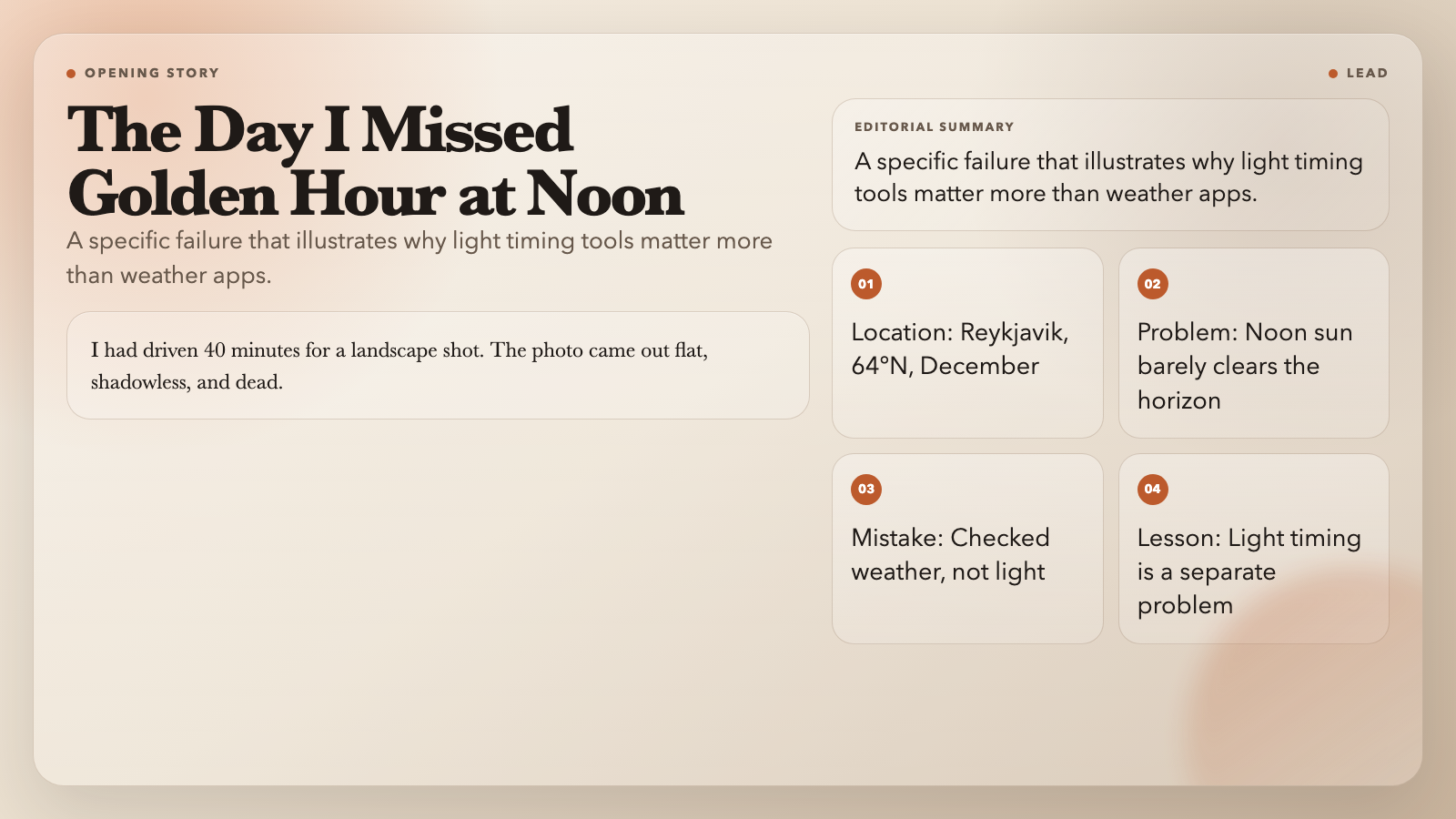
The seven free calculators below cover every stage of photography planning — from years out to the morning of your shoot. They handle light timing, coordinate conversion, and direction calculation. No account. No app download. Start using them and you will stop showing up to dead light.
1. Golden Hour Calculator
Golden hour is the window when the sun sits within about 6 degrees of the horizon, producing warm, directional, soft-edged light. It lasts roughly an hour after sunrise and an hour before sunset.
The Golden Hour Calculator takes your latitude, longitude, and any date, then returns morning and evening window times. The calculation uses solar declination and hour angle — the same geometry that drives sundials and planetarium software. Times are accurate to within a few minutes for most locations.
The practical difference between morning and evening golden hour goes beyond light direction. In the morning, cooler air often means less haze and crisper contrast. In the evening, higher moisture produces richer oranges and reds. Neither is universally better. But without knowing the times, you cannot choose deliberately.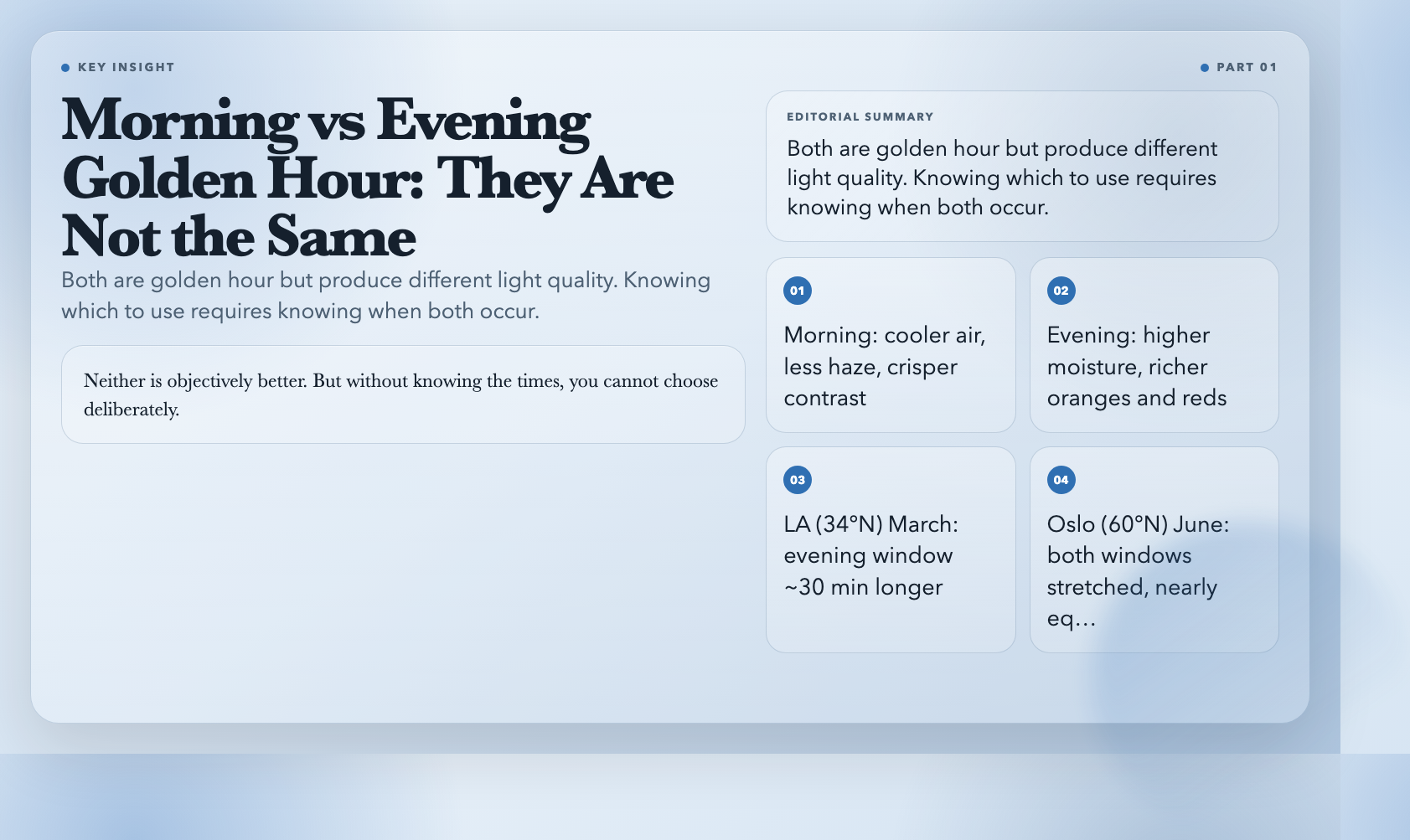
In Los Angeles (34°N) in March, evening golden hour runs about 30 minutes longer than morning golden hour. In Oslo (60°N) in June, both windows are stretched by the shallow solar angle but nearly equal in length. The calculator shows you these differences for your exact coordinates.
2. Blue Hour Calculator
Blue hour is the window just before sunrise and just after sunset — roughly 30 to 60 minutes on each side — when the sky turns a deep saturated blue and artificial lights begin glowing against it. Unlike golden hour’s warm tones, blue hour produces cool, moody, high-contrast scenes.
The Blue Hour Calculator returns morning and evening blue hour start and end times, plus a description of the photography conditions during each window. The key insight is duration: you have roughly 60 minutes total of usable blue light, split across two windows. Being 15 minutes late means missing the best of it.
For cityscapes, blue hour is the window. Buildings with interior lights on, streets lit amber against cobalt, car headlights leaving trails — the contrast it creates cannot be replicated at any other time of day.
3. Daylight Calculator
The Daylight Calculator gives you the broader context. For any location and date, it returns sunrise and sunset times, total daylight hours and minutes, and solar declination for that day.
This is the tool to run before committing to a trip. Photographers heading to Scandinavia in winter often underestimate how compressed the light day becomes. Bergen, Norway at 60°N in late October offers roughly 9 hours of daylight — with golden hour windows closing by mid-afternoon.
The calculator also handles polar region edge cases. Above the Arctic Circle in summer, it tells you the sun will not set for weeks. Below the Antarctic Circle in winter, it tells you the sun will not rise at all. Either case requires a completely different shoot plan.
4. Bearing Calculator
Light direction matters as much as timing. The Bearing Calculator calculates the initial bearing (azimuth) between two coordinates — which tells you the compass direction from one location to another.
For photographers, the practical use is sun position planning. Input your camera position as Point A and the sun’s noon position as Point B (which you can derive from the Daylight Calculator’s solar declination). The bearing tells you where the light is coming from at any given time.
This matters most for architecture and landscape photography. A building lit from the west reads very differently from one lit from the east at the same time. Knowing the bearing lets you predict light direction before you arrive.
5. Great Circle Distance Calculator
Travel photography requires planning at a different scale. The Great Circle Distance Calculator calculates the shortest distance between two points on Earth — accounting for the curvature of the planet.
This is not just for logistics. Long-distance flight photographers use great circle routes to predict which regions they will be flying over at golden hour. A photographer on a 6-hour flight from New York to Los Angeles in March can calculate exactly which portion crosses golden hour — and whether to request a window seat on the left or right side of the aircraft.
Great circle distances also help when scouting remote shoot locations: knowing the actual travel distance versus straight-line distance affects logistics, timing, and ultimately whether the shoot is feasible.
6. Coordinate DMS Converter
Coordinates come in multiple formats. Decimal degrees (40.7128° N) and degrees-minutes-seconds (40° 42′ 46″ N) are both common, and different devices and platforms use different conventions. The Coordinate DMS Converter converts between them.
This tool matters for photographers using GPS devices, drone flight planning apps, or mapping software that speak different coordinate dialects. A coordinate entered in the wrong format can put you kilometers off target — especially in mountainous terrain where the difference between a ridgeline and a valley floor is not just wrong but potentially dangerous.
7. Area Calculator Map
When scouting locations, the Area Calculator Map calculates the area and perimeter of any region drawn on a map. Select points on the map to define a polygon and get the enclosed area in square meters, hectares, or square kilometers.
For photographers, this is useful for estimating the scale of a landscape scene. Knowing that a valley is 12 square kilometers versus 2 square kilometers changes how you think about focal length, composition, and the feasibility of capturing the scene in a single frame or a panorama.
How These Tools Work Together

The planning workflow:
1. Years out: Daylight Calculator to assess whether a destination is viable for the time of year. Some locations have 4-hour golden hour windows in summer and 20-minute windows in winter.
2. Weeks out: Golden Hour and Blue Hour Calculators for exact window times. Build a shoot schedule around those two slots.
3. Days out: Bearing Calculator to confirm light direction for specific compositions. Area Calculator for scouting the spatial scale of locations.
4. Day of: Great Circle Distance to plan travel routes and timing. Coordinate DMS Converter to ensure GPS devices are configured correctly.
This removes timing as a variable. You know when the light will be good. What you still have to manage is weather.
The Variable You Cannot Calculate
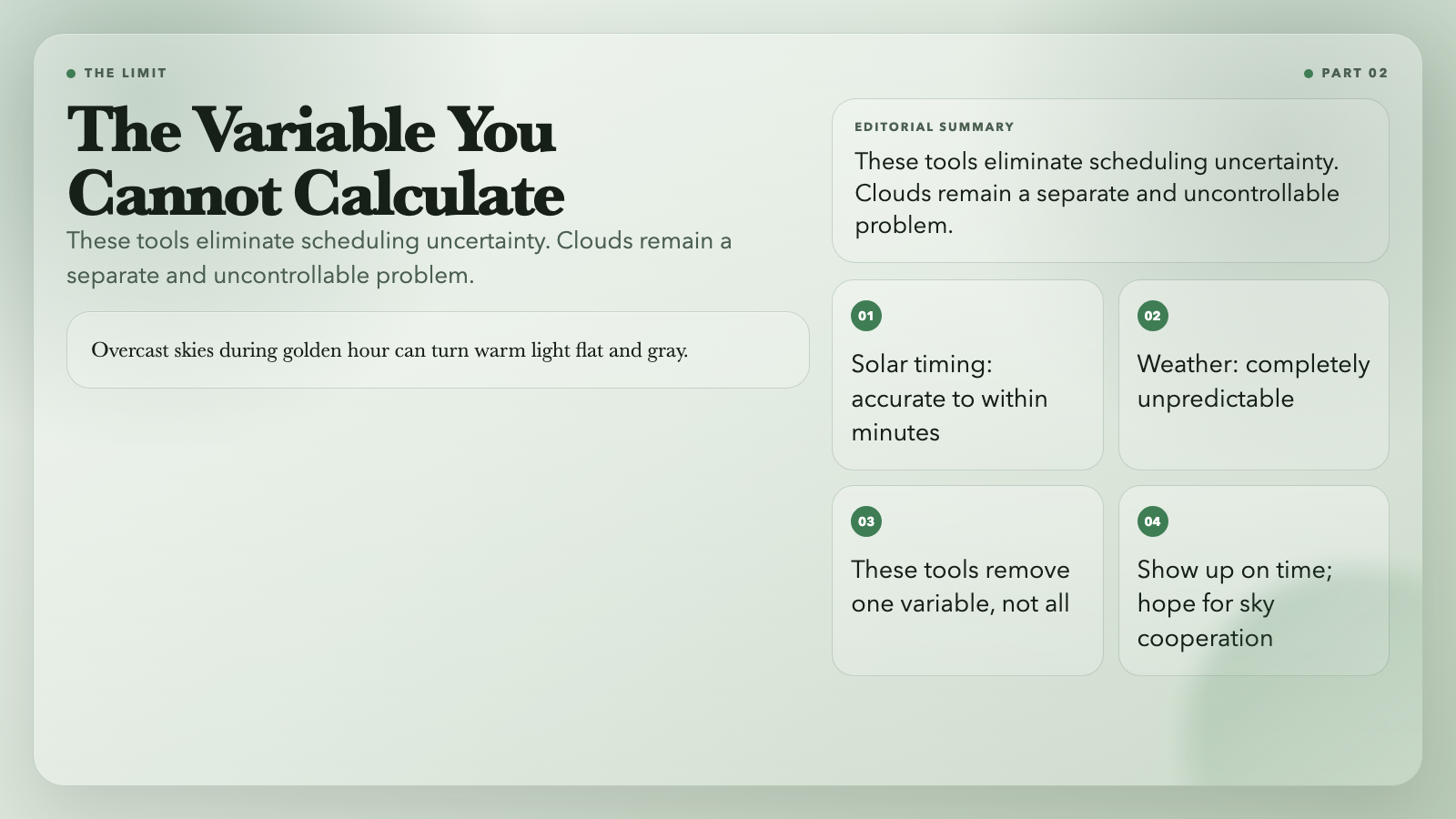
No calculator controls cloud cover. Overcast skies during golden hour can turn warm light flat and gray. A partly cloudy evening can produce the most dramatic photography you’ve ever captured — or nothing usable.
What these tools eliminate is the *scheduling* uncertainty. The light windows they define are accurate regardless of weather. Show up to blue hour and find thick cloud cover: you lose that day. Show up not knowing blue hour was at 06:43 and expecting to have time: you lose before you’ve begun.
Start Here
Bookmark these seven. They cover timing, direction, distance, and coordinate handling — the full stack of planning before a shoot:
– Golden Hour Calculator
– Blue Hour Calculator
– Daylight Calculator
– Bearing Calculator
– Great Circle Distance Calculator
– Coordinate DMS Converter
– Area Calculator Map
The light does not wait. When was the last time you showed up to a shoot and the light was exactly where you expected it to be?