
Reading SQL should never depend on who wrote it. A consistent SQL formatter gives every query the same shape, so you stop scanning past indentation and start reading the logic. The SQL Query Formatter & Minifier on Elysia Tools lets you pick the dialect, control keyword casing, and switch between a readable multi-line format and a minified single line in a single pass. This field guide covers the seven controls that matter, the four formatting modes, and the two mistakes that always break the result.
Why consistent SQL formatting matters
Most SQL bugs hide in the spacing, not the keywords. A JOIN written without an alignment clue can be a cartesian product or an inner join depending on whether the ON clause lands one line below the JOIN keyword. A subquery that looks nested might be a flat WHERE clause. When two engineers format the same query in two different styles, code review turns into a search for the difference instead of a check for the bug.
A formatter removes that ambiguity. Every comma, every reserved word, every operator gets the same treatment across every file. A linter can flag missing aliases. A static analyzer can assume column references. A reviewer can spend their time on the WHERE clause instead of the line endings.
The other half of the value is compression. A 47-line query that no human reads can shrink to one line when you embed it in a config, log, or migration script. Switching from beautify to minify inside the same tool keeps both views in sync, so the formatted copy and the minified copy are guaranteed to be the same query. Run it through the SQL formatter tool and you get both outputs at once.
The two output modes and when each one earns its keep
The first switch on the formatter is mode. There are exactly two options, and they serve different audiences.
* format — beautifies the input into a multi-line layout that humans can read. Keywords are uppercase, identifiers stay in their original case, every clause lives on its own line, and indentation follows the nesting depth of the query. * minify — collapses the input into a single line, removing all unnecessary whitespace, removing all comments, and (optionally) lowercasing keywords. The output is small, valid SQL, and identical to what the formatted version would execute as.
For source code, commit messages, and pull requests, use format. For application config files, ENV-style secrets, log lines, and inline strings embedded in JSON, use minify. The formatter produces both at once, so you do not have to pick one and lose the other. Try it on a real CTE at the SQL formatter page.
The mode toggle is sticky across submissions, so once you set it for a session, every subsequent paste uses the same output style until you switch back.
Dialect selection picks the parser, not the cosmetic style
The second switch is dialect. This is the most-frequently-misconfigured option, because most engineers assume all SQL dialects parse the same way. They don’t.
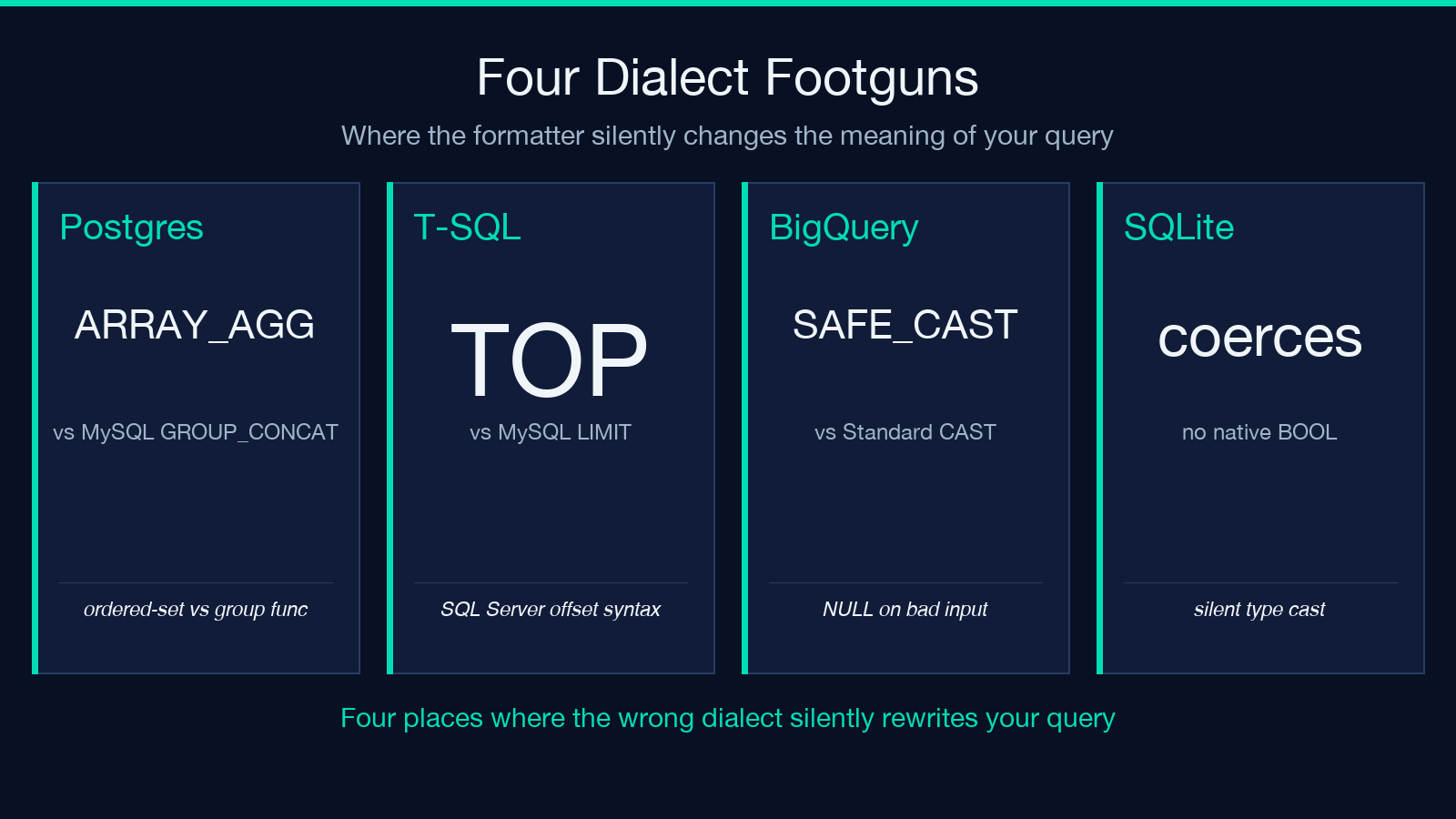
PostgreSQL parses STRING_AGG as an ordered-set aggregate. MySQL parses it as a group function with a SEPARATOR clause. T-SQL parses it without the ORDER BY argument. BigQuery parses SAFE_CAST and IFNULL as built-ins but rejects IS DISTINCT FROM. Snowflake accepts IFF but rejects some of PostgreSQL’s regex operators. SQLite has no native BOOL type and silently coerces integers.
If you select the wrong dialect, the formatter either reorders clauses to match the wrong grammar or silently drops tokens it does not recognize. The output is no longer the same query.
Pick the dialect of the target database, not the dialect of the source code. If you are writing a query that will execute on PostgreSQL even though you typed it on a MySQL client, select PostgreSQL. The Elysia SQL formatter covers PostgreSQL, MySQL, SQLite, T-SQL (SQL Server), BigQuery, Snowflake, Redshift, Standard SQL, and a generic sql fallback for everything else.
Casing controls are independent for keywords, identifiers, and functions
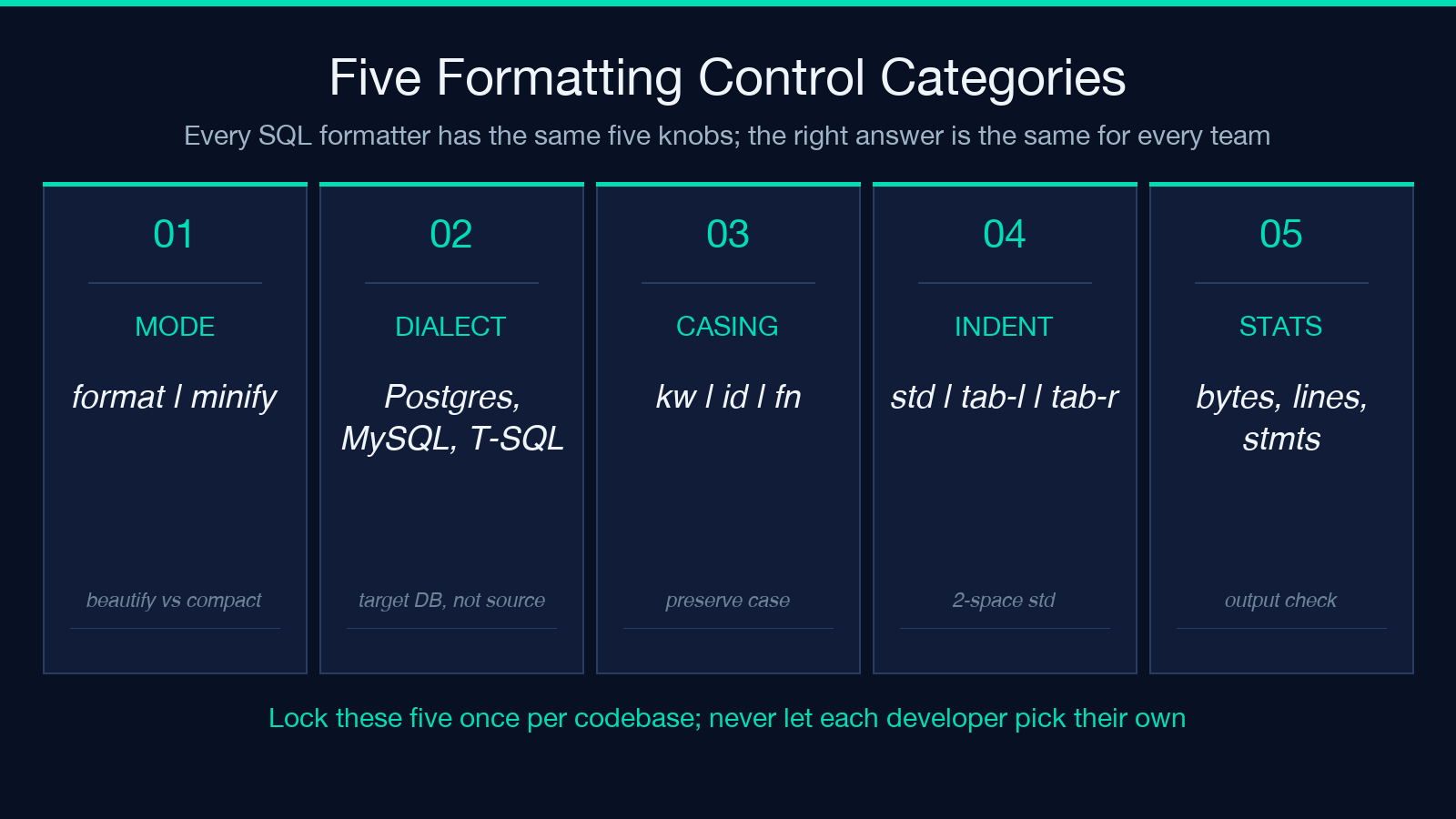
The third set of controls is casing, and it has three independent settings:
* Keywords — SELECT, FROM, WHERE, JOIN. Almost every SQL style guide says uppercase these. * Identifiers — column names, table names, schema names. Most style guides say lowercase these. But the formatter can leave them alone if you want to preserve the original case. * Function names — COUNT, COALESCE, JSON_AGG. Style guides split on these. Some say uppercase (treat them like keywords). Some say preserve case (so user-defined functions do not get renamed).
The independence matters because treating identifiers and function names the same way often produces wrong output. If your schema uses PascalCase for table names (Users, Orders) and the formatter uppercases everything, your queries break. If your user-defined functions use camelCase and the formatter uppercases them, your queries break.
The recommended default for the SQL formatter:
- Keywords — uppercase
- Identifiers — preserve case
- Functions — preserve case (or lowercase, if your codebase uses snake_case functions)
Override case only when you have a style guide that demands it. Mixing casing controls with style guides produces inconsistent output.
Indent style controls the geometry of the output
The fourth set of controls is indent style. There are three modes that matter:
* standard — every nested level adds one indent (default 2 or 4 spaces). SELECT, FROM, WHERE, JOIN each get their own line at the same level. Subqueries and CTEs indent one level deeper. * tabular-left — keywords align to the left margin. SELECT, FROM, WHERE all start at column 0. Column lists indent one tab deeper, but the clause keywords stay flush. Useful for comparing two queries side by side. * tabular-right — keywords align to a fixed right margin. Long column lists expand leftward, and the clause keywords stay flush. Useful for queries with very long column lists.
The indent width (typically 2 or 4 spaces) is a separate control. Pick one indent style per codebase. Do not let every developer pick their own. Standard mode with 2-space indent is the most common choice in modern SQL style guides.
The formatter also lets you set whether blank lines appear between top-level statements. For batch scripts and migration files, keep them. For embedded queries in application code, remove them.
Output stats tell you whether the minify actually shrank anything
The formatter shows a stat strip below the output: input bytes, output bytes, line count, statement count, and the dialect that was applied. The two stats worth watching are statement count and output bytes.
Statement count tells you how many top-level statements the formatter detected. If you pasted what you thought was one query and the count came back as 4, the formatter is parsing semicolons that were inside string literals or comments as statement terminators. That usually means the dialect is wrong.
Output bytes tells you whether minify actually shrank anything. If the minified output is the same size as the formatted output, either the input was already one line (and minify is a no-op) or the formatter is preserving comments because you left the keep comments option on. For genuine compression, the output should be at least 60% of the formatted size for any non-trivial query.
Common mistakes that defeat the formatter
Three patterns consistently break the formatter and produce output that does not match the input. None of them are bugs in the tool — they are misuse patterns.
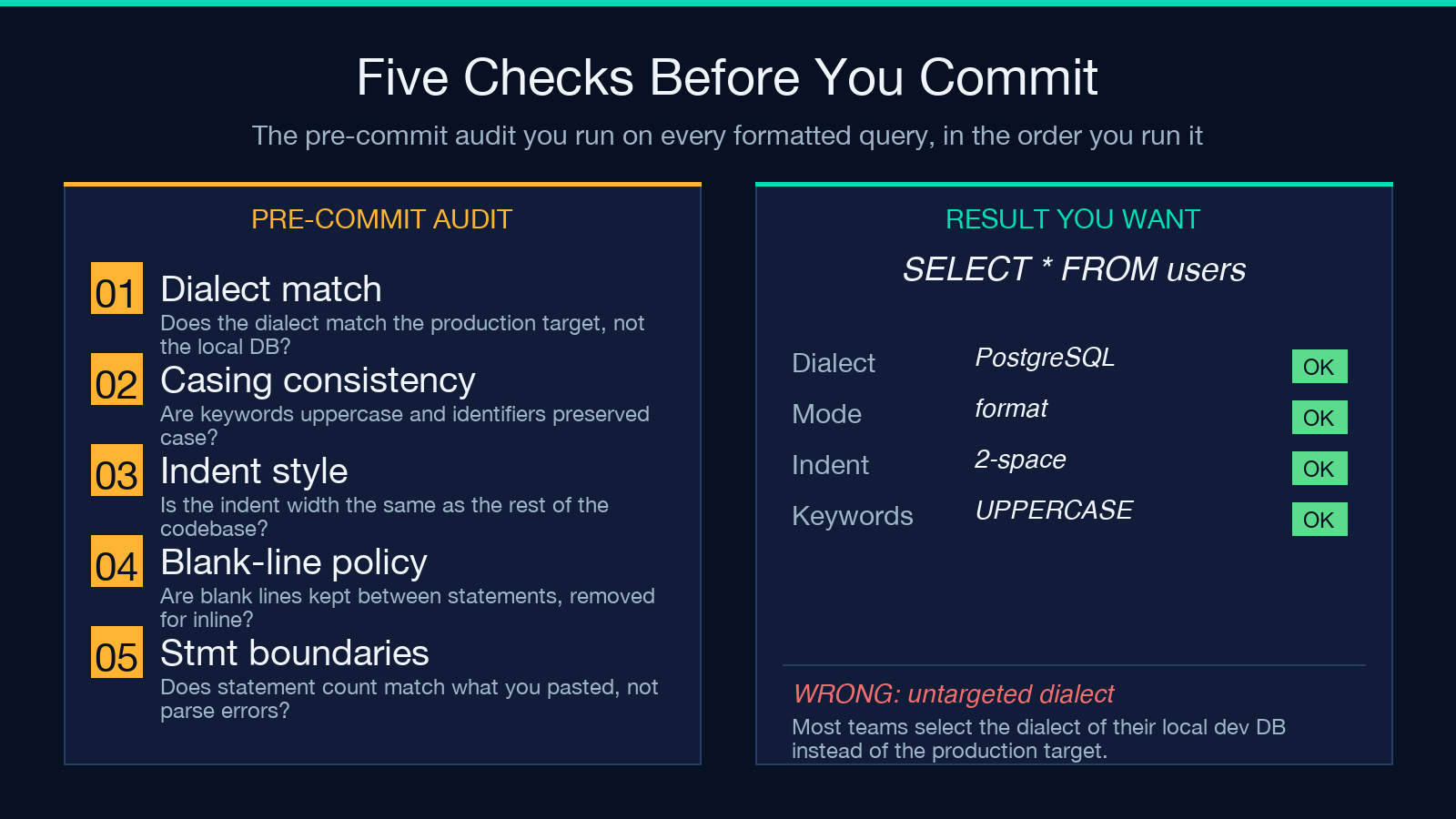
The first is wrong dialect. Most teams select the dialect of their local dev database instead of the production database. If you develop on SQLite and deploy to PostgreSQL, the formatter produces PostgreSQL-shaped output for a query you tested as SQLite. The SQL formatter tool lets you paste the production dialect once and lock it.
The second is inline comments that look like SQL. Comments containing semicolons, comment markers, or SQL fragments get parsed as statement boundaries in some dialects. The formatter splits what you thought was one query into multiple statements and reformats each separately. Strip the comments before formatting, or use the keep comments option together with a dialect that does not misparse them.
The third is non-ASCII whitespace. Tabs, non-breaking spaces, and zero-width spaces sneak into copy-pasted SQL from word processors, chat apps, and PDF exports. The formatter sees these as whitespace and tries to canonicalize them, but some parsers reject them at execution time. Run the input through a whitespace normalizer first.
Putting it together
The fastest way to internalize the formatter is to paste a real query, switch the mode between format and minify, and watch the output. Pick the dialect of the target database, set keywords to uppercase, leave identifiers and functions at preserve-case unless your style guide says otherwise, and use standard 2-space indent. The output stat strip will tell you whether the minify actually shrank anything and whether the formatter detected one statement or four.
Once you have a working combination, save the settings. The formatter remembers them across submissions within the same session. For team-wide consistency, document the chosen settings in a STYLE.md file in the SQL directory and link to the SQL formatter so anyone can reproduce the exact configuration. Explore more tools at elysiatools.com.
