
The fastest way to ship decorative Unicode text that survives copy-paste into a tweet, README, or Discord handle is a side-by-side style grid, not a font. Social profiles, GitHub READMEs, product mockups, and event titles all need the same thing: characters that look decorative at every render layer, including ones that don’t load custom fonts. Decorative Unicode styles — small caps, script, fraktur, double-struck, circled, fullwidth, superscript — are the only reliable layer because they live in the code points themselves. A CSS font-family: cursive falls back the moment someone pastes your text into a notepad or screenshot. A Unicode-styled string survives the round trip every time. The Fancy Text Generator renders every common style in one pass so you can compare and copy without switching between seven websites.
Why plain text plus a fancy font always breaks
Unicode decoration is data, not presentation. The character ℱ (U+2131, script F) is the letter F regardless of whether your browser, terminal, or PDF viewer has a script font installed. The CSS rule font-family: 'Lucida Calligraphy' only works where Lucida Calligraphy is loaded — and most platforms don’t ship it. Paste a CSS-styled string into a search bar, terminal, or PDF, and the rendering target reverts to a default font that may not have a fancy variant. The Unicode-styled string stays decorative because the decoration is baked into the byte sequence.
This is why a side-by-side style grid is the right interface for “make this look fancy.” Instead of a one-style picker that asks the user to guess what fraktur looks like in their target environment, the grid shows every common style at once. The user picks the one that renders correctly on their destination. The Fancy Text Generator does this with twelve styles laid out next to each other, so the choice is visual rather than encyclopedic.
A quick tour of the Unicode blocks
Decorative text styles live in three Unicode ranges. The first is the Letterlike Symbols block (U+2100–U+214F), which packs script, fraktur, double-struck, and a few one-off glyphs like the script L (ℓ, U+2113) and the Weierstrass elliptic function symbol (℘, U+2118). The second is the enclosed alphanumerics (U+2460–U+24FF for circled, U+1F100–U+1F1FF for enclosed alphanumeric supplement, U+2460–U+24FF again for parenthesized digits). The third is the Mathematical Alphanumeric Symbols block (U+1D400–U+1D7FF), which provides bold, italic, bold italic, script, fraktur, double-struck, monospace, and a sans-serif variant of every Latin letter, every Greek letter, and every digit — about 996 characters of decoration across 10 styles.
The twelve Unicode styles worth knowing
Not every Unicode “fancy” range is worth using. Some ranges are dense with letters, others have gaps that produce tofu boxes for the missing characters. The reliable styles for Latin text are small caps, bold, italic, script, fraktur (gothic), double-struck, monospace, circled, fullwidth, superscript, subscript, and upside-down. Each one is its own Unicode block, and each one has different coverage of the alphabet — script is dense, fraktur has gaps for lowercase letters outside the German tradition, circled caps run out after Z, and fullwidth only has letters and digits (no punctuation). The grid surfaces these gaps immediately because every empty cell renders as a tofu box and your eye notices it.
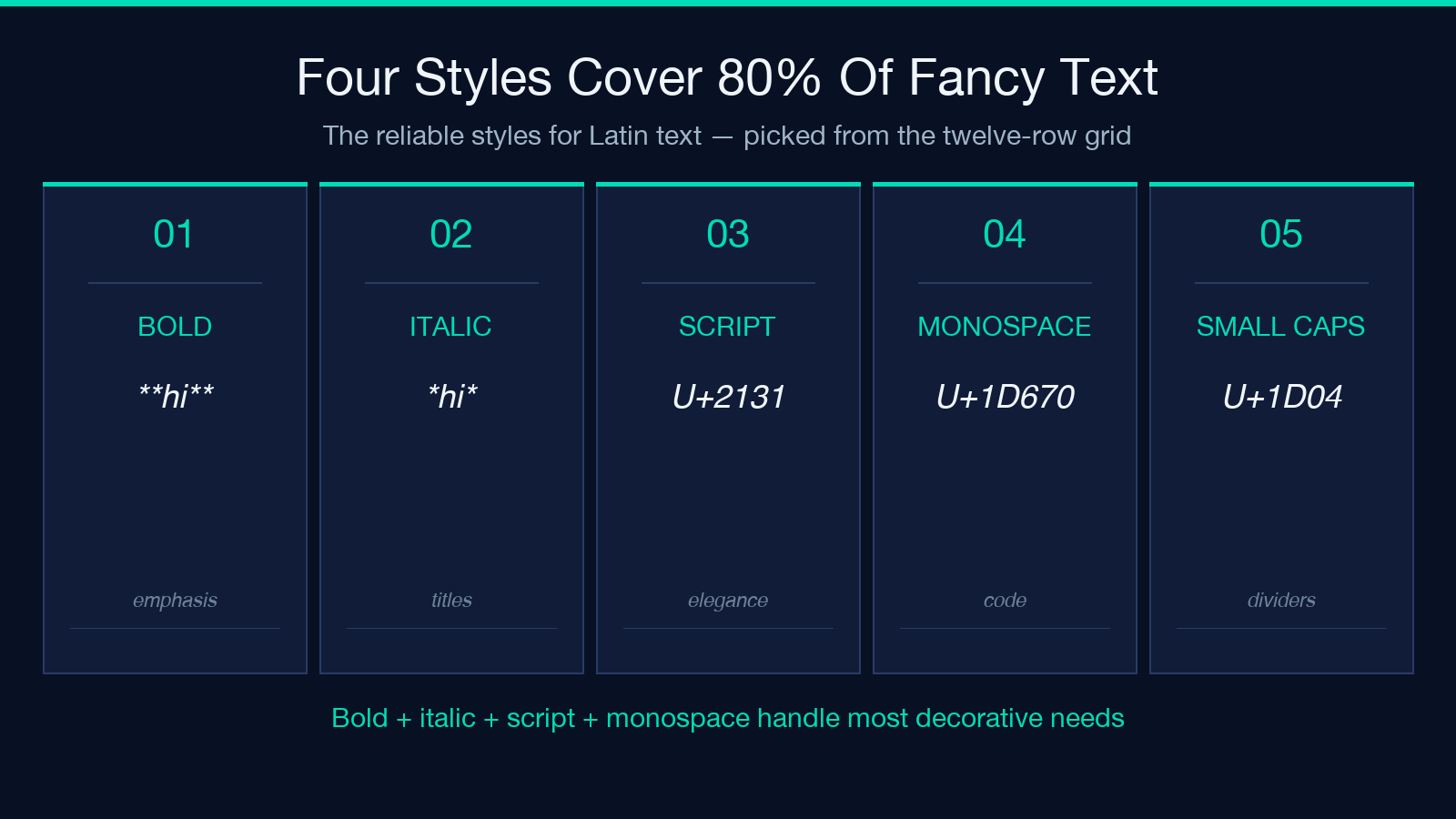
For practical use, four styles cover 80% of needs: bold for emphasis, italic for titles, script for elegance, and monospace for technical readability. The other eight are situational: fraktur for Halloween posters, double-struck for math-flavored copy, circled for Discord role names, fullwidth for Asian-aesthetic headings, superscript and subscript for footnote references, small caps for section dividers, strikethrough for removed text, and underline for headings in plain-text contexts like Markdown titles that you want to set apart. The grid surfaces all twelve so you don’t have to memorize the tradeoffs.
What the side-by-side grid reveals
A vertical list of styles hides the visual rhythm. A horizontal grid makes it obvious that bold italic and bold serif monospace produce different overall widths, which matters when your fancy text has to fit inside a 280-character tweet or a 32-character Discord role label. The Fancy Text Generator lays each style on its own row with the source text left-aligned and every styled variant on the right, so you can see at a glance which style widens your text past its original length and which one compresses it. Small caps usually narrow the visual width (cap-height letters are narrower than lowercase x-height letters in most fonts); fullwidth doubles it; script and fraktur are roughly the same as the source.
The grid also reveals which styles preserve punctuation. Most decorative ranges only style letters and digits, so a sentence like “Hello, world!” rendered in script becomes “ℋello, world!” — the comma, space, and exclamation point stay in plain ASCII. This is a feature, not a bug: the punctuation acts as a separator, and the decorated letters are the actual content. But it also means the grid must show the full string with punctuation, not just the letters, so you don’t get a misleading preview that breaks the moment you add a period.
How to pick a style for a specific destination
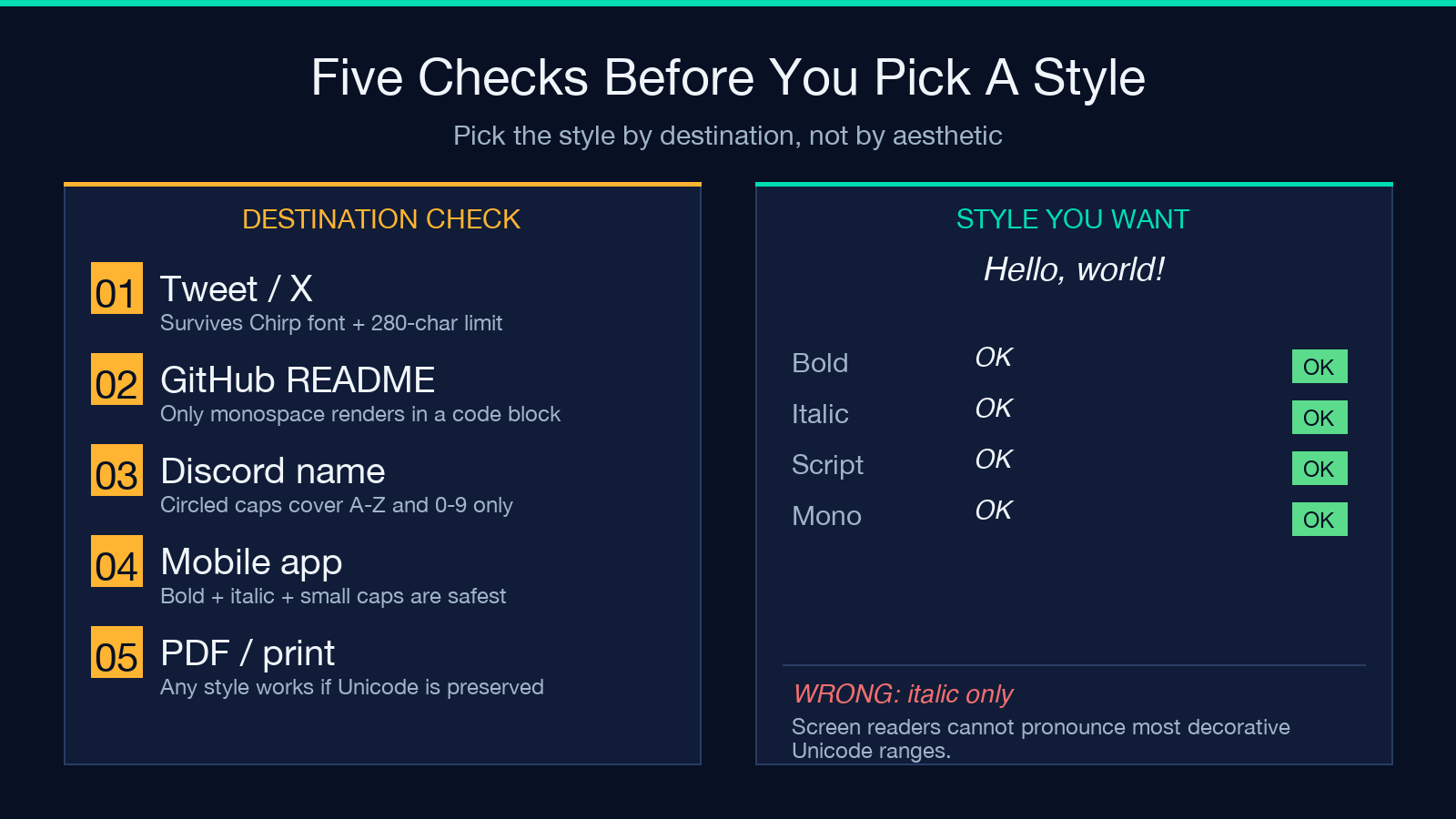
The destination matters more than the style’s aesthetic. For a tweet, you need a style that survives the Twitter web font (which is Chirp, a Helvetica-flavored sans-serif) and the Twitter mobile app (which renders Unicode faithfully but truncates at character count, not visual width). Small caps and bold survive both well. Script and fraktur survive the web but render with kerning gaps on some mobile clients. For a GitHub README rendered in a code block, only monospace survives — every other style produces a tofu box because GitHub’s code blocks force a monospace font that doesn’t ship decorative glyphs. For a Discord server name, circled caps work up to 32 characters but only support A–Z and digits 0–9, so any lowercase letter in your name renders as itself. The grid lets you test by pasting your destination’s font context as the source text.
Three rules of thumb: if your destination is a web page with custom fonts loaded, any style works. If it’s a plain-text terminal, only monospace and small caps render predictably. If it’s a mobile app with a default system font, bold, italic, and small caps are the safest bets. The grid’s value is letting you paste the actual destination string and see the result for each style — no guessing.
What the tool does with your text
Paste a string, hit generate, and the grid populates with twelve rows. Each row shows the source text and the styled variant side by side. Click a row to copy that variant to the clipboard. The tool runs entirely in the browser, so there’s no server round trip and no log of your input — relevant if your text contains a username or codename you don’t want sent to a third-party API. The styling is computed by a single character-substitution table per style, so it handles arbitrary input length, including strings longer than what a font-substitution CSS rule can reach. Try the Fancy Text Generator with a 100-character sentence and notice that every style returns a complete styled string without truncation.
The generator also exposes each style’s Unicode block range in the row tooltip, so if you need to know whether a specific character is supported — say, an accented é or a ligature fi — the tooltip tells you. This is useful for editors working in non-English languages where the standard 26-letter assumption breaks: the script block has é but not è, and fraktur has ö but not ø. The tooltip converts “why does this letter render as tofu?” from a debugging session into a one-click check.
Limits and edge cases
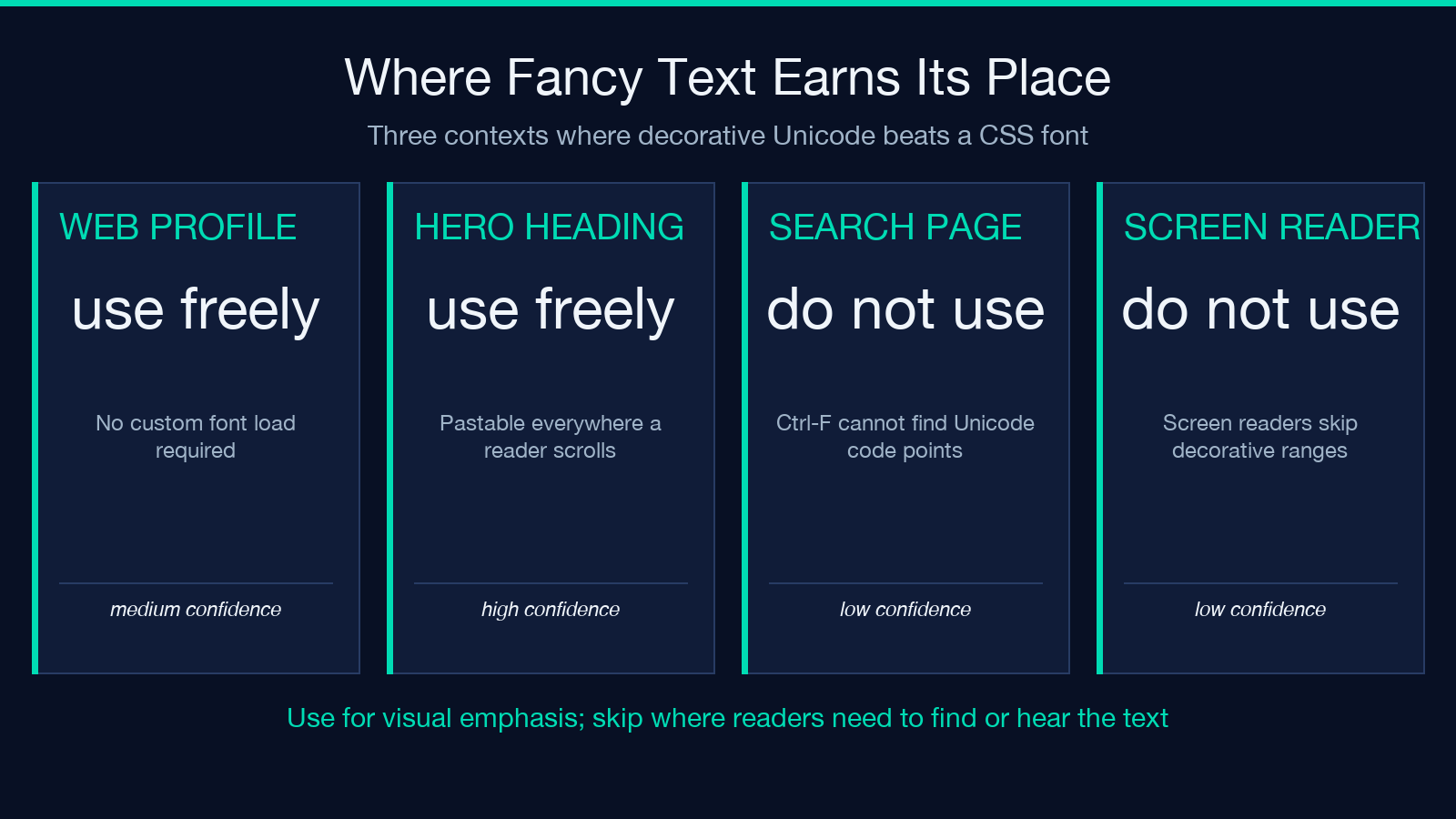
Three limits are worth knowing before you commit to a fancy-text workflow. First, screen readers do not pronounce most decorative Unicode ranges — 𝓗𝓮𝓵𝓵𝓸 reads as “mathematical bold script capital H, mathematical bold script small e, mathematical bold script small l, mathematical bold script small l, mathematical bold script small o,” which is unintelligible. For accessibility-critical copy (alt text, error messages, headings read aloud by assistive tech), use the styled version only for visual emphasis and keep a plain-text equivalent in the same context. Second, search engines index the styled string as a sequence of Unicode code points, not as the original letters. A heading written in script style is invisible to a Ctrl-F search for the underlying word. Third, copy-paste from a styled string into a form that strips non-ASCII characters (some terminal emulators, some CSV importers) drops everything back to the plain version — a feature when you want to undo, a footgun when you wanted the style to persist.
These three limits define when the tool earns its place: when the styled string is for visual emphasis in a context where screen readers aren’t the primary consumer (a social profile, a poster, a banner), where search isn’t the primary retrieval mechanism (a hero heading, not a documentation page), and where the destination preserves Unicode (most modern apps, but not legacy CSV pipelines). For everything else, plain text plus a web font is the cleaner answer.
Putting it together
Fancy text is decoration baked into the byte sequence, and the right interface for it is a side-by-side grid that lets you compare every common style at once. The Fancy Text Generator ships the twelve reliable styles (small caps, bold, italic, script, fraktur, double-struck, monospace, circled, fullwidth, superscript, subscript, upside-down) in one comparison view, computed in the browser, and exposes the underlying Unicode block so you can debug missing letters without leaving the page. Use it when the destination is a social profile, a poster, or a banner; reach for plain text plus a CSS font when the destination is a search-indexed page or an accessibility-critical context. Explore more tools at elysiatools.com.
