
Prompt Optimizer turns rough, ad-hoc prompts into structured instructions. It scores the original on three axes, rewrites it into four named sections, and optionally pulls in a DeepSeek v4 pass for a stronger AI-assisted version. If you write prompts for a living — or even occasionally — it pays back its first run.
Why raw prompts fail on three predictable axes
Most prompts typed in a hurry fail on the same three things. Clarity: the model has to guess what success looks like. Completeness: important context lives only in the author’s head. Ambiguity: words like “short” or “good” mean different things to different readers, so the model averages them. Prompt Optimizer scores each axis explicitly so you can see which one dragged the prompt down — and so you can fix the right axis instead of rewriting the whole prompt from scratch. Once the three numbers are visible, vague self-criticism (“this prompt feels off”) becomes a concrete edit (“ambiguity is 32, add concrete word counts”).
The four-part structure it produces
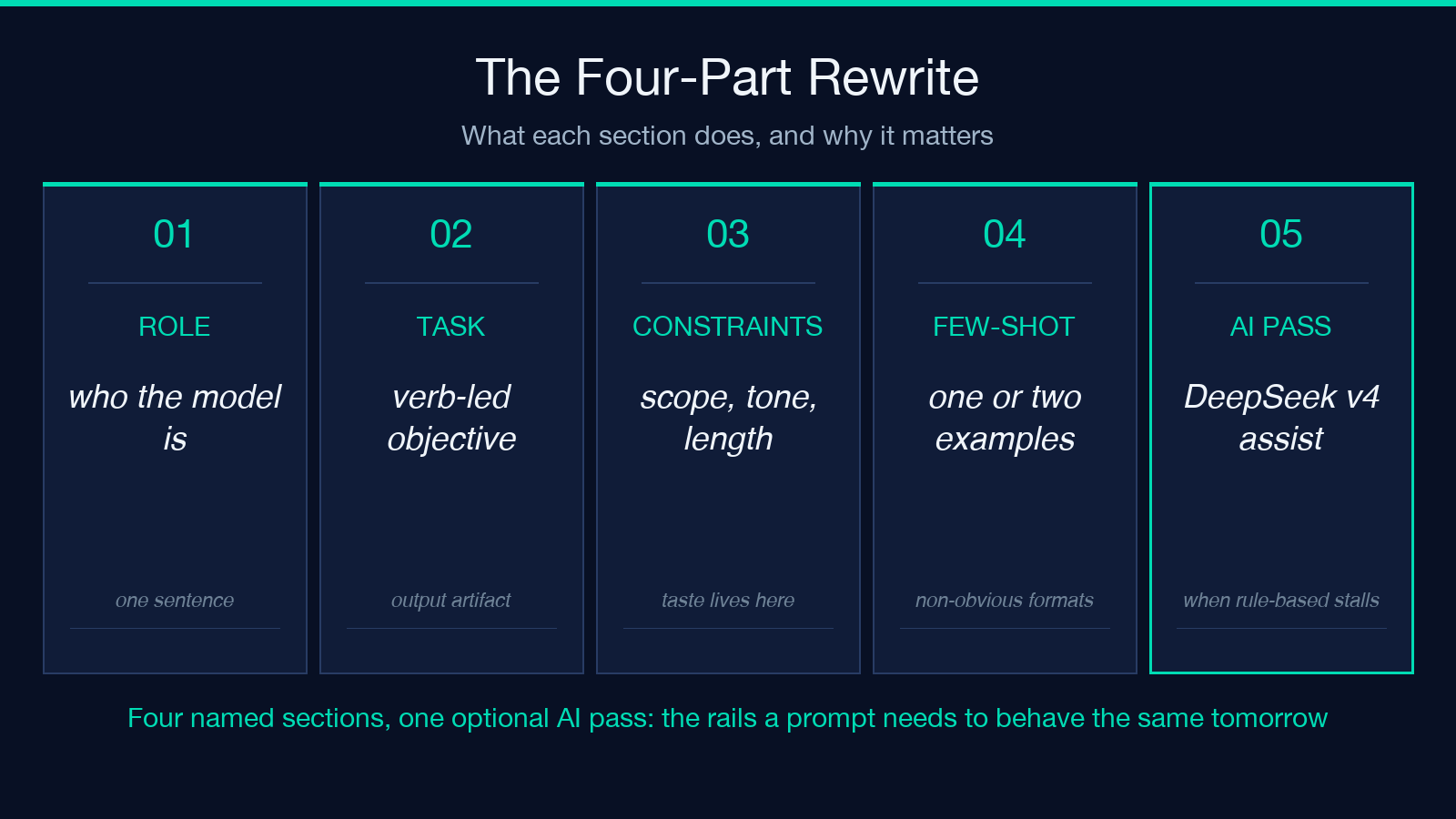
Every rewrite lands in the same four named sections:
Role— who the model should be. A senior copywriter, a patient tutor, an SRE. One sentence is usually enough, and it sets the register for everything below.Task— the verb-led objective. “Write”, “Summarize”, “Refactor”, plus the output artifact (“a 200-word summary”, “a refactored function”).Constraints— scope, length, tone, forbidden moves, audience. This is the slot where taste lives.Few-shot— one or two examples of input to desired output, used whenever the format is non-obvious or the tone matters more than the words.
These four slots are not decorative. They mirror how evaluation harnesses and most instruction-tuned models parse prompts under the hood, so a prompt that fills them tends to behave the same way across providers.
The clarity scoring system
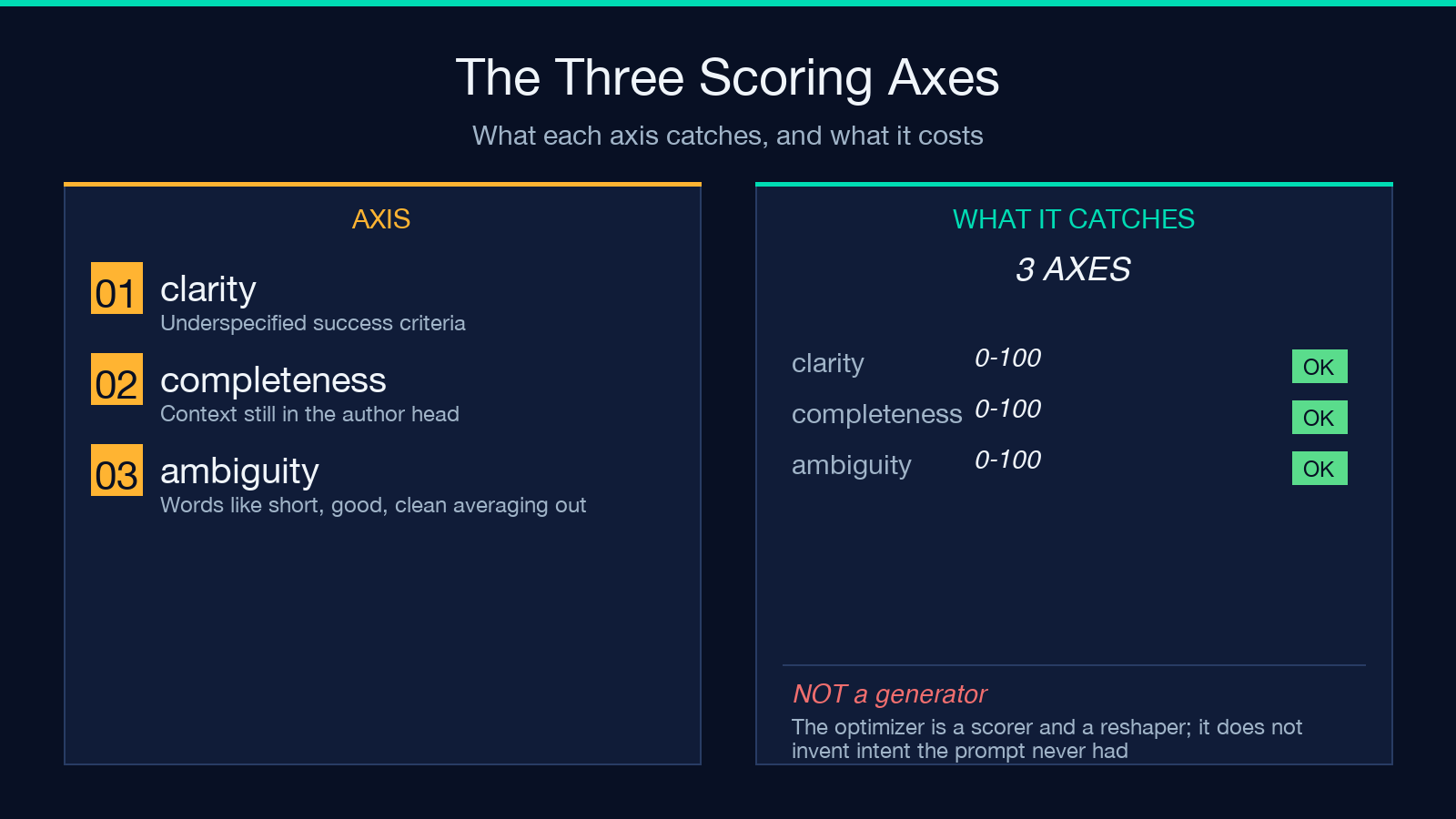
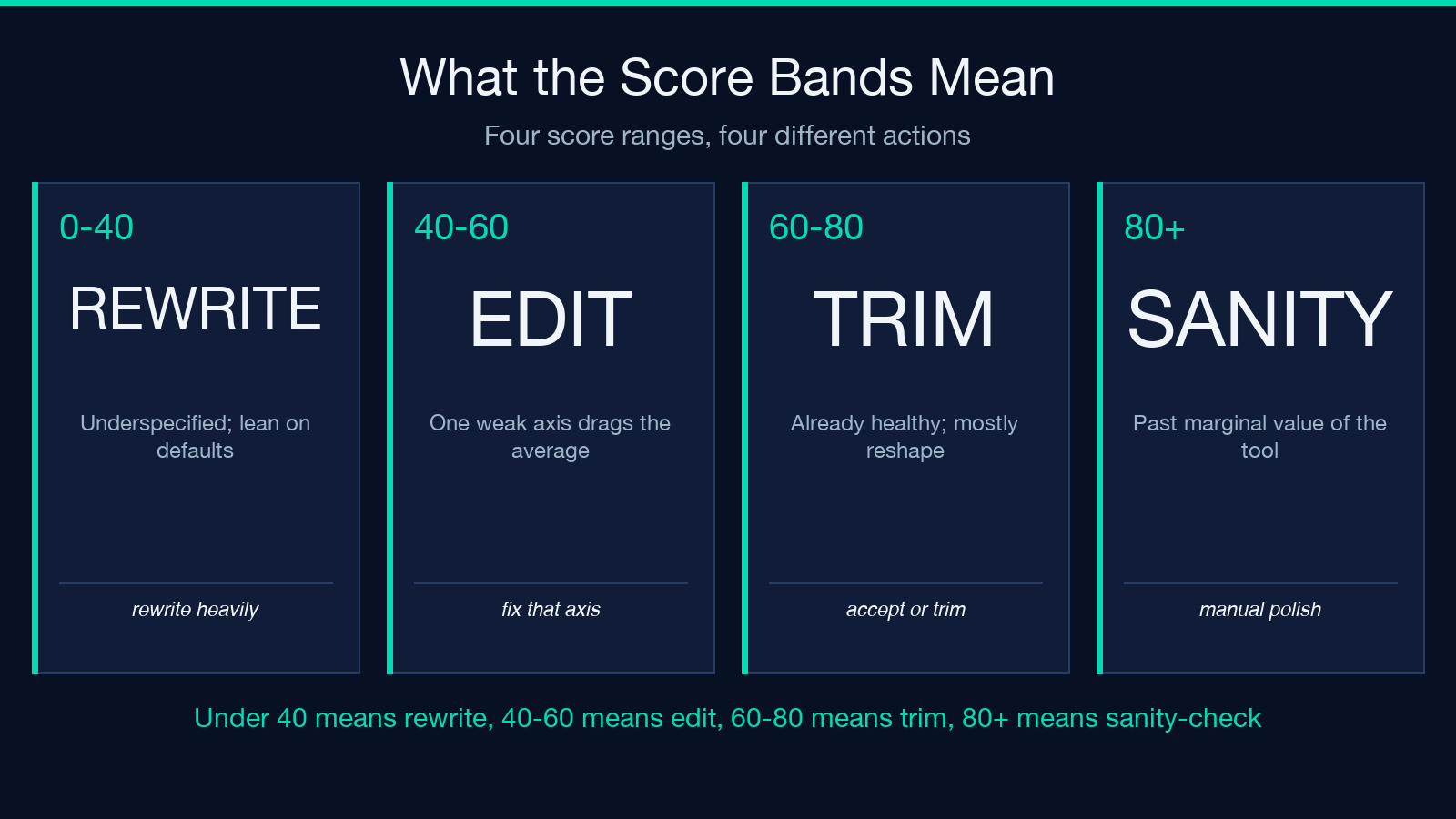
The score is reported as a number on a 0–100 scale. Below 40, the prompt is essentially underspecified and the rewrite will lean heavily on the optimizer’s defaults. 40–60 is “fine for a one-shot” and you’ll usually see one weak axis dragging the average — that’s the axis worth editing. 60–80 means the prompt is already healthy and the rewrite is mostly a reshape you can accept or trim. 80+ means you’ve written a good prompt; the tool is most useful as a sanity check rather than as a generator. The score is computed deterministically, so re-running on the same input gives the same number — useful when you want to A/B two phrasing candidates.
Optional DeepSeek v4 AI rewrite
The optimizer does a deterministic, rule-based rewrite by default — fast, free, predictable. Flip the useAiRewrite checkbox on and it routes the same draft through DeepSeek v4, which can pull out implicit intent the rules miss and pick a better Few-shot example. Enable it when:
- The original prompt is short and vague, so the rule-based rewrite has very little to work with.
- The target model is sensitive to tone or voice — brand copy, customer-facing emails, anything on-brand.
- You have already iterated manually and the score is still under 50; the AI pass often breaks the plateau.
Leave it off for everyday rewrites where cost or latency matters; the rule-based pass is usually enough.
Worked example: a landing-page prompt
A typical vague input looks like this: “Write me a landing page copy for an AI note-taking app. Keep it short and good.”
With useAiRewrite on, the rewrite produces:
Role— You are a senior conversion copywriter for B2B SaaS landing pages.Task— Write hero copy for an AI-powered note-taking app aimed at knowledge workers.Constraints— 60–90 words total, two short paragraphs, no exclamation marks, avoid “revolutionary” and “game-changing”, mention offline sync once, end on a concrete verb.Few-shot— Input — “Calendar app for freelancers.” Output — “The calendar freelancers actually open. Block deep work in two clicks, send clients a booking link, and let the app chase the reschedules.”
Run the same input with the rule-based pass only and you’ll still get the four sections, but the Few-shot example will be more generic and the Constraints list will be shorter. Both versions are usable; the AI pass earns its keep when brand voice matters. You can compare side by side on the prompt engineering sample page.
Output language handling
outputLanguage defaults to auto, which keeps the rewrite in the same language as the input. You can pin one of en, zh, es, fr, de, pt, or ru to force the rewrite into that language — useful when the source prompt is mixed-language, when your Few-shot example is English but the rest of the prompt needs to ship in German, or when you are localizing a prompt library. The numeric score is language-agnostic, so you can still compare two prompts side by side even when one is in Spanish and the other in Chinese.
Common pitfalls and how to fix them
A handful of failure modes repeat across runs:
- Treating the rewrite as final. The four sections are a scaffold; the
Constraintsslot is where your taste lives. Edit it before shipping. - Stuffing three tasks into one
Taskslot. Split into one prompt per task, or useConstraintsto prioritize which task dominates if they must share a prompt. - Forgetting
Few-shotwhen the output format is non-obvious. One example is worth a paragraph ofConstraints. - Re-running on an already-good prompt expecting a miracle. Past 80, the optimizer’s marginal value drops; switch to manual polishing or to a prose tool.
If your rewrite keeps drifting in tone, leave useAiRewrite on and pin outputLanguage — the combination is the most stable configuration we have found.
When to reach for this tool vs. prompt-translator
Use Prompt Optimizer when you have a prompt-shaped problem: inputs that look like instructions, outputs that need to be predictable across runs. The job is to make the model behave the same way tomorrow as it did today, and the four-section scaffold gives it the rails to do so. If your problem is “translate this prompt into another language without losing the structure”, pair it with prompt-translator — translator handles the cross-language move, optimizer handles the structural cleanup, and running them in that order usually beats either one alone. If your problem is downstream — “this generated answer reads awkwardly” — that is a polishing job, not a prompting job; a different tool in the library will fit better.
Browse the full tool library to see where each piece fits in the workflow, and return to Prompt Optimizer whenever a new prompt needs to outlive a single chat session or ship to a teammate who was not in the room when it was first written.
