# 6 Free Golden Hour & Blue Hour Photography Calculators Every Photographer Needs in 2026
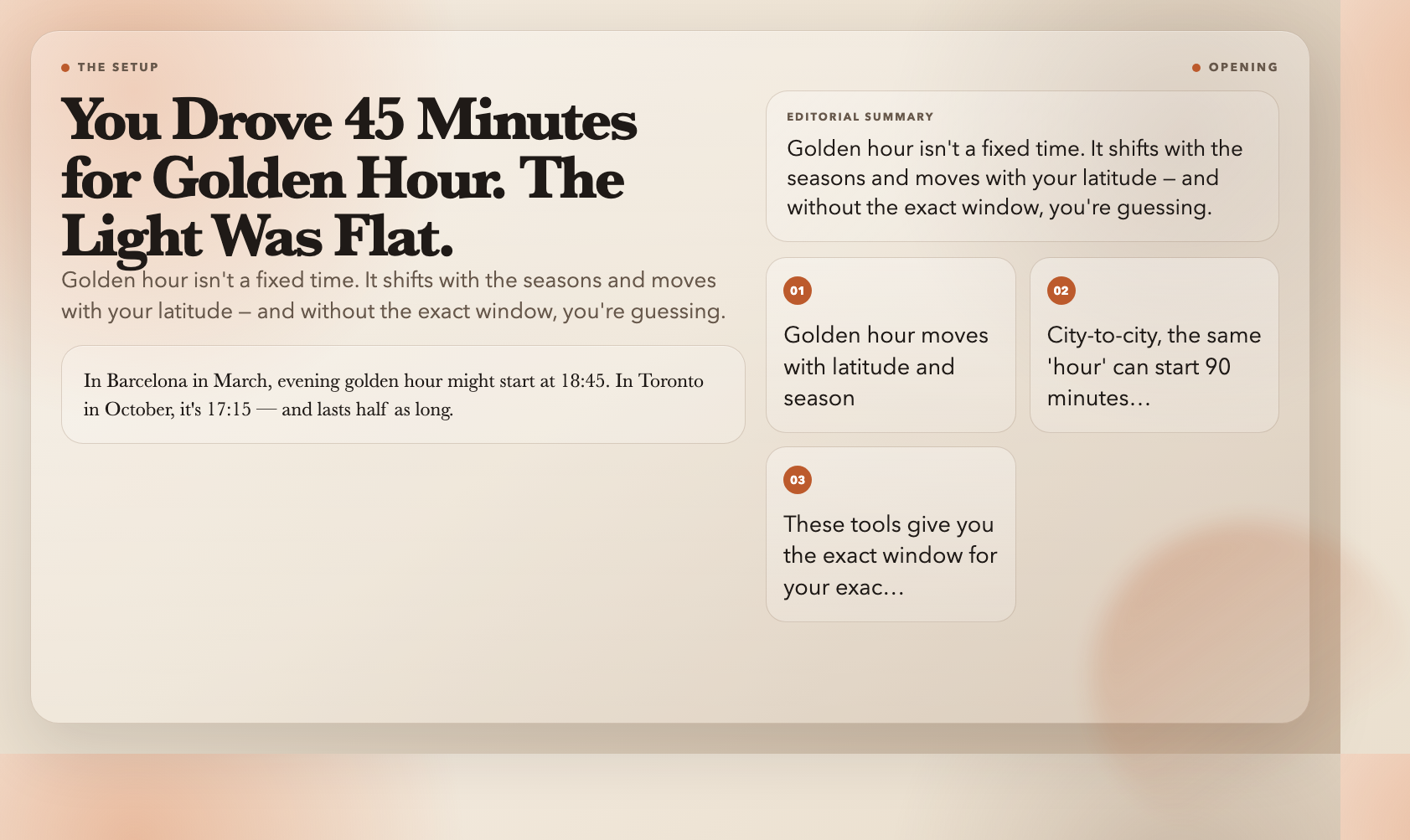
You scouted the location. You checked the weather. You drove 45 minutes and arrived at golden hour — and the light was flat, the shadows were short, the sky was white. You packed up and drove home.
This happens because “golden hour” isn’t a fixed time. It shifts with the seasons and moves with your latitude. In Barcelona in March, evening golden hour might start at 18:45. In Toronto in October, it’s 17:15 — and lasts half as long. Without the exact numbers, you’re gambling on luck.
These six free tools from ElysiaTools compute precise golden hour and blue hour windows for any location, any date, in seconds. No app, no account, no subscription.
—
1. Blue Hour Calculator — The Window When Cities Look Like Magazine Covers
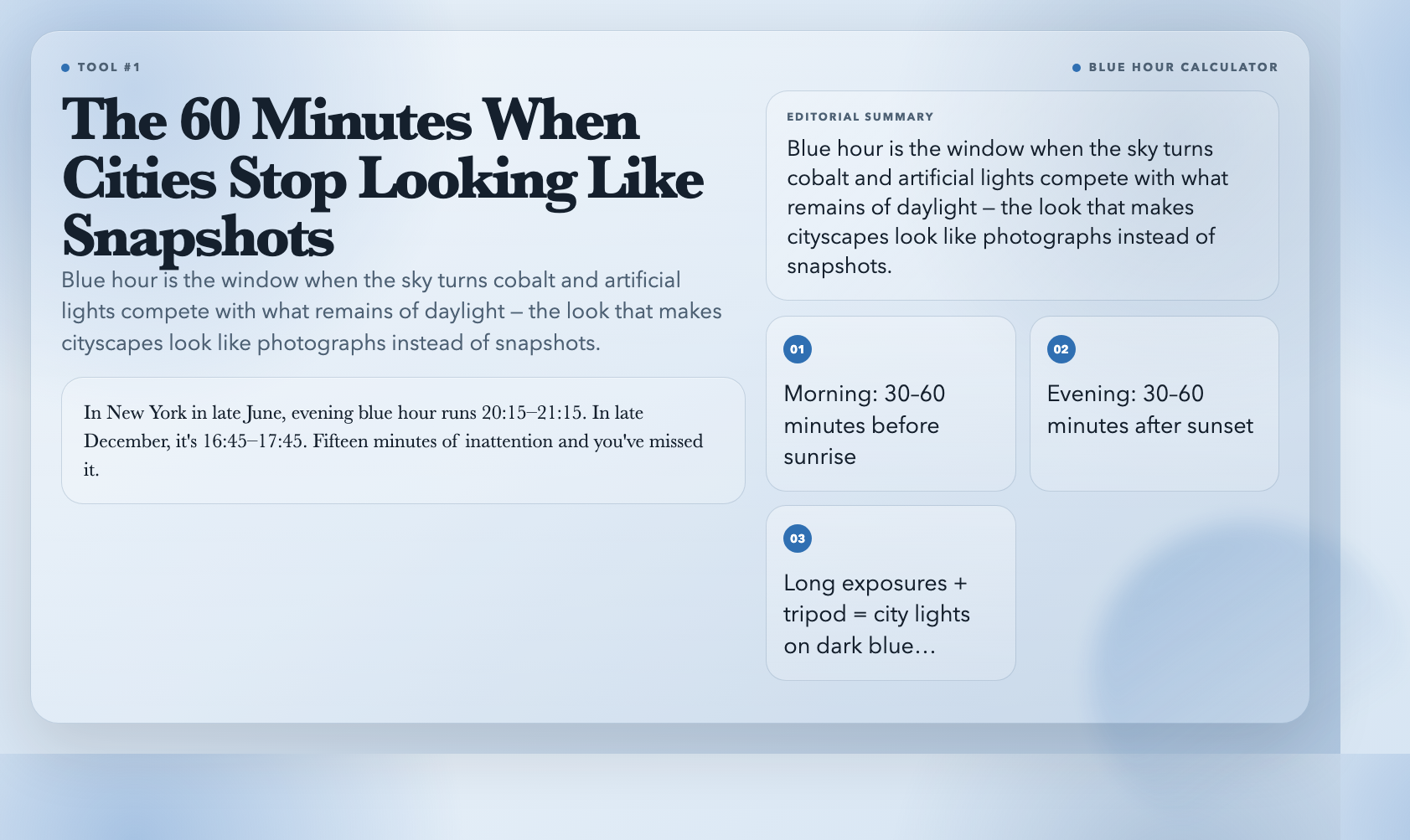
Blue hour is the 30–60 minutes before sunrise and after sunset — when the sky turns cobalt and artificial lights start competing with what remains of daylight. Cityscapes during this window look like the photographs you admire. Outside of it, they look like the photographs you delete.
The Blue Hour Calculator takes your latitude, longitude, and date and returns exact morning and evening blue hour times. In New York in late June, evening blue hour runs roughly 20:15–21:15. In late December, it’s compressed to 16:45–17:45. Fifteen minutes of inattention and you’ve missed it.
The calculator also delivers specific photography guidance: use long exposures, bring a tripod, and this is the optimal window for city lights against a dark blue sky. For astrophotographers, blue hour is when light trails against a sky that still holds color look their best.
Try it: Blue Hour Calculator
—
2. Golden Hour Calculator — The Two Windows That Define Outdoor Photography
Golden hour is when the sun sits within roughly 6 degrees of the horizon. Light travels through more atmosphere, scattering blue wavelengths and leaving warm reds and oranges. Shadows stretch long. Skin tones soften. Everything looks the way it did in your memory of the scene, not the flat white version your camera captured at noon.
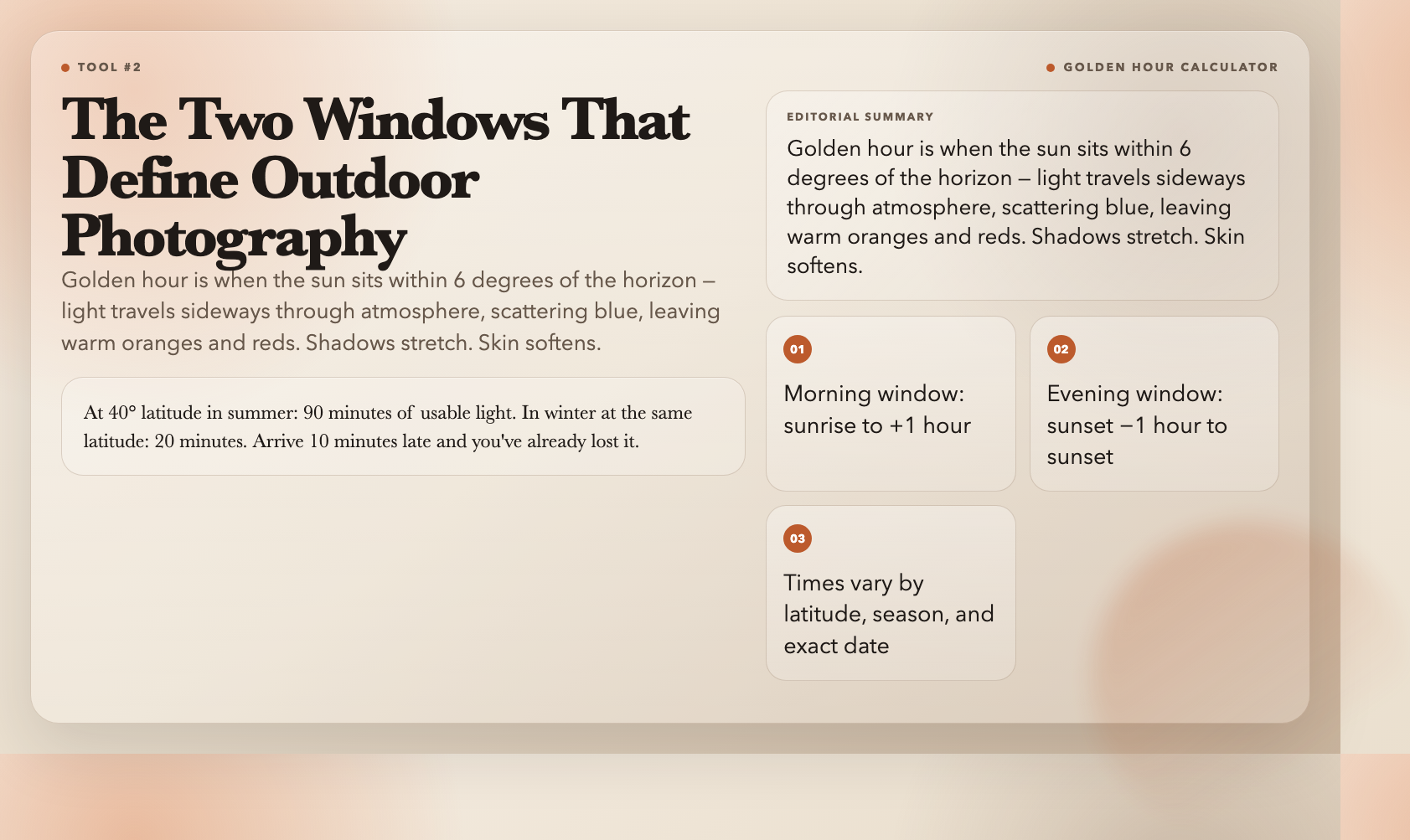
The Golden Hour Calculator gives you both windows: morning (sunrise to +1 hour) and evening (sunset −1 hour to sunset). These times vary with latitude and season. At 40° latitude in summer, you might have 90 minutes of usable golden light. In winter at the same latitude, 20 minutes. Arrive 10 minutes late and you’ve already lost it.
The tool also returns actual sunrise and sunset times — so you stop cross-referencing three different sources and plan your whole day in one place.
Try it: Golden Hour Calculator
—
3. Daylight Calculator — The First Number to Know Before Any Outdoor Shoot
Total daylight hours determine whether a full-day shoot is realistic. On June 21 in Los Angeles, you get 627 minutes of workable light. On December 21, you get 453 minutes. That’s three fewer hours of usable light. Plan a sunrise-to-sunset shoot in December and you’ll be finished by 14:00 with nothing to show for the afternoon.
The Daylight Calculator takes your coordinates and date and returns total daylight hours and minutes. It also handles the edge cases that matter for travel photographers. In Tromsø, Norway in summer, the sun doesn’t set — the tool returns 24 hours of daylight with a note about midnight sun. In winter, polar night kicks in and sunrise doesn’t happen at all. These aren’t academic edge cases. They’re what you need to know before you book the flight.
Try it: Daylight Calculator
—
4. Sunrise-Sunset Calculator — The Full Light Schedule in One Query
Golden hour and blue hour are the dramatic bookends of the day. But knowing exactly when civil, nautical, and astronomical twilight occur matters for everything in between.
The Sunrise-Sunset Calculator returns all three twilight phases alongside standard sunrise and sunset times. Civil twilight (sun 0–6 degrees below the horizon) is where outdoor photography becomes difficult without flash. Nautical twilight (6–12 degrees below) is where the sky becomes dark enough for serious astrophotography but the horizon still holds color. These distinctions matter for time-lapse planning and for knowing when you need to start wrapping up.
For landscape photographers who shoot sunrises: civil twilight is frequently more photogenic than the actual sunrise, because you get color in the sky before the sun crests the horizon. The calculator tells you when civil twilight starts — be there before it.
Try it: Sunrise-Sunset Calculator
—
5. Depth of Field Calculator — The Decision That Decides Whether Your Subject Is Sharp
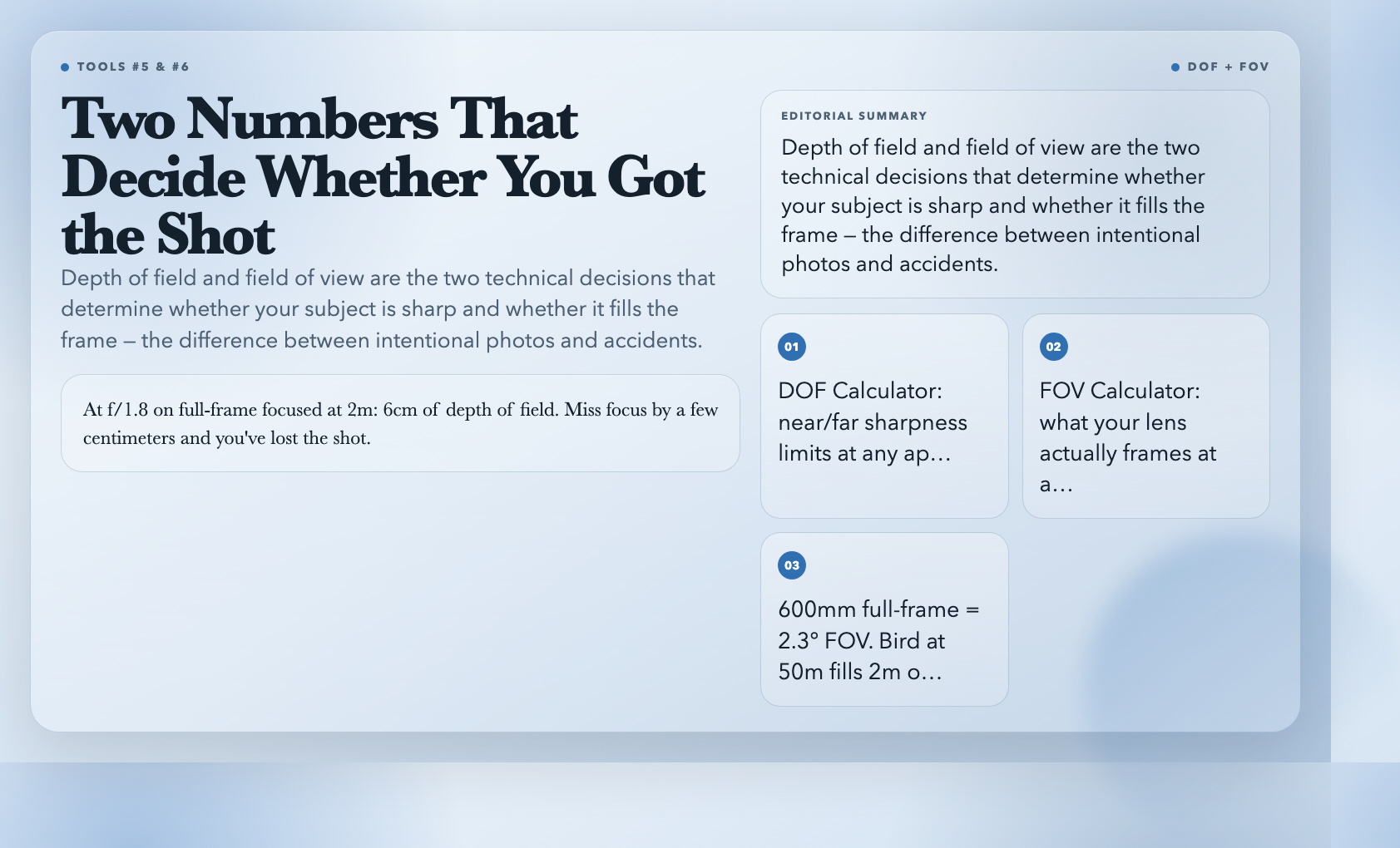
Light quality determines mood. Focus depth determines whether your subject is actually usable. These two decisions — exposure and depth of field — are what separate intentional photographs from accidents.
The Depth of Field Calculator takes your camera sensor size, focal length, aperture, and subject distance, and returns your near focus limit, far focus limit, and total depth of field. Here’s what that means in practice. At f/11 on a full-frame camera focused at 2 meters, your acceptable sharpness might only run from 1.6m to 2.7m — a 1.1 meter window. Anything closer or further is outside the zone. This is why landscape photographers stop down to f/16 and f/22, and why hyperfocal distance matters.
For portrait photographers, the numbers go the other direction. At f/1.8 on a full-frame camera focused at 2 meters, your depth of field is roughly 6 centimeters. That gives you creamy background separation — but only if your subject’s eyes fall within that 6cm window. Miss the focus by a few centimeters and you’ve lost the shot.
Try it: Depth of Field Calculator
—
6. Field of View Calculator — What Your Lens Actually Captures
You bought a 24mm lens for landscapes. You arrived at the location and the shot looked too wide — you wanted the mountain dominant and instead got sky and foreground, with the mountain small. That’s a field of view problem, not a lens problem.
The Field of View Calculator takes your sensor size and focal length and returns diagonal, horizontal, and vertical angles of view in degrees. 24mm full-frame: 84°. 50mm full-frame: 40°. 200mm: 10°. When you know the actual angle, you buy lenses based on what they frame, not what the marketing copy says they’ll do.
For wildlife photographers, this is particularly concrete. A 600mm lens on a full-frame camera gives 2.3° horizontal FOV. A bird at 50 meters fills roughly 2 meters of the frame. That’s enough to decide whether the lens is sufficient for the shot — or whether you need a TC or a closer position.
Try it: Field of View Calculator
—
The Sequence That Changes Your Next Shoot
Before every outdoor shoot, run this sequence. Check daylight hours — do you have enough for what you’re planning? Check sunrise and sunset — when do you need to be on location? Check the golden hour window — mark it in your calendar. Check the blue hour window — that’s your second window if you’re staying for the evening. Check depth of field — set your aperture before you leave the car. Check field of view — confirm your lens choice before you walk 20 minutes to the spot.
These tools don’t make you more creative. What they do is eliminate the specific failure mode that sends you home empty: being in the wrong place at the right time. That’s the one that hurts.