
Superscript and subscript are not font tricks — they are separate Unicode blocks, and Tiny Text picks the right one. A small converter that takes plain text and returns ᴴᵉˡˡᵒ or ₕₑₗₗₒ is, mechanically, a lookup against the Phonetic Extensions (U+02B0) and Superscripts/Subscripts (U+2070/U+2080) blocks, with a fallback that leaves unmapped letters at their original size. The interesting parts are not the mapping itself but the limits of the mapping — which letters have tiny forms, which do not, and what the visible result looks like when you feed it a word that mixes both.
This field guide walks through what Tiny Text actually does, why some letters stay normal, where tiny Unicode is the right tool (footnotes, chemical formulae, social bios, decorative variable names), and where it is the wrong tool (long body text, anything that needs to read at a glance). You’ll see input/output examples for both modes, the exact Unicode blocks involved, and the fallback behavior when you hit a letter that has no tiny form.
If you want to skip the explanation and just shrink some text, the live tool is at Tiny Text on Elysia Tools. The rest of this article is for when you need to understand why your output looks the way it does.
What Tiny Text actually does
Tiny Text is a two-mode Unicode transformation. The Superscript mode raises each character into its counterpart from the Unicode “superscript” family — letters come from the Phonetic Extensions block (U+02B0..U+02FF) and digits/operators come from the Superscripts block (U+2070..U+207F). The Subscript mode does the same thing, but downward, using the Subscripts block (U+2080..U+208F) for digits and a smaller set of subscript Latin letters that Unicode does assign.
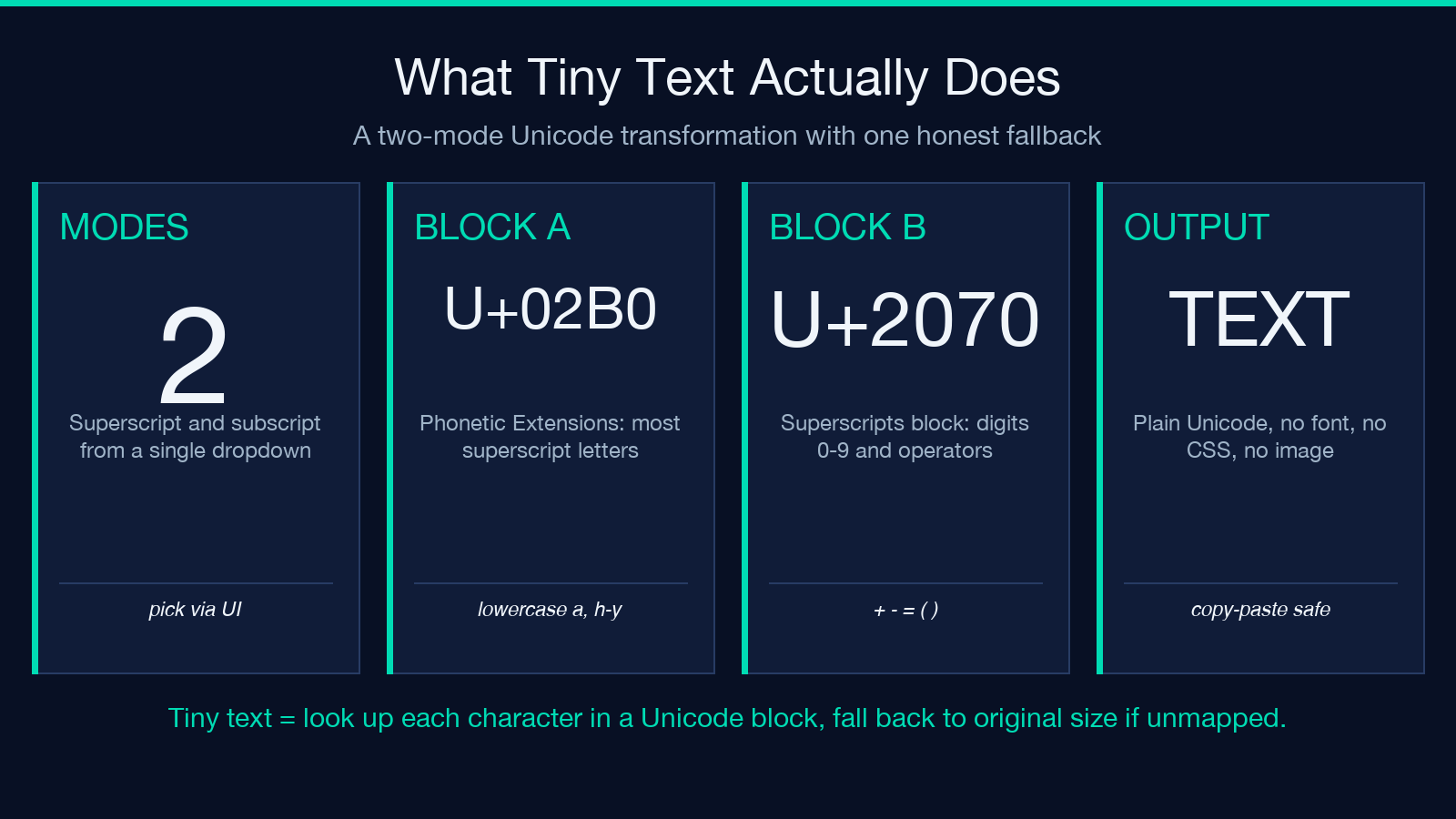
The mapping is character-by-character. There is no font substitution, no CSS, no image rendering. The output is plain Unicode text that you can paste into any text field that accepts Unicode (most modern apps, all web browsers, most chat platforms). Because the characters are real Unicode codepoints and not styled HTML, they survive copy-paste, email forwarding, and search indexing unchanged.
The mode is selected from a dropdown. The default is Superscript because it’s the more common request — exponent-style decoration, footnote markers, and trademark-style marks are the canonical use cases. Switch to Subscript when you want the chemical-formula look or a subtle variable-name style.
For both modes, the tool is plain text in, plain text out. There is no image generation, no formatting, no styling. The “tiny” effect comes entirely from the Unicode codepoints themselves, which is also why some letters look bigger than others — the underlying blocks are not complete.
How the mapping actually works
Each input character is looked up in a per-mode table. If a tiny form exists in the relevant Unicode block, that codepoint is output. If it does not, the original character passes through unchanged. There are no approximations, no synthesised forms, and no attempt to combine diacritics.
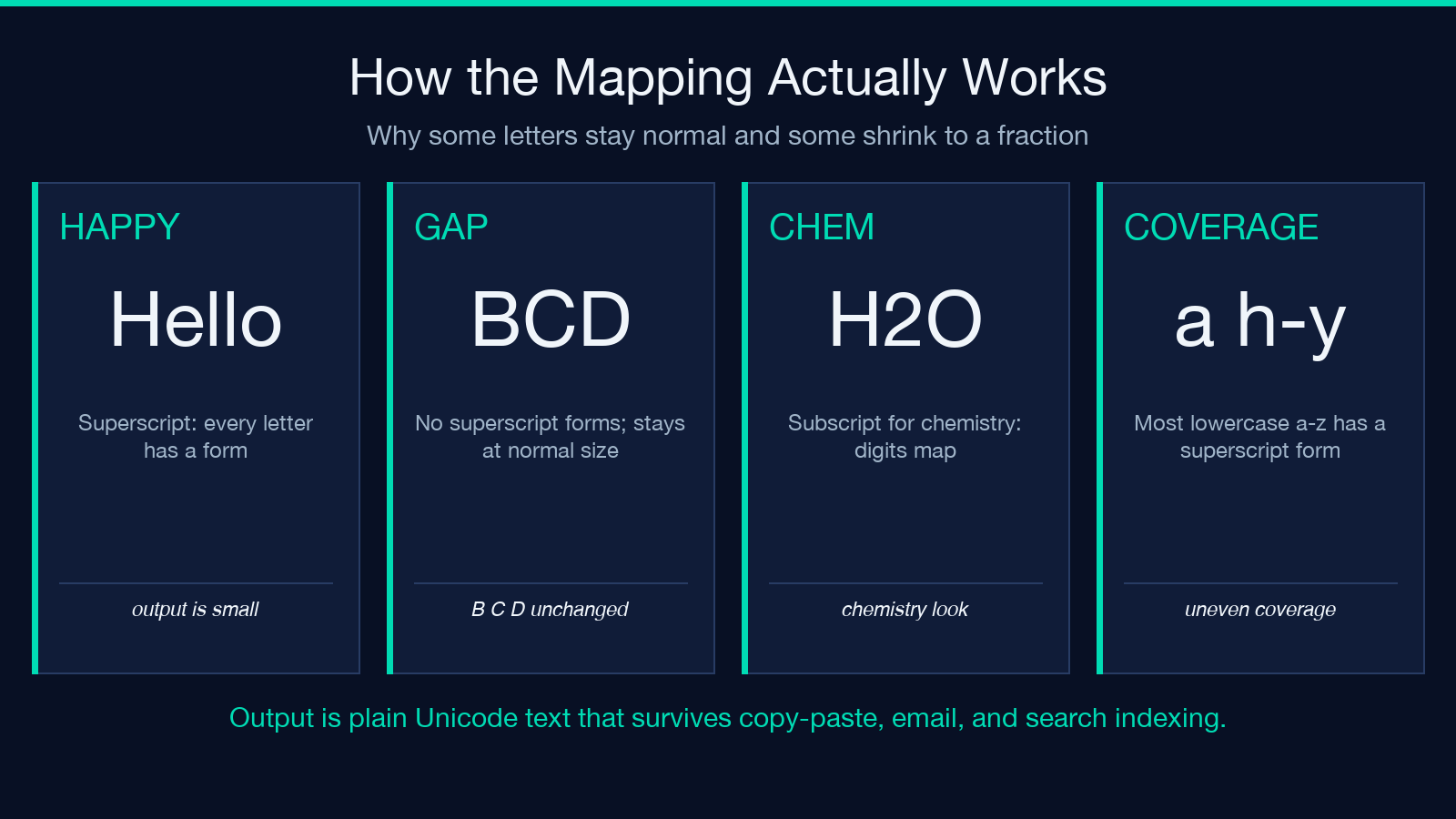
For Superscript mode, the available letters are mostly lowercase: a and h through y have proper superscript forms (a, ᵇ, ... — wait, b and c are notable exceptions), plus a handful of capitals (ᴬ, ᴮ, ᴰ, ... ). For Subscript mode, the letter set is even smaller — Unicode only assigns subscript forms to a subset of letters, mostly used in chemistry notation. Digits 0 through 9 are mapped in both modes (these come from the dedicated digit blocks U+2070 and U+2080), and the operators + - = ( ) are mapped in both modes as well.
This is why mixed input produces visibly uneven output. The string "Hello", in superscript mode, comes out as ᴴᵉˡˡᵒ — H is mapped (it’s a mapped capital), e is mapped, l is mapped, l is mapped, o is mapped. But "BCD" in superscript comes out as "BCD" unchanged, because Unicode assigns no superscript forms to those three capitals. The tool does not synthesise forms from combining characters or fall back to a different block — the letters that have no tiny form simply stay at their normal size.
This behaviour is the main thing to know about the tool. It is not a bug, and there is no setting to force a tiny form for an unmapped character. The blocks are simply incomplete.
When superscript is the right tool
The use cases where Tiny Text genuinely shines are the ones where the small size is decorative and the small set of mapped letters is enough.
Footnotes and reference marks. Numbered footnote indicators in some printed conventions use superscript digits. The mapping covers all ten digits and the basic operators, so ¹²³ is fully supported. The tool is faster than typing these by hand and consistent across documents.
Trademark-style marks and decorative handles. Social-media bios and usernames sometimes use superscript letters to make a handle look distinctive or layered. ᴴᵉˡˡᵒ for a name, ᴮᵒˢˢ for a title, ᵀᴹ for a tiny trademark mark — these all map cleanly because they stick to the letters that have superscript forms.
Mathematical exponents in plain text. When you cannot use a math renderer and need to write something like x² + y² = z², the superscript digits cover the squares. For arbitrary exponents, you’ll need to fall back to a math notation that supports them; Tiny Text is not a math layout tool.
Decorative “raised” styling for short phrases. Anywhere a short phrase needs to feel like a label, a subtitle, or a stylistic mark, superscript Unicode can carry that weight — as long as the phrase sticks to the letters that have forms.
When subscript is the right tool
Subscript has a narrower but more specific use case: chemistry notation and variable names.
Chemical formulae. This is the canonical use. H₂O, CO₂, C₆H₁₂O₆ — all of these are subscript-form text, and Tiny Text’s subscript mode produces them directly from the input H2O, CO2, C6H12O6. Because the digits are mapped in both modes and the common chemistry letters (H, C, O, N, S, and a few others) are mapped in subscript, the output reads as a proper formula without any font work.
Variable names in plain-text technical writing. When writing inline variable references in a place that does not render LaTeX or MathML — a code comment, a plain-text spec, a forum post — subscript can give a variable name a distinctive look. xᵢ, aₙ, Tₘₐₓ (well, ₘₐₓ for the subscript part) read as variable notation at a glance. The set of available subscript letters is small, but the most common ones are covered.
Subtle styling for emphasis. Anywhere a phrase needs to feel secondary, footnote-like, or “below” the main text, subscript can do that with very low visual weight. The same caveat about incomplete letter coverage applies.
Worked examples for both modes
The two sample inputs on the tool’s page illustrate the canonical output:
- Input:
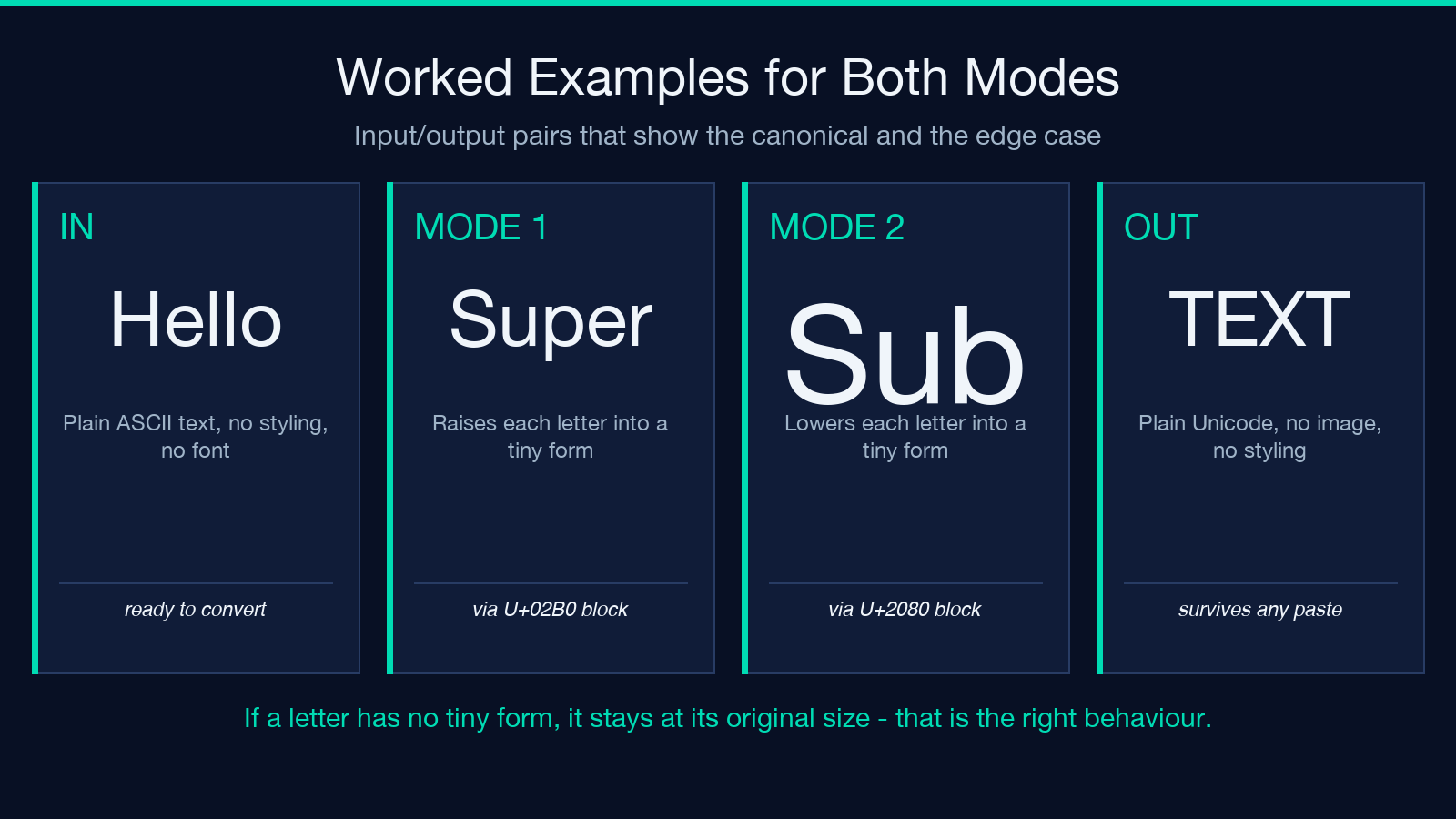
Hellowith modesuperscript→ Output:ᴴᵉˡˡᵒ(each letter mapped, output looks consistent) - Input:
Hellowith modesubscript→ Output:Hₑₗₗₒ(the capital H is not mapped in subscript, so it stays at normal size while the rest are subscripted)
Notice the visible difference between the two outputs: superscript gives you a fully-small string because both the lowercase letters and the capital H have forms; subscript gives you a mixed-size string because the capital H has no subscript form. Both are correct outputs — the tool is reporting the truth about what Unicode has, not making a layout choice.
For mixed-letter input, the same pattern holds. "H2O" in superscript mode gives "ᴴ²ᴼ" (digits and the capital H mapped, the lowercase o mapped), while "H2O" in subscript mode gives "H₂O" (digit mapped, capital H not mapped, lowercase o mapped). The subscript version reads more cleanly as a chemistry formula because the unmapped capital H reads as a “regular” capital letter, which is what you’d want in a chemical formula anyway.
Why the fallback to normal size is the right behaviour
A reasonable question: why doesn’t the tool just synthesise tiny forms for unmapped letters using combining characters or some CSS trick? The answer is that the output has to survive copy-paste into other contexts. A combining-character approach would render in some places and not in others; a CSS approach would not survive pasting into a plain text field at all. The Unicode-block approach is the only one that gives a consistent result across every destination.
The fallback — leave the unmapped letter at its original size — is also a useful signal. It tells you, at a glance, which letters in your input are getting the tiny treatment and which are not. For a bio or a handle, that signal matters: if you write a 5-letter word and one letter is visibly bigger than the others, you know to either change the word to one that maps cleanly or to accept the mixed look.
This is also why Tiny Text does not have a “force tiny” mode or a “synthesise” mode. Those would either lie about what Unicode actually has or produce output that does not paste correctly. The tool’s contract is simple: use real Unicode codepoints, fall back to the original for unmapped characters, and let the destination render it however it renders Unicode.
Where Tiny Text is the wrong tool
There are several common cases where reaching for tiny Unicode will give you worse output than a different approach.
Long body text. Tiny text is, by definition, smaller than normal text. Past about 20 characters, it becomes hard to read at typical body-text sizes. For a paragraph or a sentence, use a real text-styling tool (small caps, italic, or just a smaller font size via CSS). Tiny Text is for short marks and labels, not for sentences.
Letters without tiny forms in important positions. If your word’s distinctive letter has no superscript form (b, c, d, f, g, j, k, p, q, s, w, x, y, z in superscript mode, broadly), the output will look broken. Test the specific word before committing to a bio or a handle.
Code or technical contexts that need exact rendering. If you’re writing code or any context where a code point must render at a specific size, use a real layout system. Tiny Text is a presentation tool, not a layout tool.
Search and indexing workflows. Some search systems do not normalise superscript Unicode well. If you need the text to be searchable as its plain equivalent, do not use superscript.
Putting it all together
Tiny Text is one of the most straightforward tools on Elysia Tools: it does one thing (replace characters with their Unicode-block tiny counterparts), it does it correctly (real codepoints, not synthesised forms), and it has an honest fallback (unmapped letters stay at their original size). For the cases it is built for — short decorative marks, chemical formulae, footnote indicators, social-bio handles — it is the fastest way to get there from plain text.
For the cases it is not built for — long body text, letters that lack tiny forms, code that needs exact rendering — the right answer is to use a different tool, not to force Tiny Text to do something it was not designed for. The output is plain Unicode, the behaviour is predictable, and the limits are the limits of Unicode itself rather than anything the tool is hiding from you.
If you want to try it on your own text, the live tool is at Tiny Text. For related transformations on Elysia Tools, the Small Caps Converter covers a different “stylised text” look, and the Strikethrough Text tool covers another. The full collection of text styling tools is at elysiatools.com/en/tools.
