
Combining low line is a single Unicode codepoint, U+0332, that draws a line under the previous character. Paste it after every letter in your string and your plain-text sentence comes out underlined anywhere it lands — in a chat window, in a doc that strips rich text, in code comments, in a social post, on a CLI. There is no font, no CSS, no <u> tag; the underlining is the bytes themselves. This guide walks through the eight things that matter about the Underline Text tool so you know when it is the right answer and when HTML underlining is still the cleaner choice.
Why a combining mark beats a font or a tag
The mental model most people carry for underlining is HTML — <u>, text-decoration: underline, a CSS rule. That model assumes the receiving app keeps formatting metadata when you paste. Most chat apps, terminal emulators, Markdown renderers, and plain-text fields strip that metadata on the way in. The result is a sentence that was underlined in your editor and arrives in the recipient’s window as unformatted text.
Combining marks solve this by living inside the text itself. The Unicode standard reserves a class of “non-spacing marks” — codepoints that modify the previous character instead of occupying their own glyph slot. U+0332 (COMBINING LOW LINE) is one of them: emit it after each base character and the renderer draws a horizontal line through the descender area of the previous glyph. The text you type is still ASCII. The output carries one invisible codepoint per underlined letter, and that codepoint survives every copy-paste, every save-as-TXT, every paste-into-Slack.
The trade-off is that the appearance depends on the font and the platform. Helvetica, SF Pro, Noto Sans, Segoe UI all render U+0332 as a clean horizontal bar under the base glyph. Some legacy monospaced fonts render it slightly higher or skip it entirely. Modern OSes (macOS, Windows 11, Ubuntu 22.04+) render it correctly across browsers, terminals, and chat apps.
The exact mechanism: one codepoint after every base character
The algorithm the Underline Text tool runs is one line: walk the input string, append U+0332 to every character (including spaces, punctuation, and emoji), return the result. There is no font lookup, no stylesheet, no transformation pipeline.
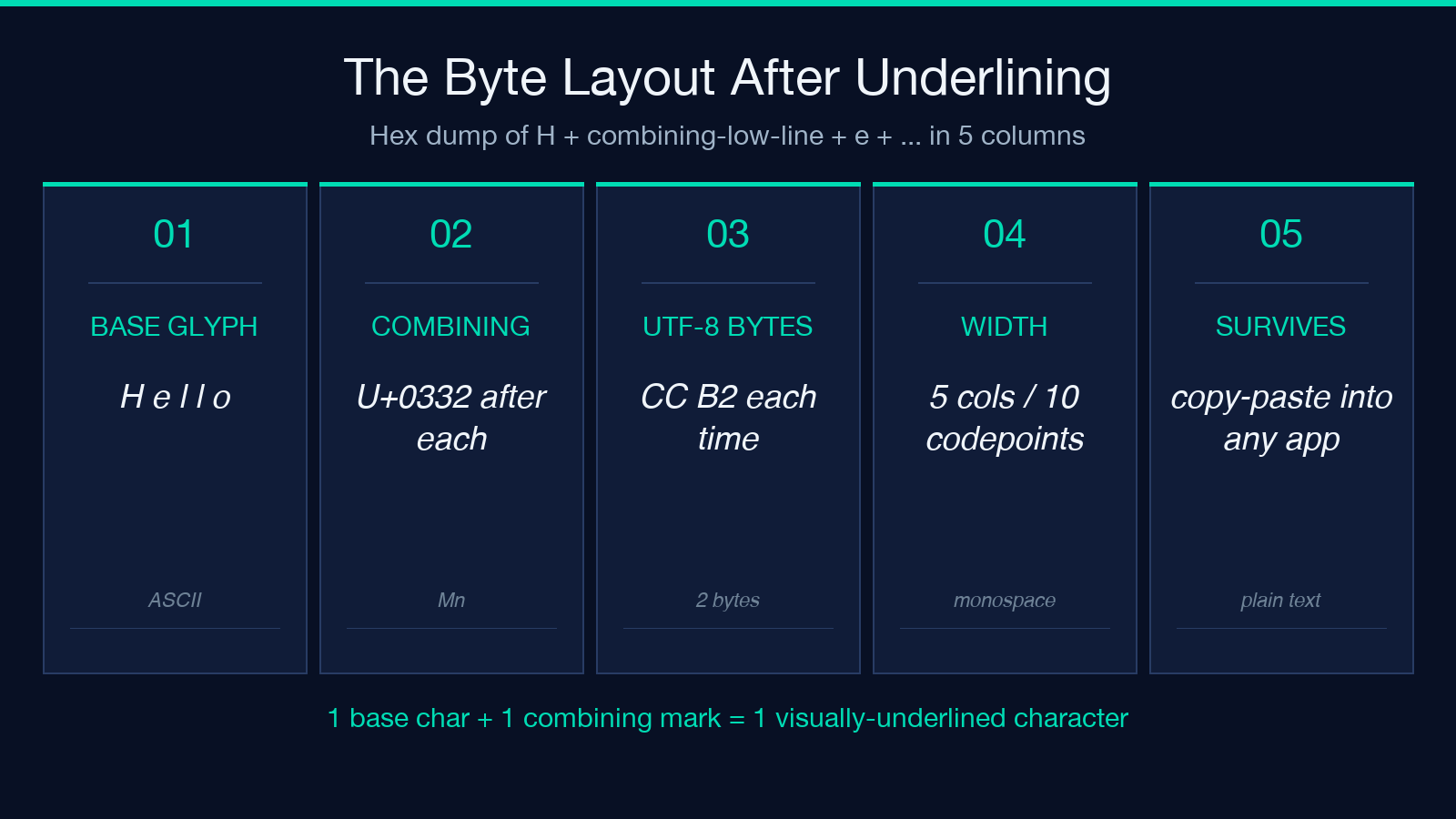
The codepoint is invisible in the source representation — most editors show H̲e̲l̲l̲o̲ where each letter has a faint bar under it, but the bytes are still H ̲ e ̲ l ̲ l ̲ o ̲. A hex dump of H̲e̲l̲l̲o̲ looks like this:
- Hex:
48 CC B2 65 CC B2 6C CC B2 6C CC B2 6F CC B2 - Char count: 5 visible characters + 5 combining marks = 10 codepoints
- Display width: 5 columns (combining marks have zero advance width)
This byte layout is what makes the result survive a copy-paste into a Markdown editor that does not understand rich text: the underlining is data, not styling. The same trick breaks down for screen readers, which see the combining marks as separate (silent) characters and announce the base text without indicating emphasis — see the accessibility section below.
Where plain-text underlining earns its keep
Five scenarios where a combining mark is genuinely the right answer instead of HTML:
- Chat apps and SMS — iMessage, WhatsApp, Signal, Telegram, and plain SMS have no font picker and no rich-text control. A combining mark gets you underlined emphasis in any of them.
- Markdown fields without HTML — many Markdown renderers allow inline HTML but some forums strip it. A combining mark bypasses the stripper entirely.
- Terminal logs — a build script that needs to print “important warning: please run” in a way that stands out from regular output can emit the underlined version with a one-line Python or shell snippet, no terminal escape sequences required.
- Code comments and doc strings —
<u>is forbidden inside most comment styles; the combining mark is not. - Social bios and usernames — most social platforms strip formatting on bios, but combining marks often slip through because they look like ordinary Unicode text.
For browser-rendered content where you control CSS, prefer text-decoration: underline — the markup is smaller (no extra codepoint per character), screen readers handle it correctly, and you get hover and focus styles for free.
Removing the underline: strip the invisible codepoints
The same property that makes the underline survive a copy-paste also makes it slightly annoying to remove. Select-all + delete gets most of it, but if you are processing the text programmatically (cleaning a log file, sanitizing input before storage) you want a deterministic recipe.
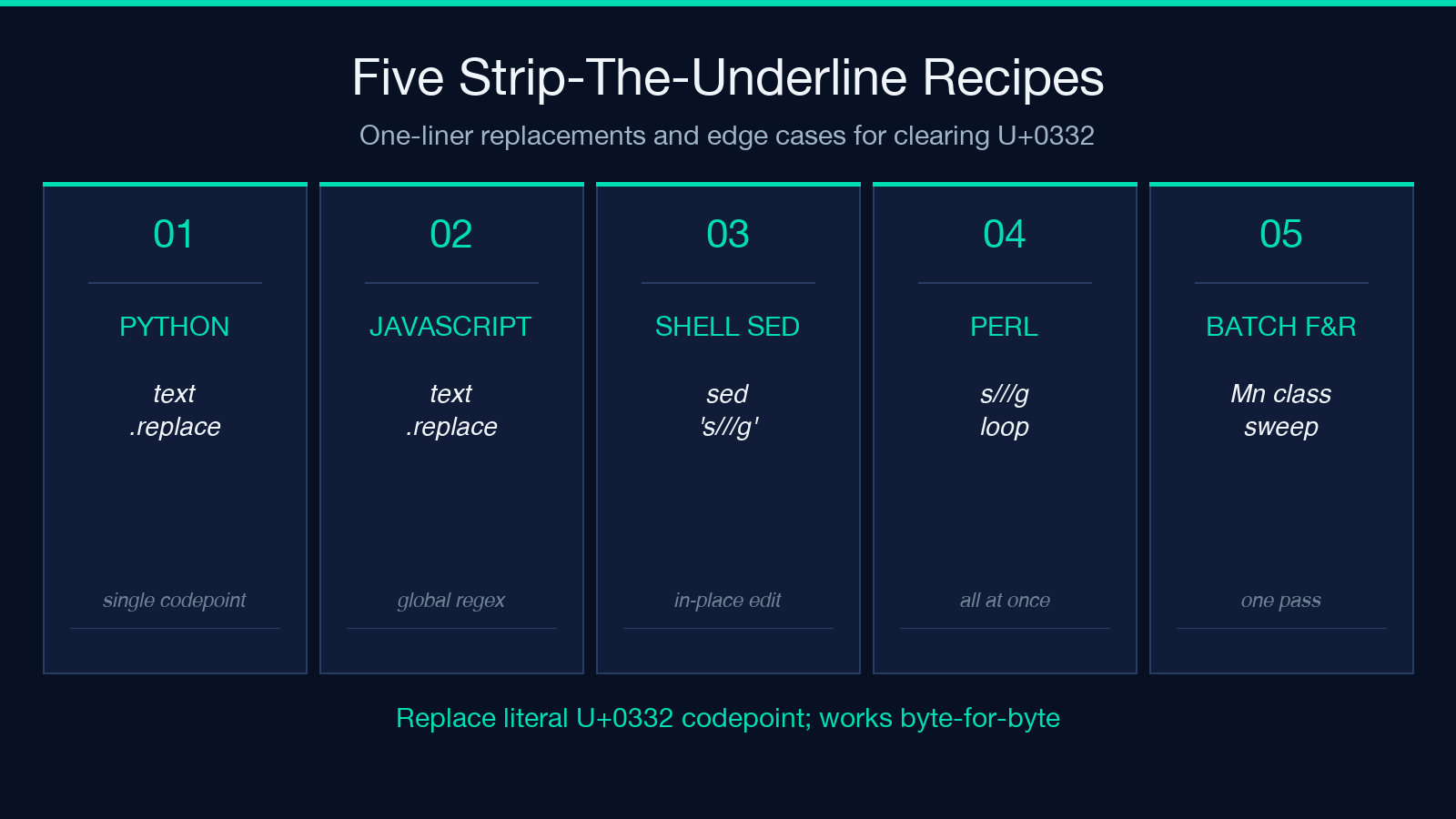
The trick is that U+0332 is a single codepoint with a stable byte representation. A find-and-replace on the literal codepoint restores the original text byte-for-byte. Three recipes that work:
- Python:
text.replace('̲', '') - JavaScript:
text.replace(/̲/g, '') - Shell (sed):
sed 's/̲//g' input.txt > output.txt
The replacement target is the actual combining mark character, not a hex or escape sequence — paste the U+0332 codepoint into the replacement field directly. If you are stripping multiple combining marks (overlines, strike-throughs, dots) at once, use the Unicode “Mark, Nonspacing” general category (Mn) and walk the string codepoint-by-codepoint.
Letters, digits, punctuation, spaces, emoji, CJK — all of them
The Underline Text tool applies U+0332 after every character without filtering. That is by design: the mark is non-spacing, it attaches to whatever precedes it, and there is no Unicode category that breaks it. The five categories that work:
- ASCII letters and digits —
H̲e̲l̲l̲o̲ 1̲2̲3̲ - Punctuation —
!̲?̲.̲,̲;̲:̲ - Spaces — the mark appears in the gap between adjacent characters rather than under the space glyph; visually the line continues unbroken
- Emoji and other SMP characters — most color-emoji renderers attach the mark below the emoji body
- CJK — Chinese, Japanese, and Korean ideographs render the mark under the glyph in all major fonts
One subtle case: combining marks are not idempotent. Stacking two U+0332 codepoints after the same letter does not draw a thicker line — the second mark attaches to the first, which has no glyph of its own, and most renderers collapse the pair visually. If you need a heavier underline, switch to a double-mark approach (U+0332 + U+0333 for a thick bar) or use HTML.
Accessibility: screen readers do not announce the mark
Combining marks are non-spacing characters. Screen readers like VoiceOver, NVDA, and JAWS walk the codepoint stream and announce each base character; the combining marks are typically skipped because they have no phonetic content of their own. The result: an underlined sentence reads identically to a plain sentence to a screen reader user.
This is fine for stylistic emphasis (the same is true of italics in many screen readers), but it is a hard accessibility fail for content where the underline carries semantic meaning — for example, marking a deprecated API name in a doc, or distinguishing a “do not click” link from a “click me” link. For those cases, prefer HTML <u> with explicit aria-label, or restructure the prose so the underline is decorative rather than informative.
The tool itself does not warn about accessibility — that is a judgment call for the writer. If you are publishing to a public-facing surface (a doc site, a help article, a tweet), use the combining mark for visual emphasis only and never rely on it as the sole signal of meaning.
The font caveat: when U+0332 renders as nothing
Most modern fonts ship a glyph for U+0332. A small number of legacy or specialized fonts do not — system logs in old Linux consoles, some printer drivers, fixed-width terminal fonts in older Android builds. When the glyph is missing, the renderer draws either a placeholder box (the classic “tofu” character) or nothing at all.
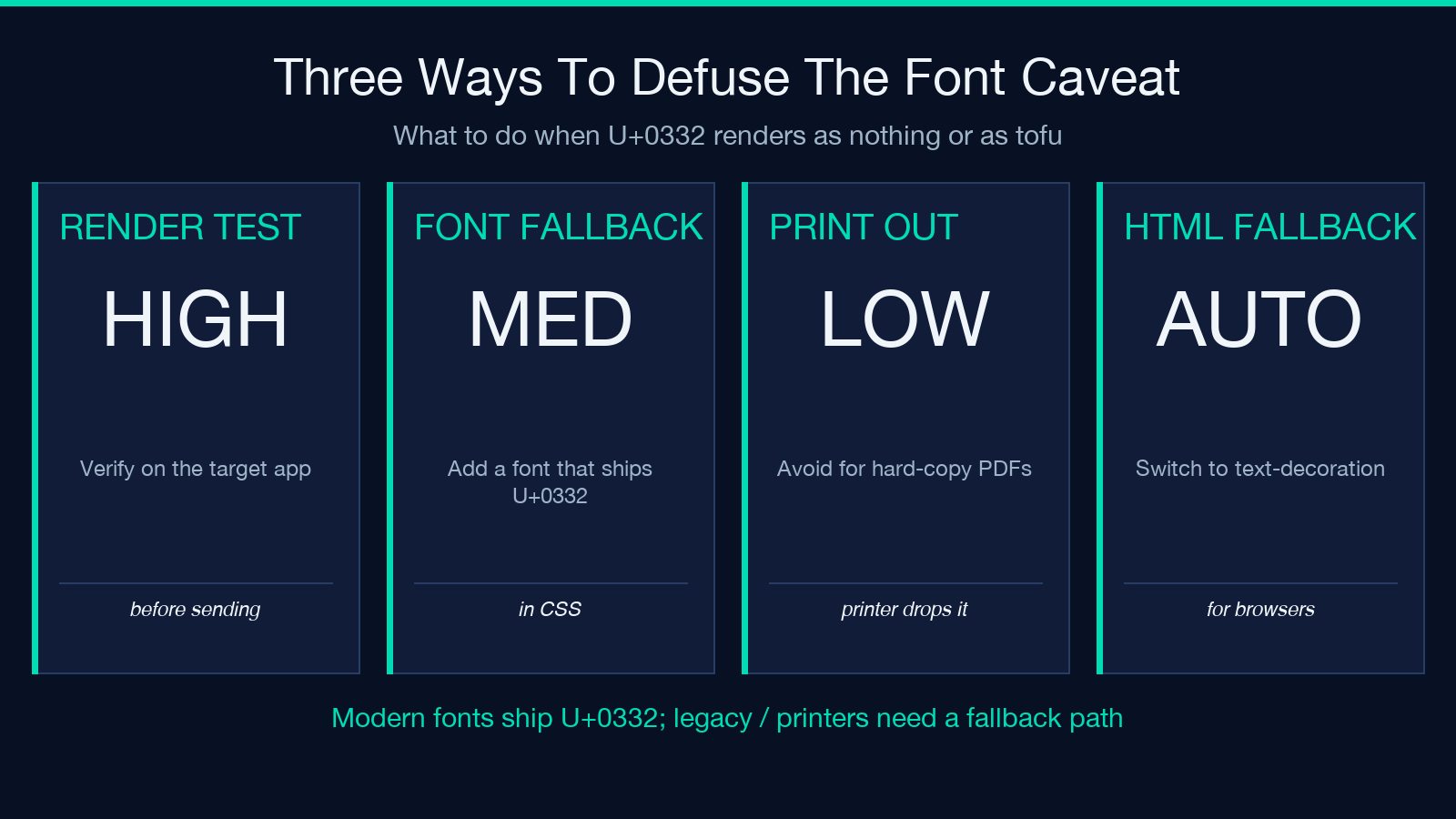
Three ways to defuse the font caveat before publishing underlined text:
- Render-test on the destination platform — paste the underlined text into the target chat app, terminal, or Markdown preview before sending it for real
- Specify a fallback font — in CSS, add
text-decoration: underlineplus afont-familythat you know ships U+0332; this is belt-and-suspenders because the combining mark still survives even if the underline draws over a different font - Avoid the combining mark for hard-copy destinations — print drivers and PDF generators sometimes drop non-spacing marks; switch to a real underline attribute in the source markup before printing
The Underline Text tool does not check the destination font — it just emits the bytes. Visual verification at the destination is your responsibility.
Try it alongside related text-formatting tools
Underline is one of seven or eight typographic-emphasis tools in the same family. Combining marks give you the same plain-text compatibility for several of them: strike-through uses U+0336, double-strike uses U+0333 + U+0332, and overline uses U+0305. The full toolset:
- Underline — U+0332 (this tool)
- Strike-through — U+0336, often paired with underline for crossed-out emphasis
- Overline — U+0305, a bar above the glyph; useful for math notation
- Double underline — U+0333 + U+0332 stacked
- Dotted underline — U+0323 (combining dot below) stacked with U+032D or a custom Unicode
For samples of the codepoints in actual text, see the Hex/Unicode Encoding Format Samples and the Special Characters Samples — both ship raw escape sequences you can drop into a regex or a string-handling test.
For more text-formatting tools that survive the same plain-text-only pipelines, browse the Text Processing category on Elysia Tools.
