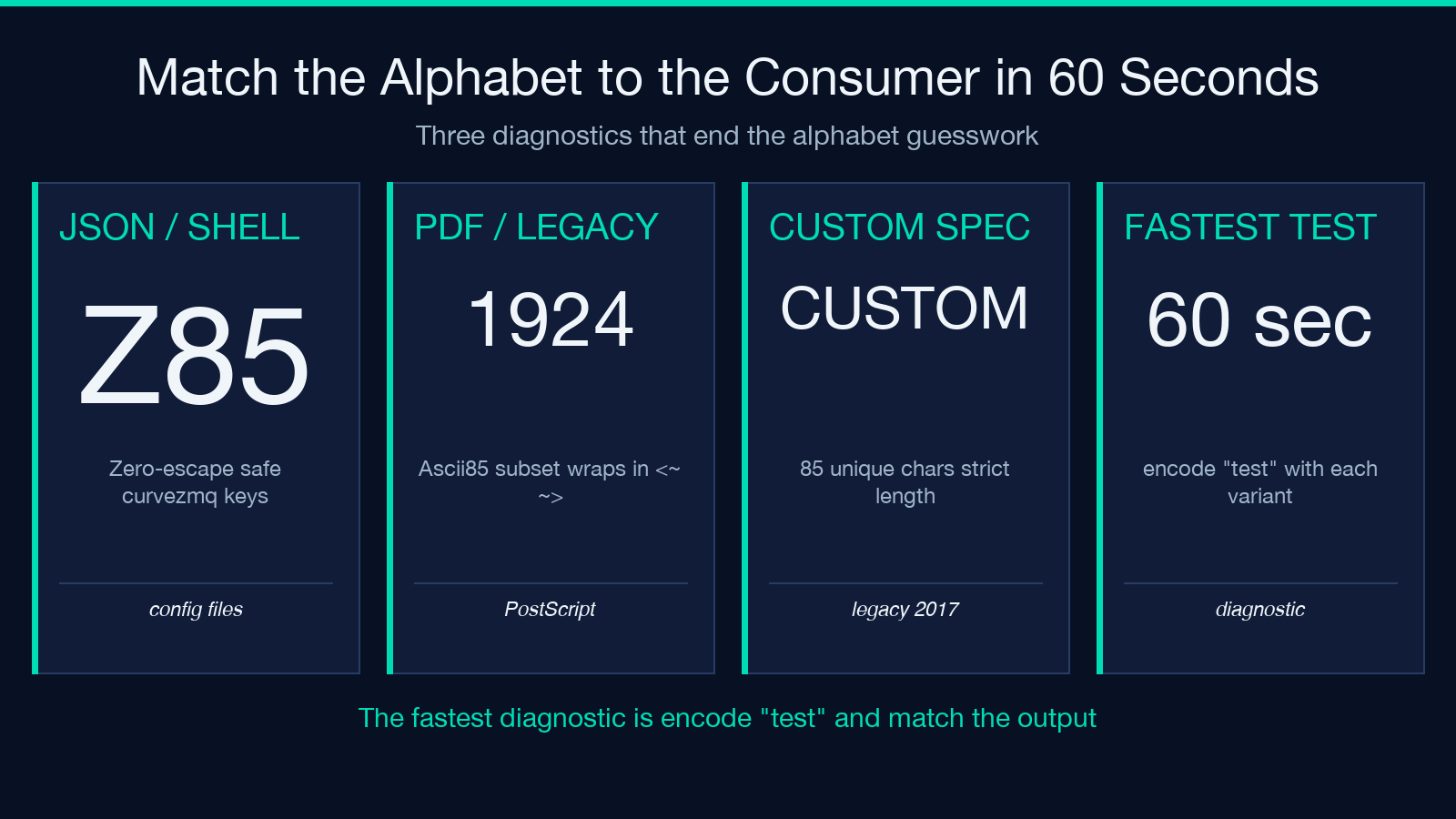
Z85, RFC 1924, and “Base85” are three different alphabets wearing the same name. You encode a 32-byte ed25519 key with the wrong one and your peer silently gets a different key. The Z85 RFC 1924 Base85 Stream Encoder Decoder at Elysia Tools puts all three modes behind one operation flag so you can pick the alphabet that matches your consumer before you ship, not after the integration breaks.
Why Z85, RFC 1924, and Custom Base85 Alphabets Are Not the Same Tool
You have a binary key, a CID, or a curve25519 secret you need to put inside a JSON payload, a URL path, or a config file. You reach for Base64 because everyone knows Base64. Then someone on the team runs a sanity check, the receiver chokes, and you spend an hour figuring out which alphabet the consumer expects. A Base85 family turns 4 bytes into 5 printable bytes instead of Base64’s 3-into-4, which gives you roughly a 7 percent density win. That number sounds small until you are pushing 32-byte ed25519 signatures through a URL fragment every page load, or you are packing IPv6 addresses into RFC 1924 form. The catch is that three popular alphabets float around production code: ZeroMQ’s Z85, RFC 1924’s base85, and “whatever the user pastes in” custom alphabets. Each of them is 85 printable ASCII characters from a different slice of the table. Each one produces a string that is visually similar and structurally incompatible.
What Base85 Actually Means
Base85 is not a single encoding. It is a family of encodings that share two design decisions: use 85 printable ASCII characters and treat the input as a big-endian integer base-85 stream, not as 6-bit nibbles. The 85-character alphabet lands you at exactly 5 characters per 4 bytes, because 85 to the 5th is 4,437,053,125, which is just above 2 to the 32. Any Base85 scheme has to decide which 85 characters to pick, whether padding is required, and how to handle whitespace. Those three decisions sound boring and they are where the silent failures live. Z85 picks one alphabet because the ZeroMQ project needed a string that is safe inside JSON without escaping. RFC 1924 picks a different alphabet because the IETF wanted something that survives copy-paste through email and shells. Custom alphabets pick whatever the spec author wants.
Z85: The ZeroMQ Alphabet
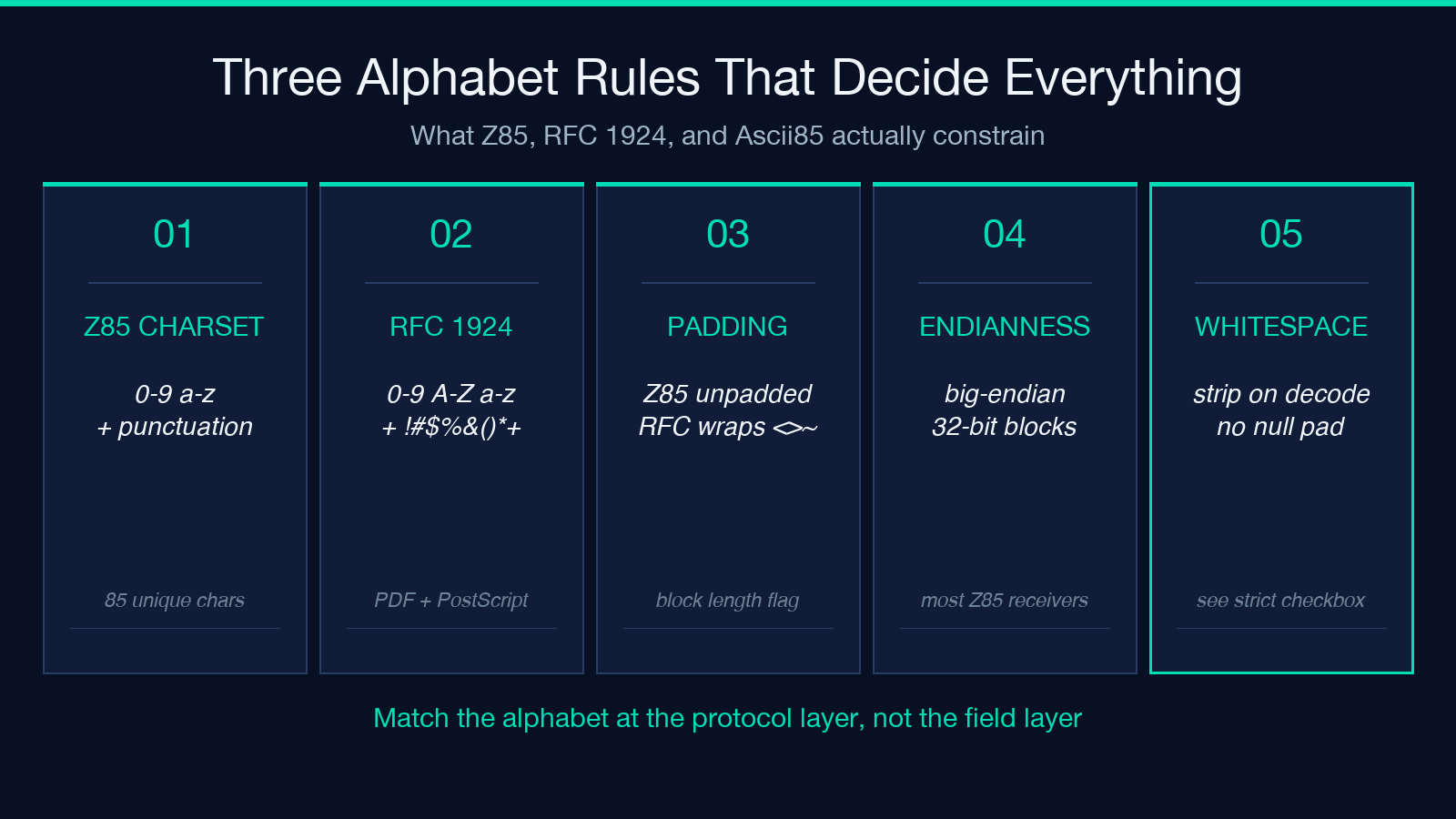
Z85 was defined in the ZeroMQ project around 2013 as part of the curve security layer. The driving constraint was that the encoded string has to survive being placed inside a JSON string literal without any escaping, has to survive being typed on a shell command line without quoting surprises, and has to round-trip without padding because ZeroMQ messages are length-prefixed. The alphabet Z85 picked is the 85 characters from 0 through 9, lowercase a through z, and the punctuation block .-:+=^!/*?&<>()[]{}@%$#. Notice what is missing: no single quote, no double quote, no backslash, no backtick, no space. Z85 does not pad. Decoding a Z85 string back to bytes assumes you know the byte length from context, which is fine for fixed-size cryptographic material and terrible for variable-length text.
RFC 1924 Base85: The IPv6 Alphabet
RFC 1924 was published in 1996 and proposed a base85 encoding specifically for representing 128-bit IPv6 addresses in a printable form. The alphabet is the 85 printable ASCII characters from ! (33) through u (117) minus the quote, backslash, and grave accent, with the underscore added so the alphabet is contiguous. RFC 1924 has never been widely deployed for IPv6 in the wild, because IPv6 addresses ended up with the colon-separated hexadecimal form that everyone already knew. But the alphabet took on a second life in the Ascii85 family, and Ascii85 with the RFC 1924 alphabet shows up in PDF file formats, in PostScript, in git binary patch encoding, and in a handful of serialization libraries. The signature trait of RFC 1924 output is that it uses uppercase letters heavily, often wraps lines at 80 characters, and frequently contains !, <, >, or |.
Custom Alphabets and Input Encoding Together
When the consumer is your own future code or a legacy service that picked an alphabet by accident in 2017, the custom alphabet mode lets you paste in any 85 distinct printable ASCII characters and encode or decode against that alphabet. Two failure modes show up here repeatedly. The first is the wrong-length alphabet: paste 84 characters or 86 characters and the encoder quietly treats every character past position 84 as a position-modulo-85, which produces output that decodes correctly only against the same broken alphabet. The second is duplicate characters: paste an alphabet with a repeated character and the encode map becomes ambiguous. The custom alphabet mode refuses to run if the pasted alphabet is not exactly 85 unique printable ASCII characters, which is the one piece of input validation that catches both failure modes. Pair this with the input encoding selector when the bytes you want to feed in are not ASCII: hex for cryptographic material, Base64 when the source already produced a Base64 string, UTF-8 for human text. The output encoding selector does the same on the way out.
Strict Block Length and the Padding Question
Standard base85 encoders pad the input to a multiple of 4 bytes before encoding, then either keep the padding bytes in the output or strip them with a flag at the end. Z85 refuses to pad at all and assumes the receiver knows the input length. RFC 1924 wraps the output in <~ and ~> delimiters and pads the last partial block. Custom alphabets can do whatever the spec author decides. The strict block length checkbox is the toggle that decides whether the encoder pads the input to a 4-byte boundary. Turn it off and you get Z85-style unpadded output, which round-trips cleanly against the same encoder but produces ambiguous output if the consumer truncates a byte. Turn it on and the output is always a multiple of 5 characters and round-trips through any consumer that supports base85 with padding. The silent failure mode here is mixed-mode ambiguity: encode with strict block length off, decode with strict block length on, and the consumer reads the trailing 1-4 characters as a separate partial block and crashes.
Common Failure Modes and How to Spot Them
Three Base85 failure modes show up often enough to deserve individual callouts. The first is alphabet drift. You encoded with Z85, your peer decoded with RFC 1924, and now everything looks fine because the strings round-trip through Base64, but the binary underneath is garbage. The fix is to fix the alphabet at the protocol level, not at the field level. The second is whitespace handling. Some Base85 implementations ignore whitespace, some treat it as an error, and some pad the input with null bytes until the whitespace is a multiple of 5 characters. The cleanest defense is to strip whitespace before encoding and reject whitespace on decoding. The third is endianness. Base85 is a big-endian encoding. The encoder treats every 4 input bytes as a 32-bit big-endian integer, encodes that integer in base 85, and writes 5 characters. Little-endian inputs produce a different but valid output. If you are feeding in a cryptographic key whose byte order matters for downstream use, double-check whether the consumer expects the bytes in network order or host order before encoding.
When to Use Which Variant
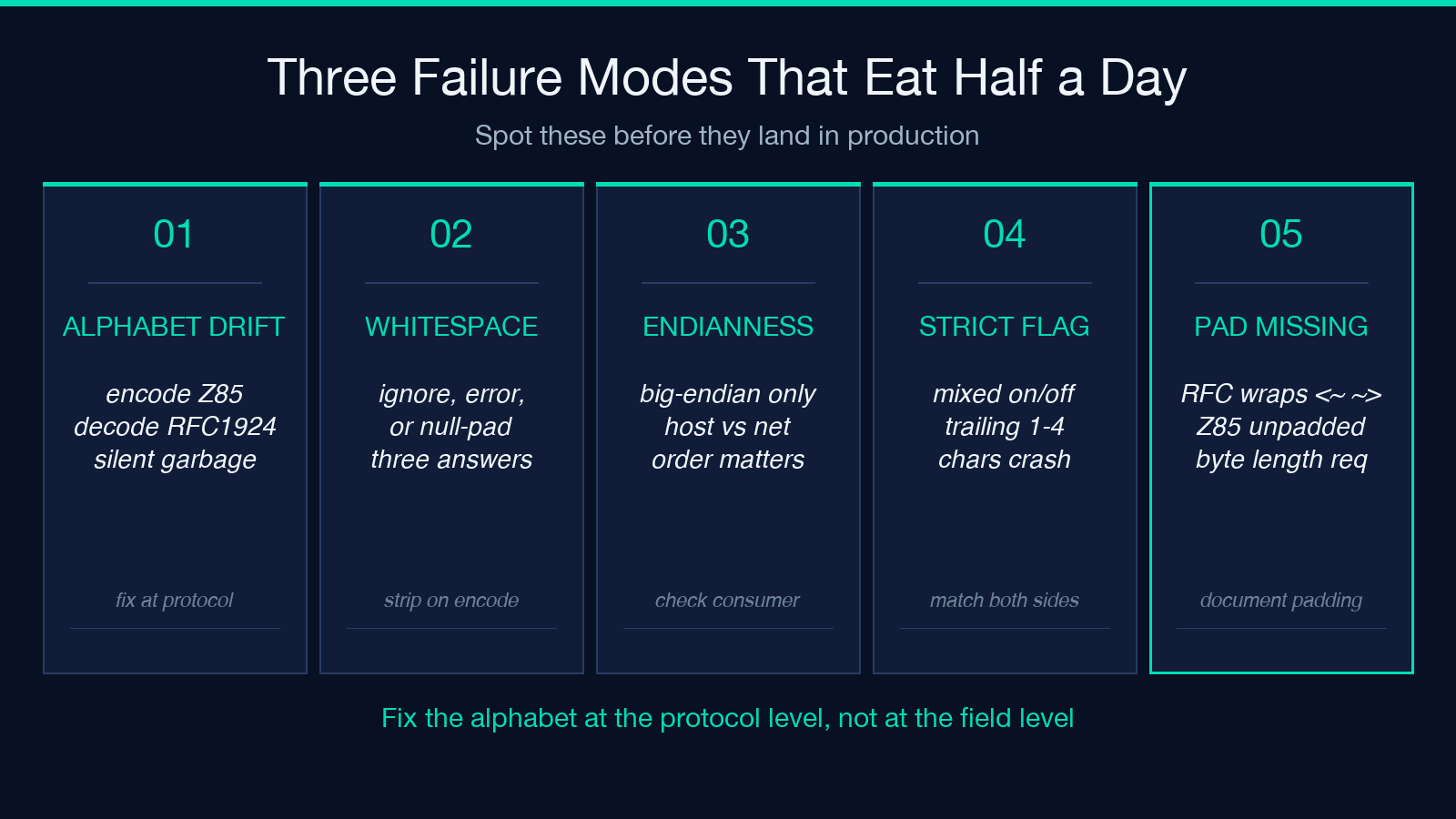
Pick Z85 when the encoded string lands inside JSON, a shell variable, or a config file and you want zero escaping. Pick RFC 1924 when the consumer is a legacy system, a PDF generator, or a tool that documents its base85 alphabet as the Ascii85 subset. Pick custom when you control both ends and the alphabet needs to differ from both of the above for some historical reason. If you are not sure which alphabet the consumer wants, the fastest diagnostic is to encode the 4-byte ASCII string test with each variant and look at the output. Z85 gives a 5-character string from the Z85 alphabet. RFC 1924 gives a 5-character string from the ASCII85 alphabet that includes at least one of !, <, >, or |. Custom gives whatever the alphabet produces. Match the output against the consumer's expected output and you have the answer in under a minute. For a working playground that handles all three modes plus the input and output encoding switches, see the Z85 RFC 1924 Base85 Stream Encoder Decoder. Explore more base conversion tooling at Elysia Tools.