

Six operations turn a raw CSV into a clean, typed, filtered dataset without writing a single parsing script. That sentence is the whole point of the CSV Transformer — a single-page tool that exposes rename, add-column, remove-column, type-convert, calculate, and filter as plain JSON operations you stack into a pipeline. Paste a CSV, paste a list of operations, copy the result. No Python runtime, no pandas import error, no schema inference guessing wrong on the column with the ZIP codes.
The reason the tool earns its keep isn’t the operations themselves — every spreadsheet does those. It’s that the operations are declarative. Each one is a small JSON object you can read, copy, reorder, and diff. That changes what you can do with CSV cleanup, because cleanup stops being a script you write and starts being a recipe you share.
The same six operations show up in spreadsheets, in pandas, in Power Query, and in every ETL tool worth using. The difference is that the CSV Transformer treats them as a list of intents — and once the intents are a list, you can do things spreadsheets cannot do without macro security warnings.
This guide walks through the six operations, shows what each one returns, and lands on the question that determines whether declarative CSV cleanup beats a hand-built script in your workflow. By the end, you will know which operations to use when, which combinations break in subtle ways, and whether the recipe-style approach is worth the swap.
What Each Operation Actually Does
The six operations all take a JSON object with a type field. The type picks the action; the other fields pick the column and the parameters. They run in the order you list them, and the column state at the end of step N becomes the input to step N+1.
| Operation | Type field | Key parameters |
|---|---|---|
| Rename column | rename | column, new_name |
| Add calculated column | add_column | new_column, formula |
| Remove column | remove_column | remove_column |
| Convert data type | convert_type | convert_column, target_type |
| Calculate values | calculate | target_column, expression |
| Filter rows | filter_values | filter_column, operator, value |
The formulas in add_column and calculate reference other columns by name. price * quantity reads both columns from the current row and writes the product into new_column or target_column. Operators in filter_values cover equals, not_equals, greater_than, less_than, contains, and starts_with.
The composition rule is straightforward: later operations see the columns earlier operations produced. If you remove a column on step 3, a formula on step 5 cannot reference it. If you rename price to unit_price on step 1, the formula on step 4 must use unit_price.
Why Order Matters More Than Choice
A pipeline of twelve operations looks like twelve decisions, but it is really one decision: the sequence. Each operation mutates the column set, and the next operation sees the new shape. The most common silent failures come from getting the sequence wrong, not from picking the wrong operation.
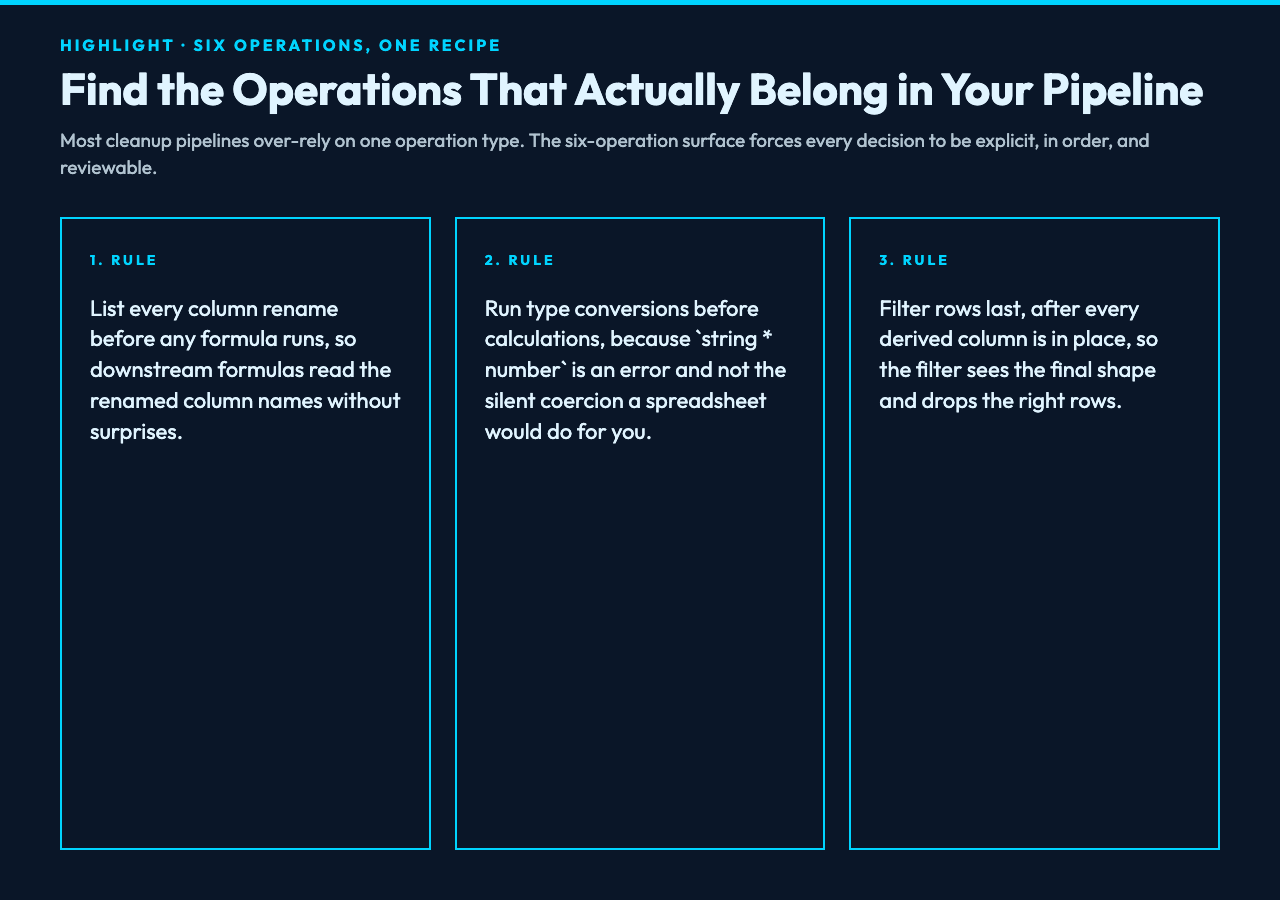
Three rules cover most sequencing decisions. Run type conversions before any formula that reads the converted column, because string * number is an error and not a coercion. Run renames before any formula that uses the renamed column, because the formula parser reads column names from the current state. Run filters after every derived column is calculated, so the filter sees the final column shape.
The reverse of those rules also holds. There is no benefit to converting types after a calculation that does not need the converted type. There is no benefit to renaming after the last formula that reads the old name. Filters before the last calculation are almost always wrong, because they cut rows that downstream calculations would have needed.
A Real Pipeline: Cleaning an Order Export
Take a CSV exported from a legacy order system. Three columns need renaming, one needs type conversion, two derived columns need to be added, and finished orders should drop out before the file lands in the warehouse.
The input has columns cust_id, ord_dt, qty, unit_px, tax_pct, and status. The desired output has customer_id (string), order_date (ISO date), quantity (integer), unit_price (number), tax_rate (number), subtotal (number, quantity unit_price), tax_amount (number, subtotal tax_rate), and only rows where status is not cancelled.
The recipe:
[
  {"type": "rename", "column": "cust_id", "new_name": "customer_id"},
  {"type": "rename", "column": "ord_dt", "new_name": "order_date"},
  {"type": "rename", "column": "qty", "new_name": "quantity"},
  {"type": "rename", "column": "unit_px", "new_name": "unit_price"},
  {"type": "rename", "column": "tax_pct", "new_name": "tax_rate"},
  {"type": "convert_type", "convert_column": "quantity", "target_type": "number"},
  {"type": "convert_type", "convert_column": "unit_price", "target_type": "number"},
  {"type": "convert_type", "convert_column": "tax_rate", "target_type": "number"},
  {"type": "convert_type", "convert_column": "order_date", "target_type": "date"},
  {"type": "add_column", "new_column": "subtotal", "formula": "quantity * unit_price"},
  {"type": "add_column", "new_column": "tax_amount", "formula": "subtotal * tax_rate"},
  {"type": "filter_values", "filter_column": "status", "operator": "not_equals", "value": "cancelled"}
]
Twelve operations, all in the order they need to run. Each one is small enough to read in one glance and the whole recipe fits on three lines of formatted JSON.
The conversion order matters: the formulas on steps 10 and 11 multiply numbers. If quantity is still the string "3" when the formula runs, the multiplication produces an error, not a silent zero. Type conversions must come before any formula that reads those columns. This is the single most common pipeline failure.
The filter at the end shows why ordering matters in the other direction: if you filter before calculating subtotal, you skip rows that would have produced valid subtotals. Filter last, after every column you care about is already there.
Where the Recipe Format Pays Off
The CSV Transformer is documented on Elysia Tools, and the documentation makes the case for recipes more cleanly than any spreadsheet can. Three properties make recipes worth the swap:
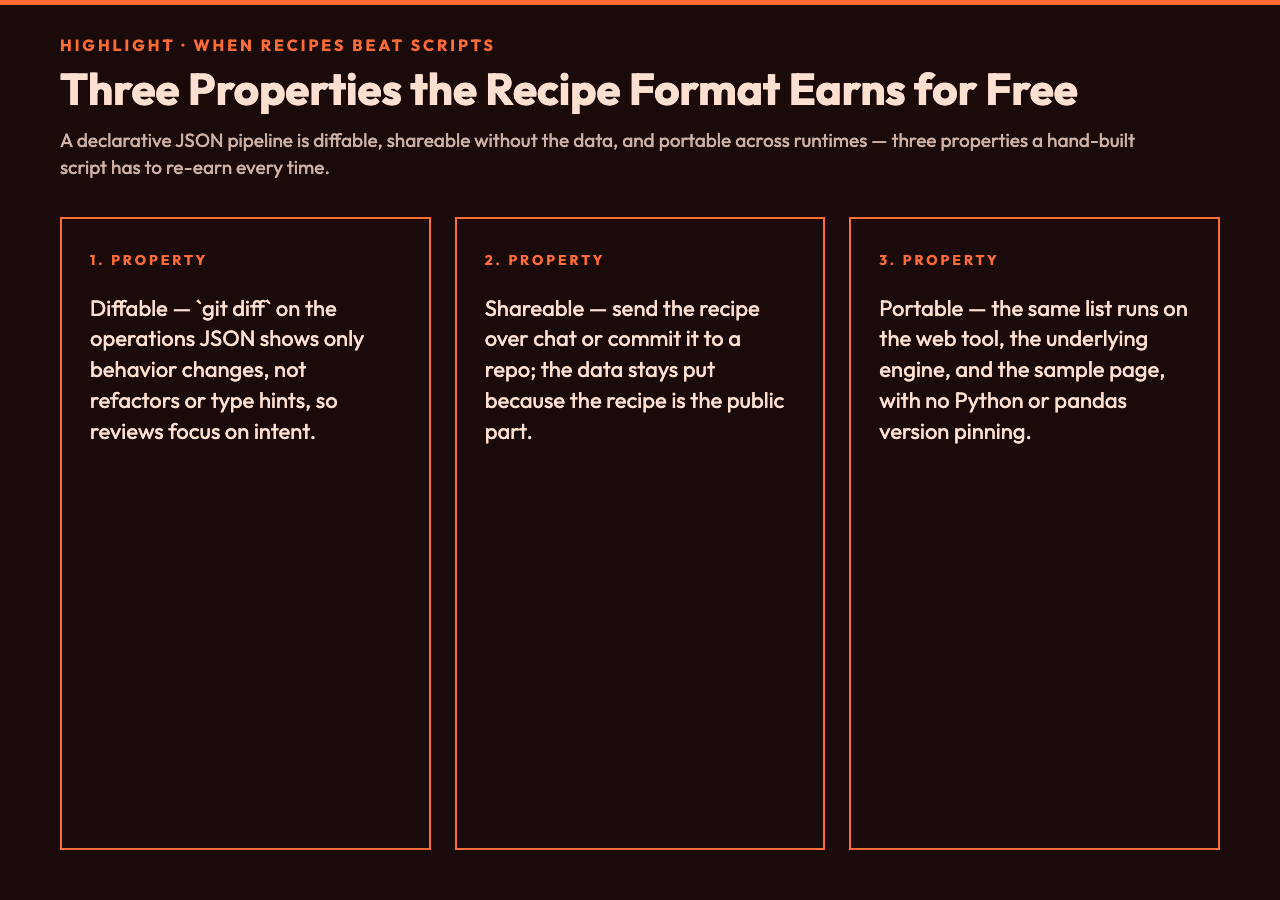
The recipe is diffable. A git diff on the operations array shows exactly what changed between the version that ran last Tuesday and the version that runs today. The same diff on a Python script shows line noise — comments, refactors, type hints — that obscures the actual behavior change.
The recipe is shareable without credentials. Send the operations JSON over Slack, paste it into a wiki, commit it to a repo. The data is the sensitive part; the recipe is the public part. Spreadsheets cannot separate the two — sharing a .xlsx means sharing the data.
The recipe is portable across runtimes. The same operations list runs on the CSV Transformer web page, on the underlying TypeScript engine, and on the CSV samples page where you can validate the output without writing a single line. Compare that to a pandas script that requires a specific pandas version, a specific Python version, and the absence of any import-time side effects.
Common Pipeline Failures and How to Catch Them
The audit pattern is the same regardless of which tool does the cleanup: check that every column the formula references exists at that point in the pipeline. The CSV Transformer’s JSON contract makes this explicit because the columns list is enumerable.
The most expensive failure is the silent type promotion. A column with 1, 2, 3 looks numeric until the file lands with the value 1,000 — and now convert_type to number produces an error on the comma-formatted value. The defensive recipe is to scan the column for thousands separators first, normalize them to plain digits, and then convert.
The second most expensive failure is filter ordering. Filter on the wrong step and you either drop rows you needed (calculating on a subset) or keep rows you should drop (filtering after a calculation that depended on filtered-out values). The rule is simple: filter last unless you have a measured reason to filter earlier, and write that reason in a comment if your tool supports comments in the recipe.
The third failure is formula name collision. If you rename price to unit_price and later add_column with formula: "price * quantity", the formula references a column that no longer exists. The error message is clear when you read it carefully — unknown column 'price' — but most pipelines report the error on the line where the formula lives, not on the line where the rename happened. Trace column lineage forward from the rename, not backward from the formula.
Testing a Recipe Without Risking Real Data
The right test harness for a recipe is a small CSV with the worst-case values for each column. Put 1,000, 1.000, 1.000.000, and 1 000 into a numeric column and confirm the pipeline handles all four — or, more likely, fails the same way each time, which is the second-best outcome.
Run the recipe on the test data, copy the result, diff against the expected output. The diff should show only the column values you expected to change. Anything else is a signal that an upstream operation mutated state you did not anticipate. The same test harness catches the silent type promotion failure because the test column deliberately includes values that fail the conversion.
Validate the recipe on a sample file before committing it to a weekly batch run. The CSV samples page provides controlled inputs that exercise common quirks — mixed line endings, embedded quotes, leading-zero ZIP codes, and dates in three different formats. A recipe that handles those four quirks will handle almost any production export you can throw at it.
Saving a Recipe for the Next Run
The CSV Transformer accepts the operations JSON as a single string, which means the recipe travels with the data file if you keep them side by side. The pattern is straightforward: drop a pipeline.json next to orders-2026-09.csv, and the next person who needs to rerun the cleanup has both pieces without searching a wiki.
Store the recipe in version control alongside the data dictionary that documents the expected column names. When a column is renamed upstream — say, cust_id becomes customer_external_id — the diff shows exactly which operations need updating. Without the versioned recipe, the same rename produces a silent failure on the next run, because every formula references a column that no longer exists.
The operations JSON is small enough that archiving a month of recipes takes less space than a single CSV file. That is the operational property that turns declarative cleanup from a one-off experiment into a repeatable workflow.
When Declarative Beats a Hand-Built Script
The CSV Transformer is the right tool when the recipe fits in one screen, when the same pipeline runs on data that changes shape between runs, and when someone other than the original author needs to read or modify it. It is the wrong tool when the cleanup needs joins across files, when the formulas reference external lookups, or when the pipeline has more than twenty operations.

For most operational data cleanup — the kind a finance team runs at month-end, the kind a marketing analyst runs on a weekly export, the kind an engineer runs on a log file before forwarding it to a dashboard — the recipe fits, the recipe reads, and the recipe shares. The script that does the same work usually has more lines of imports and error handling than actual transformation logic.
The operations list is also a checkpoint you can review. A colleague reading the JSON can confirm the pipeline matches the team’s data dictionary without running anything. The same colleague reading a Python script has to trace variable names, function calls, and control flow to reach the same conclusion — and they will reach a different conclusion on Tuesday than they reached on Monday.
Try the recipe pattern with one of your regular cleanup jobs. Start with the columns you always rename, the type conversions you always make, and the filter that always drops the same rows. The first recipe is the slowest; every recipe after that is a fork of the first, with the changes documented in the diff. Whether you use the CSV Transformer directly or build your own version on top of the same six operations, the question is whether declarative cleanup beats a hand-built script. In most workflows, the recipe is the answer.
If your next step is a cleanup that touches more than one file, the recipe approach gets thinner — joins and lookups are not first-class operations, and the workaround is to fold the lookup into the data first. That is the boundary where a real script earns its keep again. The point is that the boundary exists, and you will know when you cross it.
