# 7 Free Interactive Math Visualizations That Make Abstract Concepts Actually Click
You got a positive result on a 99%-accurate medical test. You have a 1-in-1,000 chance of having the disease. How worried should you be?
Most people would answer: very. The test is nearly perfect, after all.
The statistically correct answer: about a 9% chance. The other 91% are false positives.
This single counter-intuitive result — which you can verify with a free interactive tool in about thirty seconds — captures exactly why formulas on a page fail to teach intuition. Math notation is built for precision, not comprehension. And the seven tools in this article do what textbooks cannot: they let you touch the math directly, drag the variables, and feel the concept snap into place.
1. Bayes’ Theorem: Why a Positive Test Might Not Mean What You Think
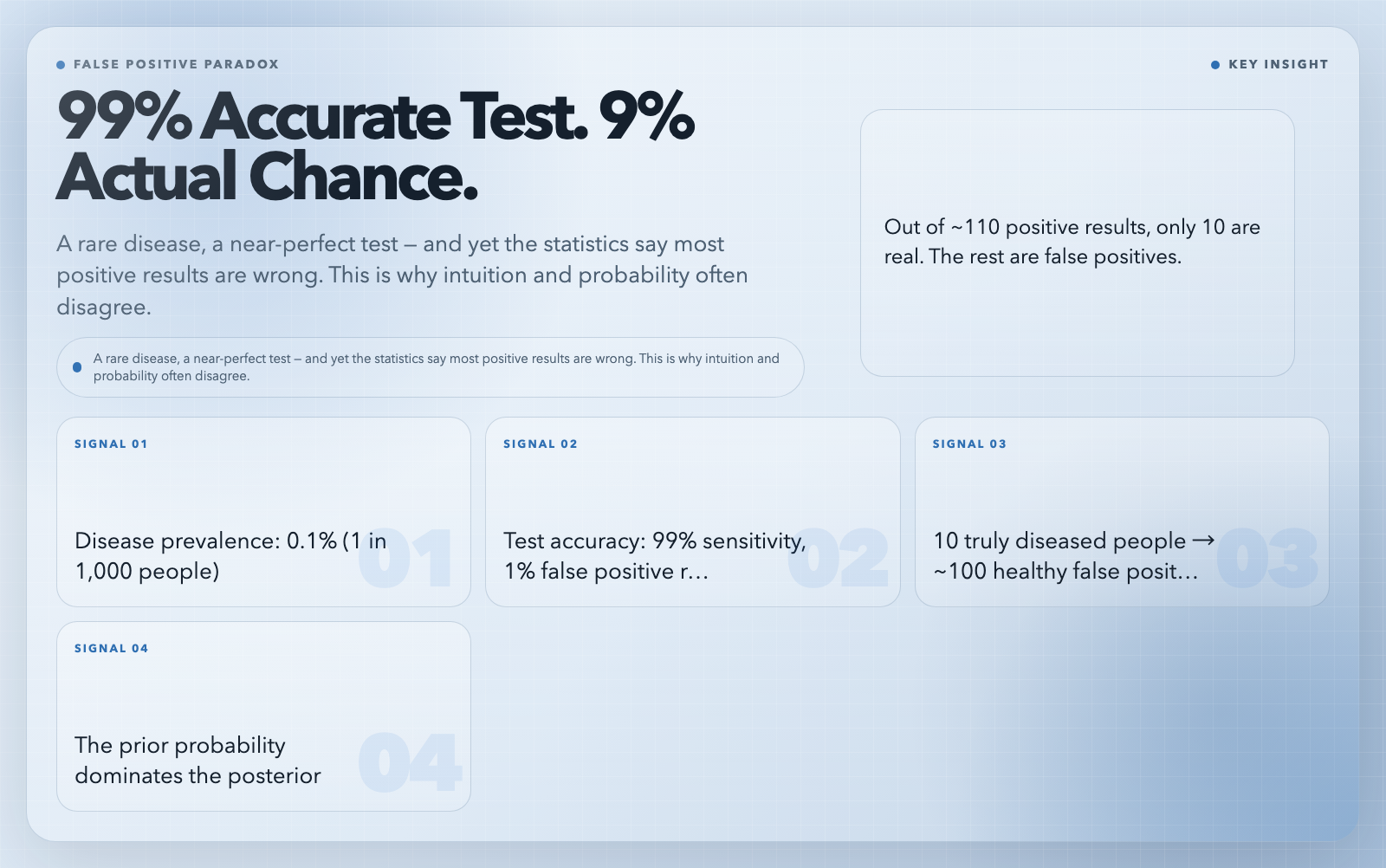
A medical test for a rare disease is 99% accurate. You test positive. The doctor sounds concerned. How worried should you be?
Most people’s intuition: very. The test is nearly perfect, after all.
The correct answer: not very — at least, not automatically. Here’s why. If the disease affects 0.1% of the population (1 in 1,000 people), then out of 10,000 tested people, only about 10 actually have the disease. Those 10 will almost all test positive. But out of the 9,990 healthy people, about 100 will also test positive (1% false positive rate). So of the ~110 positive results, only 10 are real. That’s roughly a 9% chance you actually have the disease even with a “99% accurate” test.
This is called the false positive paradox, and it flows directly from Bayes’ theorem. The key insight: your updated belief (the posterior probability) depends heavily on your prior belief (how rare the disease is). A positive result on a rare disease is statistically more likely to be a false positive than a true positive.
The interactive Bayes’ Theorem visualization lets you drag sliders for disease prevalence, test sensitivity, and false positive rate — and watch the posterior probability update in real time. Run the 10,000-person simulation visually, with each dot representing a person and how they fall into the four test-result categories. Once you’ve seen the population scatter and recompute, the paradox never catches you again.
2. Fourier Series: How Circles Draw Squares
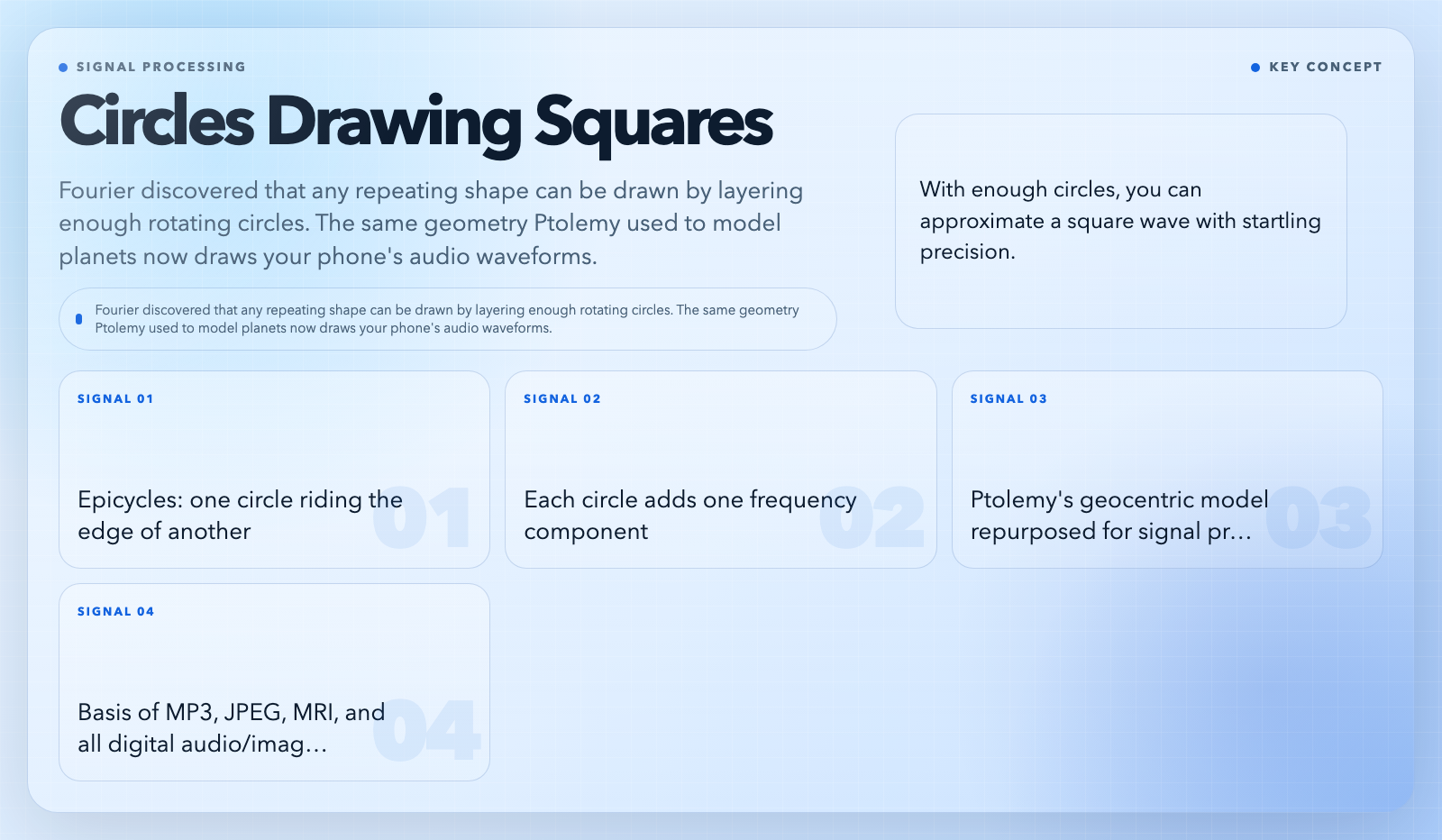
In the 19th century, Joseph Fourier made a claim that seemed almost magical: any repeating shape — a square, a triangle, a jagged spike — can be drawn exactly by layering enough simple waves on top of each other.
He was right. And watching it happen is one of the most satisfying things in mathematics.
A sine wave is just a circle projected sideways. Fourier stacked circles rotating at different speeds: a big circle, a smaller circle on its rim, an even smaller circle on that rim, and so on. The endpoint traces an increasingly complex path. With enough circles, you can approximate a square wave with startling precision. These are called epicycles, and they have a storied history — Ptolemy used the same geometry to model planetary motion, and Copernicus later deployed it to demolish the geocentric model. The same math that mapped the solar system now draws every waveform your phone processes.
The Fourier Series visualization lets you switch between square waves, sawtooth waves, and your own hand-drawn curves. Drag the number-of-terms slider from 1 to 50 and watch the approximation sharpen in real time. The epicycles animation shows exactly how each rotating circle contributes to the final shape. Once you’ve seen a square wave emerge from spinning circles, JPEG compression, audio processing, and MRI imaging feel less like magic and more like mechanics you could explain at a dinner table.
3. Bézier Curves: The Math Behind Every Font and Animation
Every smooth curve in Adobe Illustrator, every font on your screen, every animated logo that eases gracefully between two positions — these are all built on Bézier curves. Pierre Bézier developed them at Renault in the 1960s for car body design, and they’ve been the backbone of vector graphics ever since.
The concept is elegant: define a few control points, and the curve computes itself by repeatedly interpolating between them. In a cubic Bézier (the most common type), you have four points. The algorithm draws intermediate points by averaging adjacent points at a parameter t going from 0 to 1, repeating this averaging layer by layer. This is the de Casteljau algorithm — numerically stable, predictable, and responsible for every scalable curve in digital design.
What makes Bézier curves powerful is their mathematical predictability. The curve always stays inside the convex hull of its control points. It passes through its first and last control points. It transforms correctly under rotation or scaling. That predictability is why vector graphics scale infinitely without pixelation — and why your fonts look crisp on a watch face and a highway billboard simultaneously.
The Bézier Curves visualization lets you drag control points for linear, quadratic, cubic, and higher-order curves. Watch the parameter t animate and see the intermediate interpolation points illuminate along the construction lines. It makes both the geometry and the algorithm visible at once — which is rare, and useful.
4. Double Pendulum: Why Tiny Differences Explode into Total Chaos
A double pendulum — two weights connected by rods, swinging freely — is one of the simplest physical systems that exhibits deterministic chaos. Run it twice with nearly identical starting conditions, and the trajectories will diverge exponentially. After enough time, they look completely unrelated.
Not because of randomness. Because the system is so sensitive to initial conditions that microscopic differences become macroscopic ones within seconds. Launch two pendulums differing by just 0.001 radians — less than the width of a human hair — and watch them start in sync, then diverge, then trace paths that look entirely unconnected.
This is the butterfly effect, and it’s not a metaphor. It’s mathematics. At low energy (small angles), the motion is nearly periodic and predictable. Push it harder and it becomes quasi-periodic, then fully chaotic. The system never quite repeats, yet conserves energy perfectly. The phase space plot reveals structure hiding beneath the apparent randomness.
The Double Pendulum visualization includes a butterfly effect demo that launches three pendulums simultaneously with that 0.001-radian difference. Watch them start together and go to completely different places. The phase space tab shows the energy-conserving structure in a way that static textbook diagrams never could.
This isn’t merely a curiosity. The same mathematics governs weather prediction, fluid turbulence, and certain economic models. The double pendulum is the clearest, most tactile introduction to why long-range forecasting is fundamentally limited.
5. Law of Cosines: The Pythagorean Theorem’s Overachieving Older Brother
The Pythagorean theorem — a² + b² = c² for a right triangle — is one of the few formulas most adults remember. The Law of Cosines generalizes it to any triangle:
c² = a² + b² − 2ab·cos(C)
When C = 90°, cos(C) = 0 and you get the Pythagorean theorem as a special case. When C < 90°, cos(C) is positive, so the term −2ab·cos(C) slightly reduces c². When C > 90° (an obtuse triangle), cos(C) is negative, making −2ab·cos(C) actually increase c² — the opposite side grows longer than it would in a right triangle.
This formula solves any triangle where you know three measurements: two sides and the included angle (SAS), or all three sides (SSS). These are problems the Pythagorean theorem can’t touch, and the Law of Cosines handles all of them with one clean expression.
The Law of Cosines visualization includes a step-by-step proof that derives the formula from the Pythagorean theorem by dropping an altitude and equating two expressions for the height. It walks through each algebraic step — from h² = a² − x² and h² = c² − (b−x)², through solving for x, to introducing cos(C) and simplifying. Drag any vertex and watch the formula verify itself in real time across acute, right, and obtuse triangles.
6. Cellular Automata Rule 30: Complexity That Emerges from Absolute Simplicity
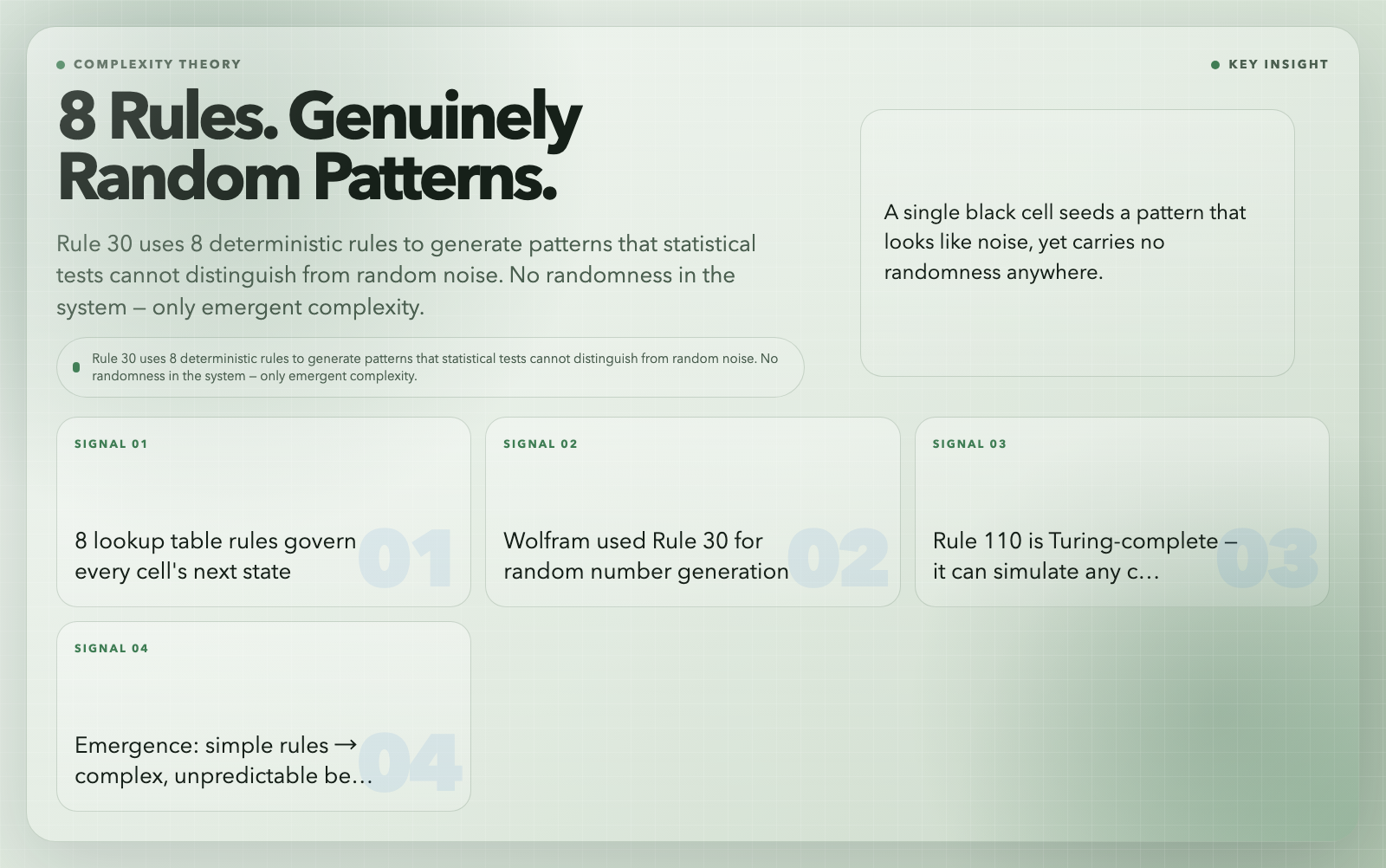
In 1983, Stephen Wolfram was cataloging the behavior of simple computational systems when he stumbled on something that shocked him. He defined a cellular automaton as a row of cells, each either black or white, evolving in discrete time steps according to a fixed rule. Each cell’s next state depends only on its current state and its two neighbors. That’s the entire system. Eight rules total.
Rule 30 is one of 256 possible rules, defined by this lookup table:
| Left | Center | Right | Next |
|——|——–|——-|——|
| 1 | 1 | 1 | 0 |
| 1 | 1 | 0 | 0 |
| 1 | 0 | 1 | 0 |
| 1 | 0 | 0 | 1 |
| 0 | 1 | 1 | 1 |
| 0 | 1 | 0 | 1 |
| 0 | 0 | 1 | 1 |
| 0 | 0 | 0 | 0 |
Start with a single black cell in a field of white. Apply Rule 30. Repeat. You get a pattern that looks genuinely random — triangular, complex, statistically indistinguishable from the output of a random process — yet generated by nothing but these eight deterministic rules. No randomness anywhere.
Wolfram called this emergence: complex, unpredictable behavior arising from trivially simple rules. He was so surprised by Rule 30 that he used it as the basis for random number generation in Mathematica. Later, he built an entire 1,200-page book (A New Kind of Science, 2002) around the claim that the universe itself might run on similar local rules.
The Cellular Automata Rule 30 visualization lets you initialize the grid however you like, step through generations one at a time or run continuously, and also explore Rule 110 — which was proven Turing-complete in 2000, meaning it can simulate any computation any computer can perform. You can watch a single black cell seed the iconic triangular pattern, and see how Rule 110 generates propagating structures that establish its computational universality.
Why Bother With Any of This?
Each of these six visualizations targets a conceptual wall that students hit when learning mathematics. The false positive paradox breaks intuitions about probability that persist into adulthood. Epicycles demystify signal processing and show why MP3 encoding works. Bézier curves explain why scalable fonts are possible. The double pendulum makes chaos theory tangible rather than abstract. The Law of Cosines bridges the geometry you know with the general case you never learned. Rule 30 shows that complexity doesn’t need complex rules.
What they share is a design principle: interactivity builds intuition that passive reading cannot. When you drag a vertex and watch the formula verify itself in real time, or when you launch three nearly-identical pendulums and watch them go to completely different places, the math stops being a string of symbols and starts describing something real.
The tools behind all six visualizations are free, run in any browser, and require no signup. Bayes’ theorem shows up in medical diagnostics and spam filters. Fourier analysis underpins every digital file you’ve ever opened. Bézier curves render every website you visit. Chaos theory limits every weather forecast. The Law of Cosines powers GPS trilateration. Cellular automata connect pure mathematics to biology, physics, and computer science.
These aren’t abstract academic concepts. They’re the infrastructure of the world you live in — and now you can touch them directly.
The question is which one you’ll explore first.