8 Free Statistics Calculators That Do the Work Your Textbook Skipped
You know the feeling. You read a chapter on hypothesis testing, nod along, close the book — and then sit in front of a spreadsheet with no idea where to start.
The concepts aren’t the hard part. Statistics concepts are often surprisingly intuitive once you see them applied. The hard part is the math between the concept and the answer.
These eight calculators eliminate that friction. Paste in your numbers, get a real result. No sign-up, no spreadsheet, no manual formula lookup.
#
1. Standard Deviation Calculator
Standard deviation answers one question with surprising reach: how spread out is this dataset?
A low value means numbers cluster tight around the mean. A high one means they’re scattered. Two mutual funds can show identical average returns but completely different risk profiles. Two classrooms can have the same average test score but wildly different consistency. Standard deviation is often the first number analysts calculate — and one of the most revealing.
This tool accepts raw numbers in almost any format (comma, space, or newline separated) and calculates either sample standard deviation (n-1, for when your data is a slice of a larger population) or population standard deviation (n, for a complete dataset). Set your decimal precision and it handles the rest.
Use it when: describing data spread in a report, comparing consistency across groups, or checking whether outliers are skewing your averages.
Try it → Standard Deviation Calculator
#
2. Variance Calculator
Variance is standard deviation squared. That sentence is both true and almost useless until you see it in action.
When you square each distance from the mean before averaging, you penalize large deviations much more heavily than small ones. This makes variance a measure of volatility — it amplifies outliers. It also happens to be the foundational number that almost every more advanced statistical method builds on: ANOVA, regression, t-tests, all start with variance.
One practical note: variance is reported in squared units. If you’re measuring reaction time in milliseconds, variance will be in square milliseconds. That number is meaningless on its own — which is why analysts usually report standard deviation instead. But variance is the necessary input for many statistical procedures, and knowing what it is matters.
Use it when: computing ANOVA, preparing inputs for regression, or working through a statistical proof that requires variance as an intermediate step.
#
3. Z-Score Calculator
A z-score translates any value into the language of standard deviations. A z-score of 2.0 means a data point sits two standard deviations above the mean. A z-score of -1.5 means it’s 1.5 standard deviations below.
Once everything is expressed in these units, you can compare values from entirely different distributions. A score of 620 on the SAT and a score of 175 on the LSAT mean nothing against each other directly. But once both are converted to z-scores, you can immediately see which represents a stronger relative performance.
This calculator works two ways. Give it a full dataset plus a raw value, and it calculates mean, standard deviation, and z-score automatically. Or enter mean and standard deviation manually — useful when you’re working from summary statistics rather than raw data.
Use it when: comparing scores across different scales, identifying unusually far data points, or interpreting standardized test results.
#
4. Confidence Interval Calculator
A confidence interval is an honest answer.
When you calculate the average handling time for customer support tickets, you’re working from a sample. The true population mean is unknown — and pretending otherwise is where a lot of business analysis goes wrong. A 95% confidence interval says: based on this sample, I’m 95% confident the true average falls between X and Y.
That’s a range, not a point estimate. And that’s the point. A range communicates uncertainty accurately rather than hiding it.
This tool calculates confidence intervals using the standard error and critical z-value. You can set any confidence level — 90%, 95%, 99% — depending on how much certainty your analysis requires.
Use it when: reporting survey results, presenting sample-based estimates to stakeholders, or writing research where you need to acknowledge sampling error rather than obscure it.
Try it → Confidence Interval Calculator
#
5. Correlation Calculator
Correlation measures one thing precisely: do two variables move together?
The output is Pearson’s correlation coefficient (r), ranging from -1.0 (perfect inverse relationship) to +1.0 (perfect direct relationship). A value near 0 means no linear relationship at all.
A real example: ice cream sales and drowning deaths both spike in summer. They’re strongly correlated. Does ice cream cause drowning? No. A hidden variable — hot weather — drives both. This is why analysts always follow correlation with the question: *why might these be connected?*
But as a first step in any data exploration, correlation tells you which relationships are worth investigating further. This calculator takes two lists of numbers and returns r, along with a clear interpretation of the strength and direction.
Use it when: exploring relationships in a new dataset, checking multicollinearity before regression, or explaining to a stakeholder why two metrics move together.
Try it → Correlation Calculator
#
6. T-Test Calculator
The t-test answers one of the most common questions in data analysis: is this difference real?
Your new checkout flow converts at 4.2%. The old one converted at 3.8%. Is that 0.4 point gap statistically significant, or could random variation have produced it? The t-test outputs a p-value — the probability of seeing this difference by chance if the true conversion rates were actually equal.
This calculator handles both one-sample t-tests (comparing a sample mean to a known value) and two-sample t-tests (comparing two groups directly). It returns the t-statistic, degrees of freedom, and p-value — the three numbers that tell you whether to reject the null hypothesis.
Use it when: running A/B tests, analyzing pre/post experiments, or evaluating whether a treatment group meaningfully differs from a control group.
#
7. ANOVA Calculator
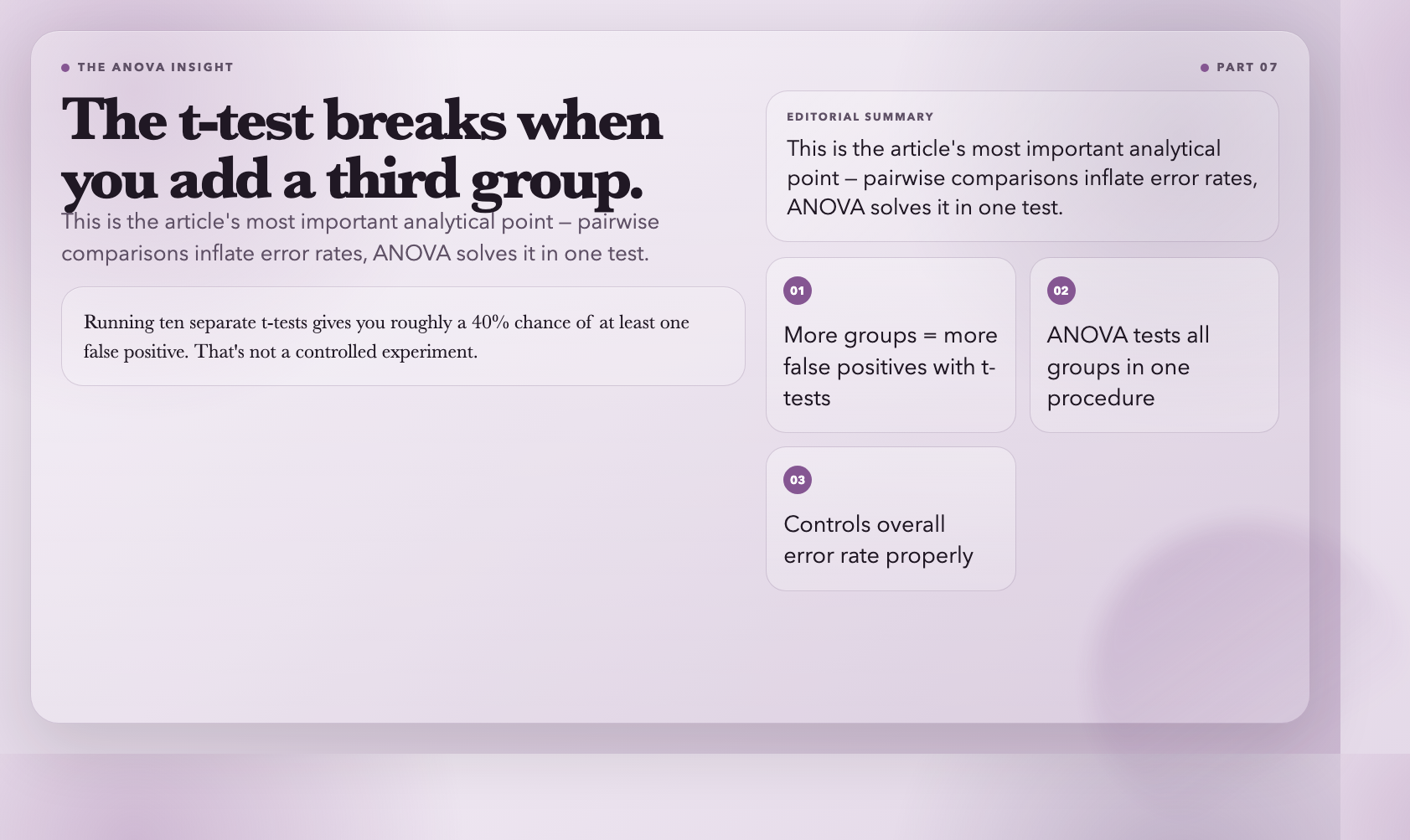
ANOVA — Analysis of Variance — solves a problem the t-test can’t: comparing more than two groups without inflating your error rate.
Say you’re comparing customer satisfaction across five pricing tiers. Running ten separate t-tests (one for each pair) would give you roughly a 40% chance of at least one false positive — not a controlled experiment, just noise. ANOVA tests whether *at least one* group mean differs from the others, controlling the overall error rate in a single procedure.
This tool runs one-way ANOVA: one categorical grouping variable (region, traffic source, product tier) and one continuous outcome (revenue, satisfaction score, session duration). It outputs the F-statistic and p-value, along with a breakdown of between-group and within-group variance.
Use it when: comparing three or more groups, running multi-variant experiments, or analyzing datasets where pairwise comparisons would inflate your false positive rate.
#
8. Normal Distribution Calculator
The normal distribution is the backbone of classical statistics. Heights, IQ scores, measurement errors, SAT results — all approximately normal. Once you know a distribution is normal (or close enough), you can make precise probabilistic statements about where values fall.
This calculator works in both directions. Enter a z-score and it returns the cumulative probability — the area under the curve to the left of that point. Enter a probability and it returns the corresponding z-score. It also calculates percentile ranks and the probability of falling between any two z-scores.
This is the tool behind a lot of common interpretations: what percentile is a SAT score of 1280? What test score puts you in the top 10%? How likely is a measurement error greater than 2 standard deviations?
Use it when: interpreting standardized test scores, setting grading curves, estimating tail risks, or checking whether your data approximates a normal distribution before running parametric tests.
Try it → Normal Distribution Calculator
#
Closing
These eight tools cover the most commonly needed calculations in applied statistics. They won’t teach you theory — nothing replaces understanding what you’re doing and why. But they remove the math that stops most people from starting. Paste in numbers, get a real result.
The question textbooks rarely answer is what happens when your data breaks the assumptions these tests require. That’s where the real work begins.