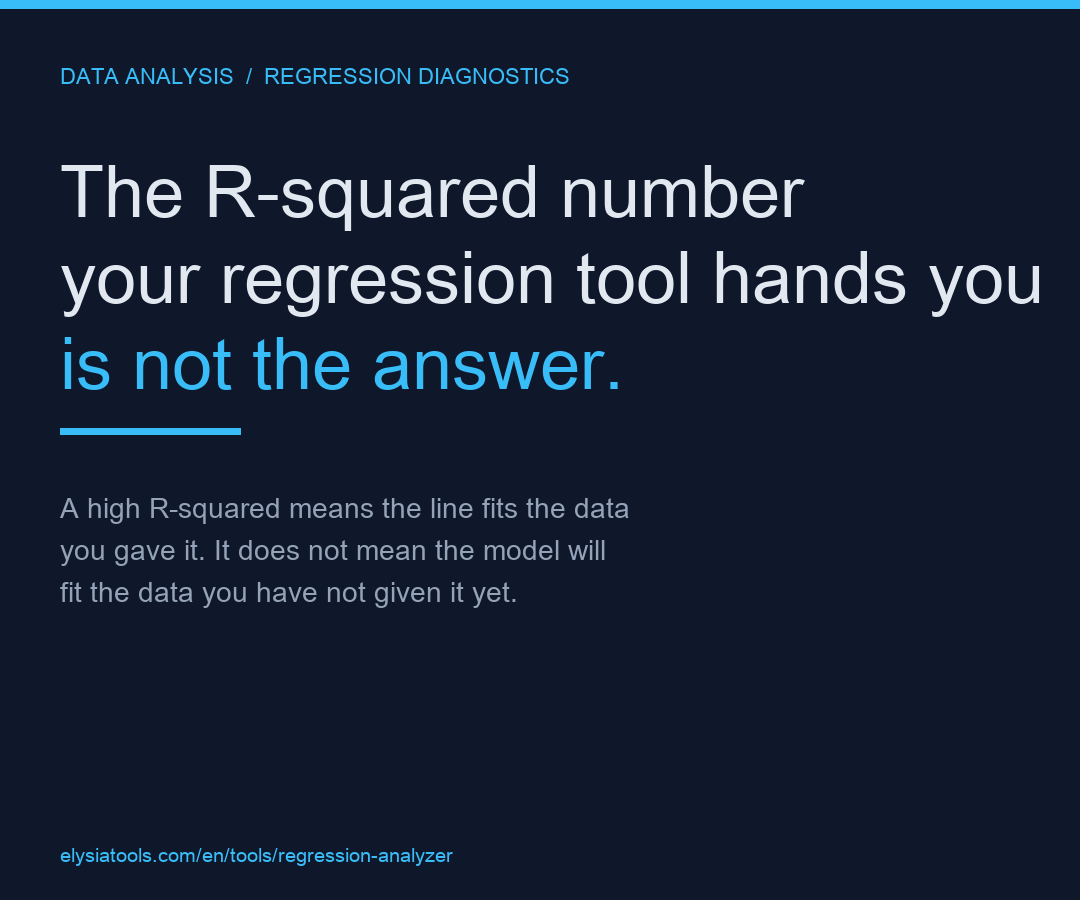
You ran a regression. The tool handed back a tidy block of numbers: a slope, an intercept, an R-squared, a p-value. The R-squared sits at 0.94, the p-value is below 0.001, and the chart shows your scatter points hugging a clean diagonal line. It feels like the answer. It is not the answer. It is the first paragraph of an answer, and the rest of the answer is almost always where the model is quietly lying to you.
This is the piece most regression tutorials skip. They show you how to fit a line and how to read the coefficient. They do not show you the four ways a perfectly good-looking line can still be a bad model. We will walk through each one with the diagnostics that catch it, the small CSV you would paste into a tool to reproduce it, and the exact field on the output panel you should look at before you trust the prediction.
What the regression report usually shows you
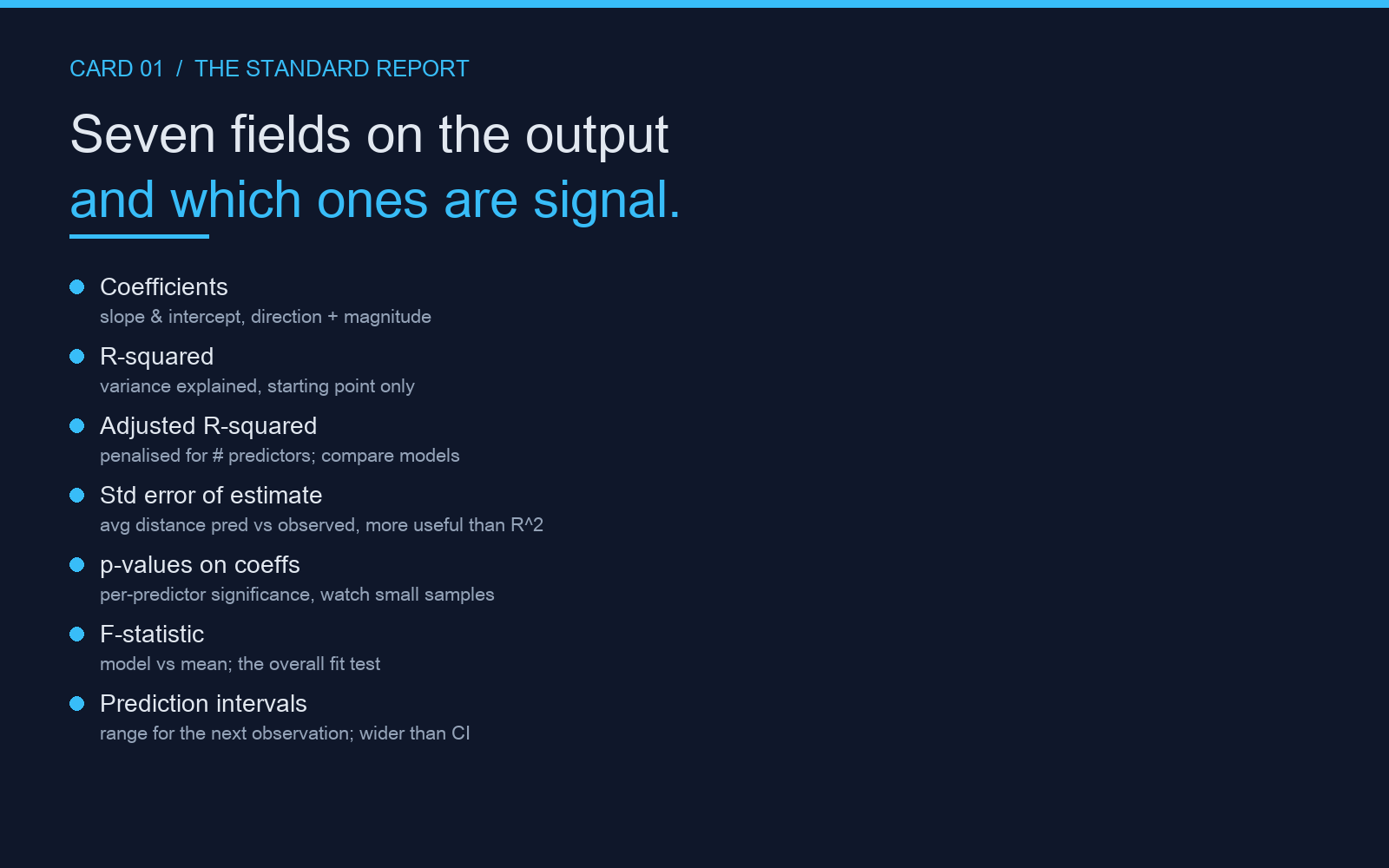
A standard linear regression report contains more than the headline numbers. Most tools, including the Regression Analyzer on Elysia Tools, expose the same set of fields and it pays to know which ones are signal and which ones are decoration.
- Coefficients — the slope and intercept. Read these for the direction and magnitude of the effect.
- R-squared — the fraction of variance explained. Useful only as a starting point.
- Adjusted R-squared — R-squared penalised for the number of predictors. The right number to compare models of different sizes.
- Standard error of the estimate — the average distance between the predicted and observed values. Often more informative than R-squared.
- p-values on coefficients — whether each predictor is individually significant. Beware multiple-testing corrections on small samples.
- Residual standard error and F-statistic — overall model fit; the F-test answers whether the model as a whole beats the mean.
- Prediction intervals — the range the next observation is expected to fall in. Wider than confidence intervals by construction.
The naive read is “R-squared is high, p-value is low, ship it”. The careful read checks the residuals first. If the residuals have structure, your model is wrong in a way that R-squared cannot see.
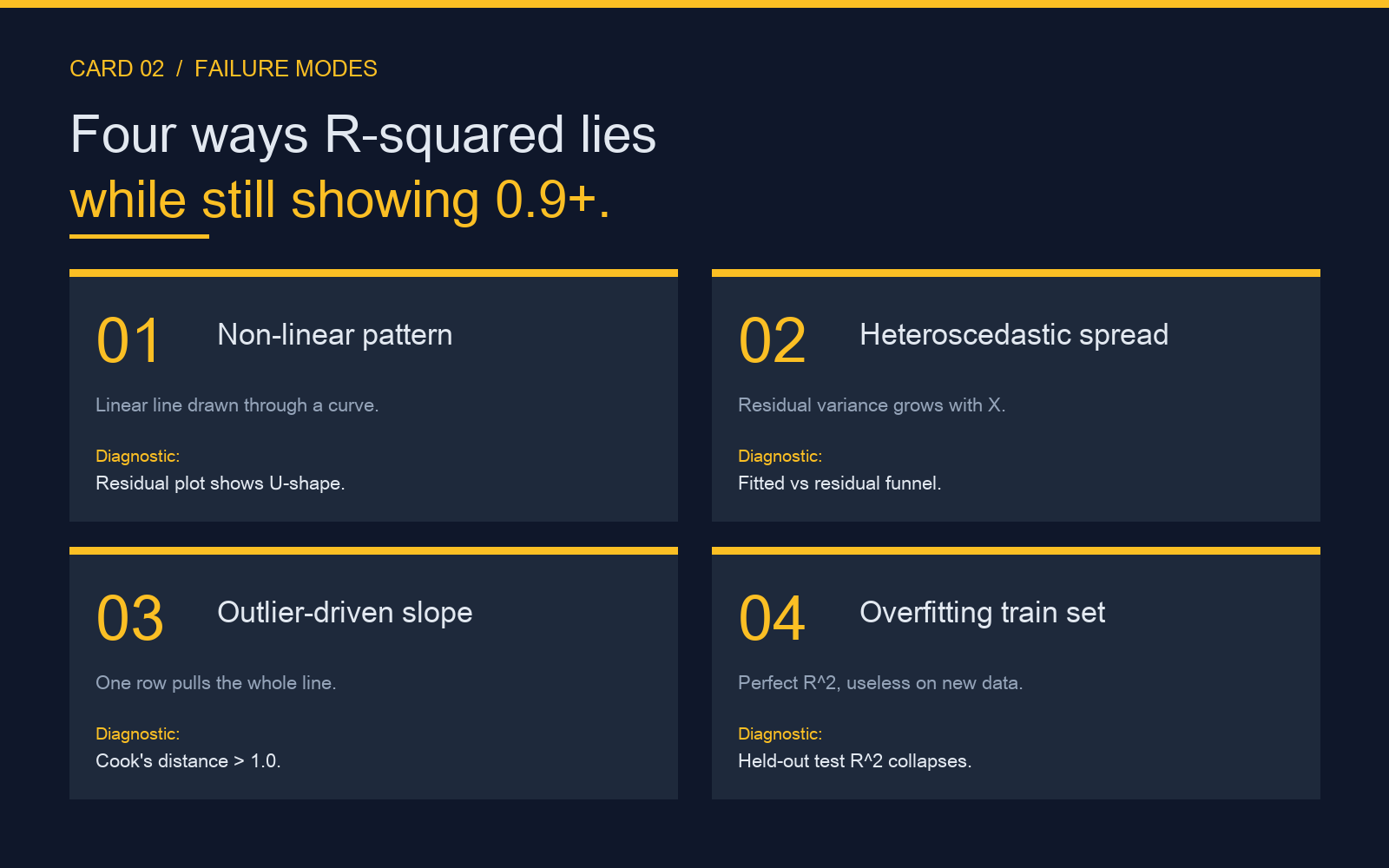
The four failure modes hiding behind a clean R-squared
These are the four patterns that show up in real CSV files. Each one produces an R-squared above 0.9 and a model that should not be trusted. The detection column is the diagnostic that catches it; the fix column is what to do about it.
What to look at before you trust the prediction
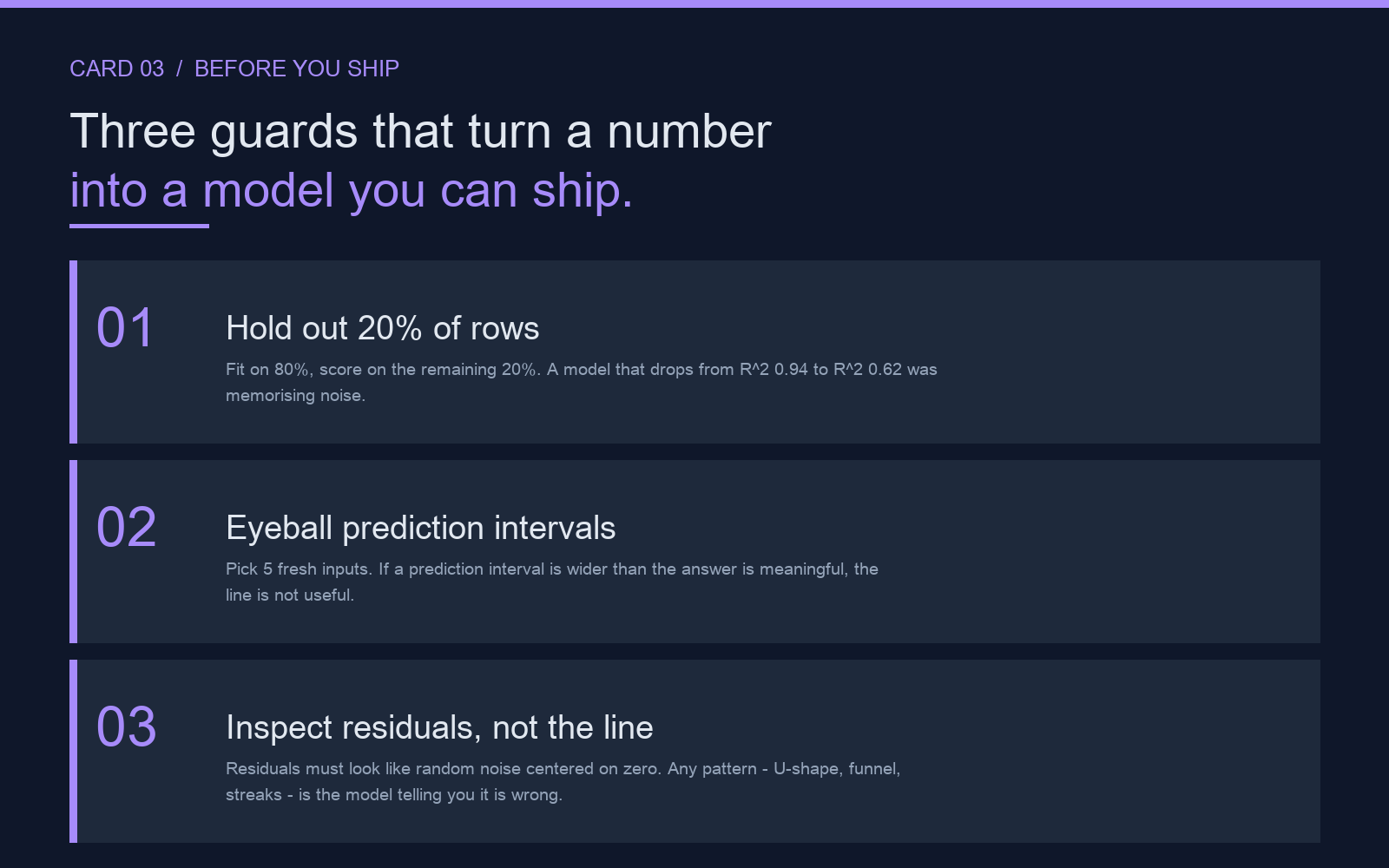
Once the model passes the four checks above, you are allowed to trust its predictions. Before you do, run the three guards below. They are the difference between a regression that works on the training data and a regression that works on the next row of data you have not seen yet.
If you only remember one thing from this walkthrough, make it this: R-squared measures how well your line fits the data you gave it, not how well it will fit the data you have not given it yet. The four residual checks, the prediction-interval eyeball test, and the held-out split are what turn a number on a screen into a number you can ship. The full diagnostic suite — residual plots, outlier flags, confidence intervals, prediction intervals, standardised coefficients — lives at the Regression Analyzer page on Elysia Tools, and you can paste any two-column CSV straight into the tool to reproduce the patterns above.
For adjacent tools that pair well with a regression run, the Correlation Analyzer gives you the pairwise matrix before you commit to a model and the Outlier Detector flags the rows that will distort your coefficients long before they hit your training set. Explore more tools at elysiatools.com.
A high R-squared is the loudest number in a regression report, and it is the least useful one on its own. The model that wins your dataset on R-squared alone may be quietly memorizing noise, hiding heteroscedastic residuals, or making predictions a factor of two wide of the truth. Spend the five minutes it takes to inspect residuals, outliers, confidence intervals, and a held-out test split before you trust the line you just drew. Try the full diagnostic suite at Regression Analyzer.