You will load 142.5 kg before you ever load 145 kg
If you have ever stood in front of a rack trying to load a barbell to a target weight and felt like the bar was mocking you, here is the hard truth: most calculators will not give you 142.5 kg. They will give you 140 kg — or, on a bad day, 142.5 kg as 20 + 20 + 10 + 5 + 1.25 + 0.5 + 0.25 plates per side, which is a six-plate per-side combination nobody on the planet uses. The naive answer is almost always wrong, and the Barbell Plate Load Calculator on Elysia Tools is built around three decisions that make it right.
The hook matters because barbell loading is a tiny real-world version of the classic coin-change problem. The number of plates per side is small (typically under seven), but the inventory of available plates is what determines whether the answer is feasible at all. And most lifters run the bar in a fixed inventory: 25s, 20s, 15s, 10s, 5s, 2.5s, 1.25s in kilograms, or the same shape in pounds, and sometimes a 0.5 kg micro-plate for the obsessive. Get the inventory wrong and the calculator hands you an answer that requires equipment you do not own.
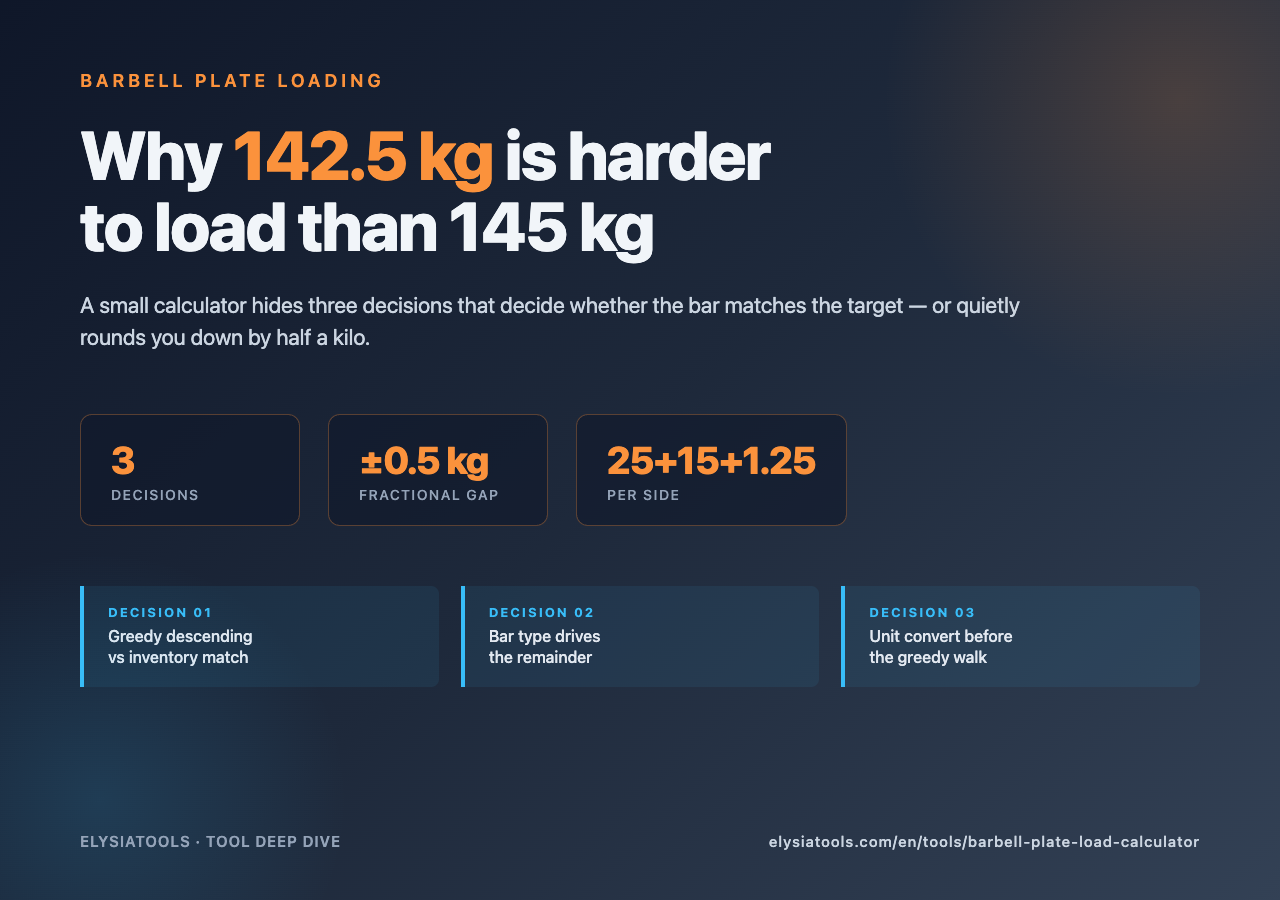
Decision 1: greedy descending is wrong when 2.5 kg micro-plates exist
The textbook algorithm walks plate inventory from heaviest to lightest, peeling the largest plate that fits without overshooting, and repeating until the per-side remainder is zero. For 100 kg on a 20 kg Olympic bar with the standard [25, 20, 15, 10, 5, 2.5, 1.25] inventory, the per-side target is (100 − 20) / 2 = 40 kg, and the greedy walk returns 25 + 15 per side. So far so obvious.
Now ask for 102.5 kg. Greedy: per-side target 41.25 kg, take 25, remainder 16.25, take 15, remainder 1.25, take 1.25 — done. Answer: 25 + 15 + 1.25 per side, three plates each. Reasonable.
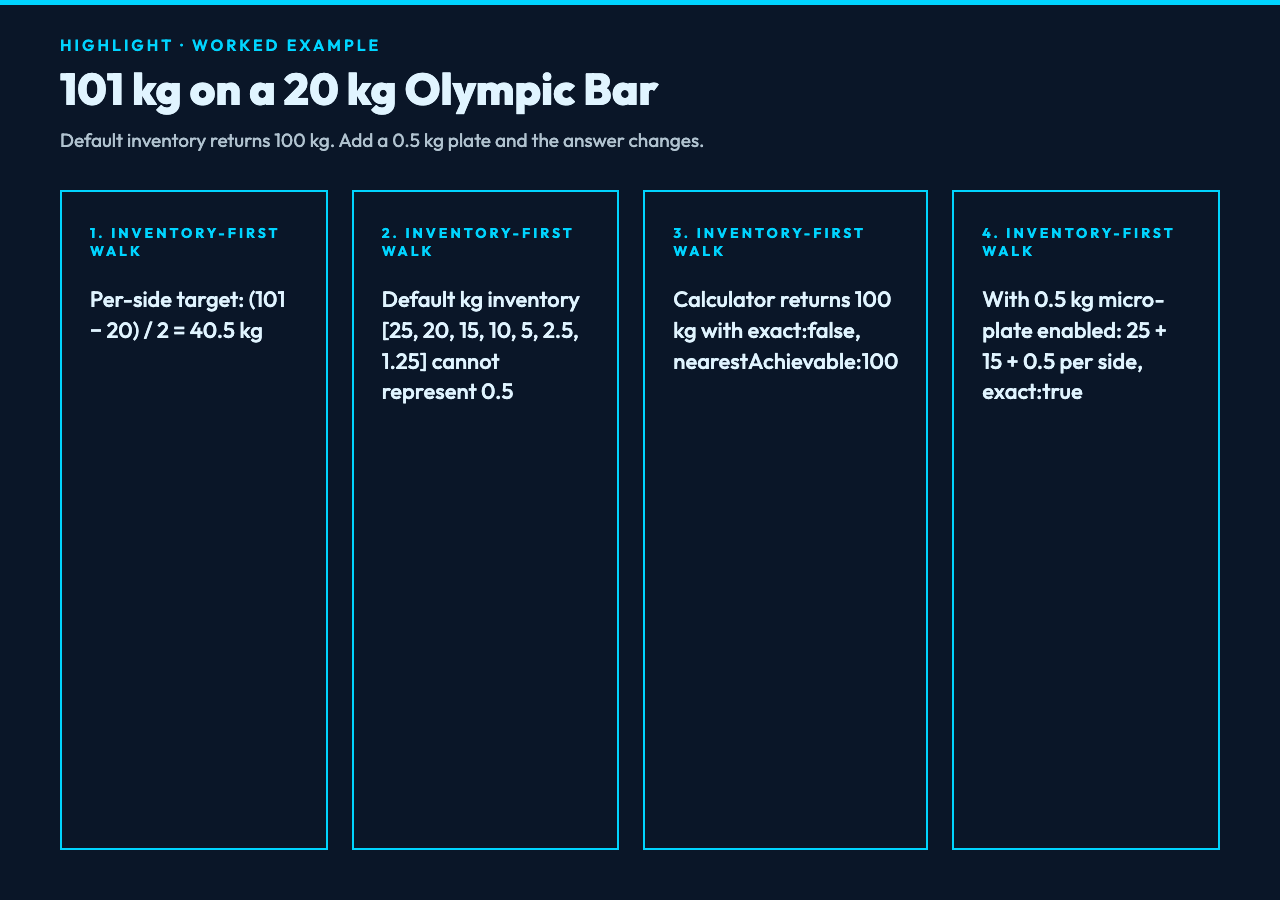
Now ask for 101 kg. Per-side target 40.5 kg. Take 25, take 15, remainder 0.5. The greedy algorithm fails. The standard 2.5/1.25 inventory cannot represent 0.5 kg per side, so the calculator has to fall back to either under-shooting (return 100 kg as the closest reachable weight) or expanding the inventory with the 0.5 kg micro-plate. The Barbell Plate Load Calculator exposes this exact case as a configurable inventory JSON option: paste in your gym’s actual plate set, and the greedy walk adapts. Without micro-plates it returns 100 kg. With the 0.5 kg plate enabled it returns 25 + 15 + 0.5 per side.
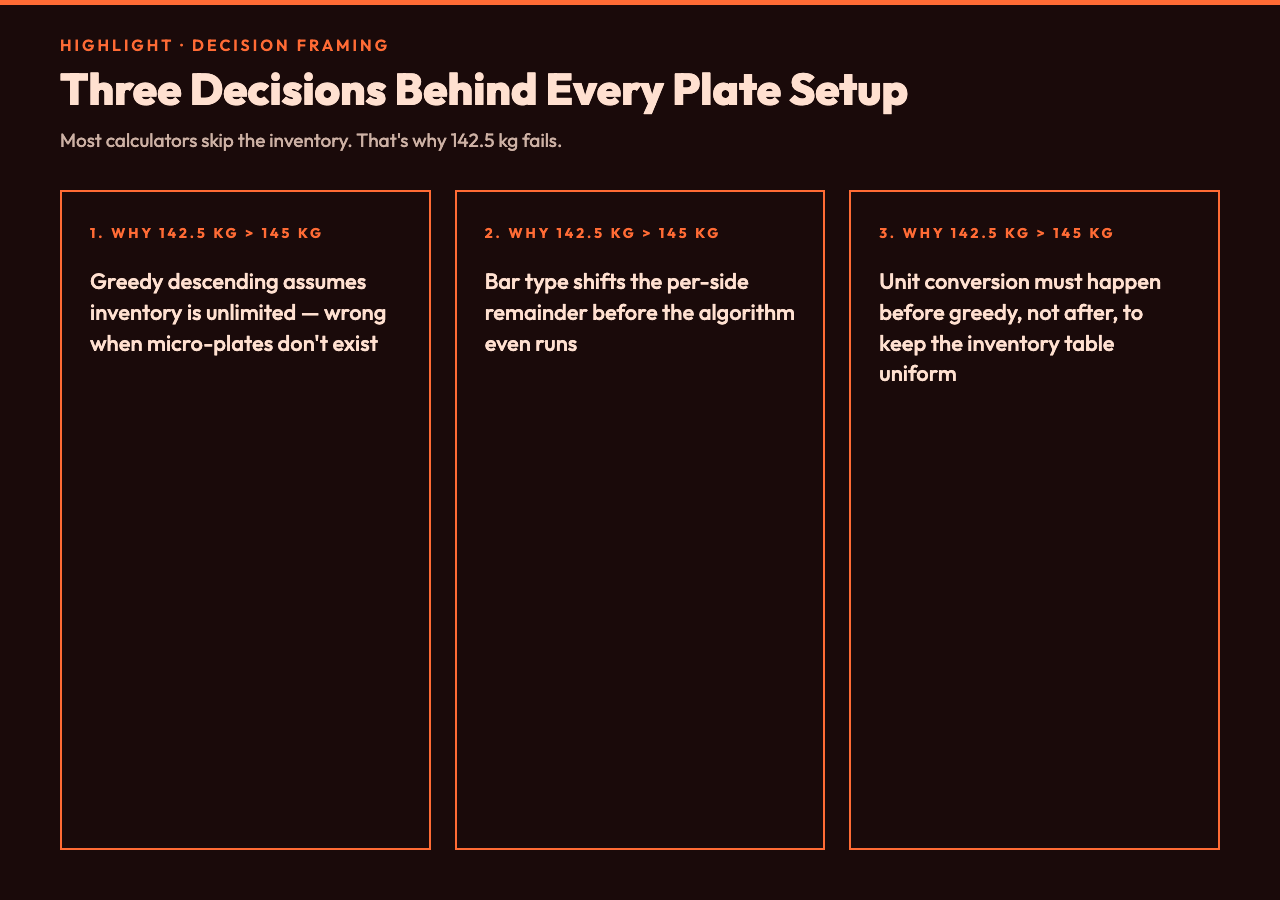
This is the first decision the calculator makes for you, and it is the one most hand-rolled plate loaders get wrong: they assume the inventory, then assert a zero remainder. The right structure is configure inventory first, then run greedy, then check the remainder. Reversing the order is the source of every “it says 142.5 kg but the gym only has 20 kg plates” support ticket.
Decision 2: the bar type drives the remainder, not the target weight
The default assumption is an Olympic 20 kg men’s bar, and most calculators hard-code that. The problem: a women’s bar is 15 kg, a technique bar is 7 kg, and any home gym with a York or CAP stainless bar is almost certainly running a 20 kg bar. Multiply the bar weight by dozens of training sessions per month and the difference between 15 kg and 20 kg is a couple of hundred kilos of “extra work” your shoulders did not sign up for.
The calculator treats bar weight as a configurable barbellType enum, plus a free-form custom bar weight field for anything outside the standard three. If you train at a hotel gym with a 10 kg travel bar, you can put in 10 kg and the per-side target shifts accordingly. For 100 kg target, 10 kg bar, per-side target becomes (100 − 10) / 2 = 45 kg, and the greedy walk now lands on 25 + 20 per side — a four-plate setup that nobody on a 20 kg bar would ever encounter.
This is the second decision, and it is a quiet but compounding one. The difference between a 15 kg women’s bar and a 20 kg men’s bar at the same nominal “60 kg warm-up” is the difference between 22.5 kg per side (one 20 + one 2.5) and 20 kg per side (two 10s, or one 20). Same plates, different effective load. The calculator makes the bar an explicit input so this gap is visible.
Decision 3: lb vs kg is a unit conversion that has to happen before greedy, not after
The third decision is the one that breaks implementations that try to be too clever. Some plate calculators accept a target in either kg or lb and run the greedy walk in the unit the user typed in. That works for round numbers but breaks at fractional values: 225 lb on a 45 lb Olympic bar gives a per-side target of 90 lb, which the standard US plate set handles cleanly (45 + 45 per side). But ask for 230 lb and you are now in fractional territory: 92.5 lb per side, and most US gyms only carry 45/35/25/10/5/2.5 lb plates, so the remainder is 0. The standard 45 lb bar plus a 0.5 lb micro-plate exists but is rare. Without micro-plates the calculator returns 225 lb. With them it returns 45 + 45 + 2.5 + 0.5.
The robust pattern — what the Barbell Plate Load Calculator does internally — is to convert to a canonical base unit (kilograms) before running the greedy walk, not after. That keeps the inventory table uniform regardless of the user’s input unit, and it means the same greedy code path serves both kg and lb inputs. If you convert at the end, you end up with a per-side remainder in fractional lb that is technically correct but physically un-loadable, and you have to detect that case separately and reject it.
This is also why the calculator exposes unit as a top-level option alongside targetWeight. Asking for a target in pounds while running a kg inventory in the same call is a configuration mistake; making the unit explicit forces the user (or the calling script) to commit to one or the other up front.
What the calculator actually returns
The result is a small JSON object: per-side plate counts, total weight reached, and a flag for whether the exact target was achievable. For target 100 kg, Olympic 20 kg bar, default kg inventory, the output is { platesPerSide: [{weight: 25, count: 1}, {weight: 15, count: 1}], totalWeight: 100, exact: true }. For target 101 kg under the same setup, the output is { platesPerSide: [{weight: 25, count: 1}, {weight: 15, count: 1}], totalWeight: 100, exact: false, nearestAchievable: 100 }.
The exact flag is what lets you, or a calling script, distinguish between “I asked for 100 and got 100” and “I asked for 101 and the calculator rounded me down to 100 because no 0.5 kg plate was available”. In a workout-tracking integration that distinction is everything — silently rounding a target weight downward without telling the user is how training logs drift by half a kilo per session and the lifter is six months deep into a 90 kg “squat PR” that was actually 89.5 kg on the bar.
Why the greedy descending algorithm is enough
You might wonder why not use dynamic programming or backtracking for the plate problem. The answer: the inventory is small (typically under 10 plate sizes), the target remainder is bounded ((targetWeight − barWeight) / 2), and the largest plate is always at least as big as any combination of smaller plates for the standard kg/lb sets. That last property — every plate size is at least as heavy as the sum of all smaller plates combined, or close to it — is what makes greedy optimal. For 25, 20, 15, 10, 5, 2.5, 1.25 kg, 25 ≥ 20 + 5, so greedy is provably optimal. For a non-standard inventory like 20, 10, 5, 2.5 (no 25), greedy still works because 20 ≥ 10 + 5 + 2.5. The only case where greedy fails is when the inventory has overlapping ranges that don’t satisfy the dominance property — which is exactly the case the calculator flags with exact: false rather than silently returning a wrong answer.
Practical guardrails worth knowing
Three things to keep in mind when using a plate calculator, especially one you’ll pipe into a workout-tracking script:
- Always verify the inventory matches your gym before trusting the answer. If the gym only carries 25, 20, 10, 5, 2.5, 1.25 kg (no 15 kg plate), 102.5 kg targets become 100 kg targets because the 15 kg plate isn’t loadable.
- Don’t trust the bar weight to be 20 kg. Women’s bars, technique bars, and travel bars all exist, and the difference between a 15 kg and 20 kg bar at the same nominal target is real work.
- Check the
exactflag rather than assuming targetWeight matches the loaded weight. Ifexact: false, the calculator rounded you to the nearest achievable weight and the actual load is whatever it reports in thetotalWeightfield.
The Barbell Plate Load Calculator is a small tool, but it sits on top of a small set of decisions that show up in every domain where greedy allocation meets a configurable resource inventory: load balancers picking from a pool of weights, packaging algorithms filling a box of fixed dimensions, scheduling tools picking from a list of job sizes. The lesson generalizes: configure the inventory first, run the algorithm, then check the remainder. Reversing the order produces silent failures.

Putting it together
The next time you stand in front of a bar and try to load 142.5 kg, remember: the calculator is doing the same three-decision process every other discrete resource allocator does, just with plates instead of containers. Configure the inventory, run the greedy walk, verify the remainder. If exact comes back true, load it. If false, accept the nearestAchievable weight or change your gym’s plate set. Either way, the answer is now transparent and reproducible, which is the whole point of using a tool for a problem that looks trivial until the fractional plate doesn’t exist.
For more on resource allocation problems with greedy algorithms, the combination calculator on Elysia Tools is the combinatorial counterpart to the plate problem, and the sum calculator handles the “find which plates sum to the remainder” variant. If you work in pounds, the kg to lb converter and the weight unit converter keep kg and lb arithmetic honest, and the BMI calculator uses the same per-side subtraction pattern as plate loading when it converts body composition to fitness categories.
Explore more at elysiatools.com/en/tools.