
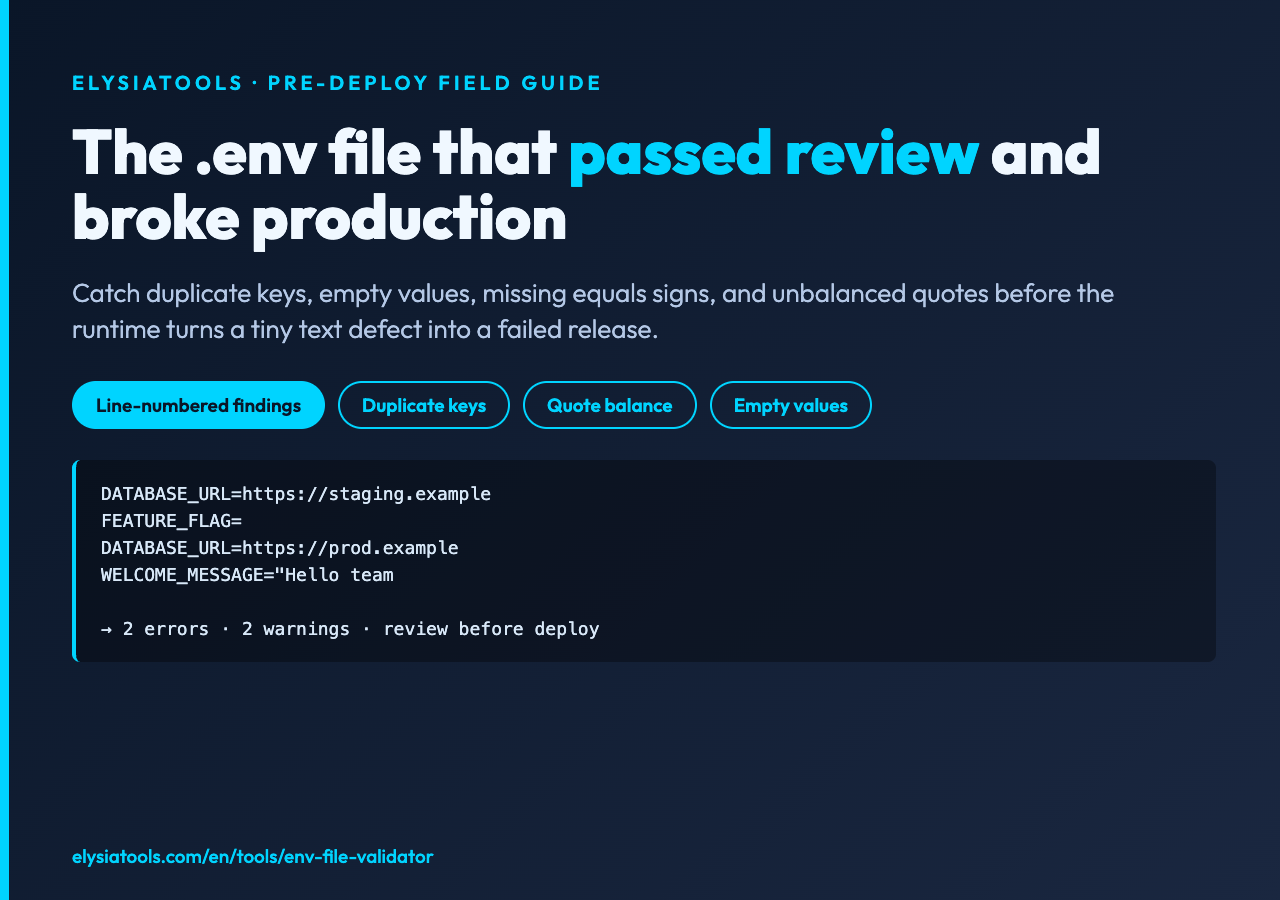
A config mistake can hide in plain sight
At 09:12, a deployment fails before the application serves a request. The secret exists, the container starts, and the error message points somewhere unhelpful. The cause is one line in the environment file: a repeated variable, an empty value, or a quote that never closes. These defects look ordinary in review because a dotfile is easy to treat as inert text.
A useful validator turns that text into a small, inspectable contract. The .env File Validator on Elysia Tools reads the file line by line, reports exact line numbers, and separates errors from warnings. That distinction matters: a missing equals sign prevents reliable parsing, while a lowercase key may work yet still violate the convention your team depends on.
The four checks worth running before a deploy
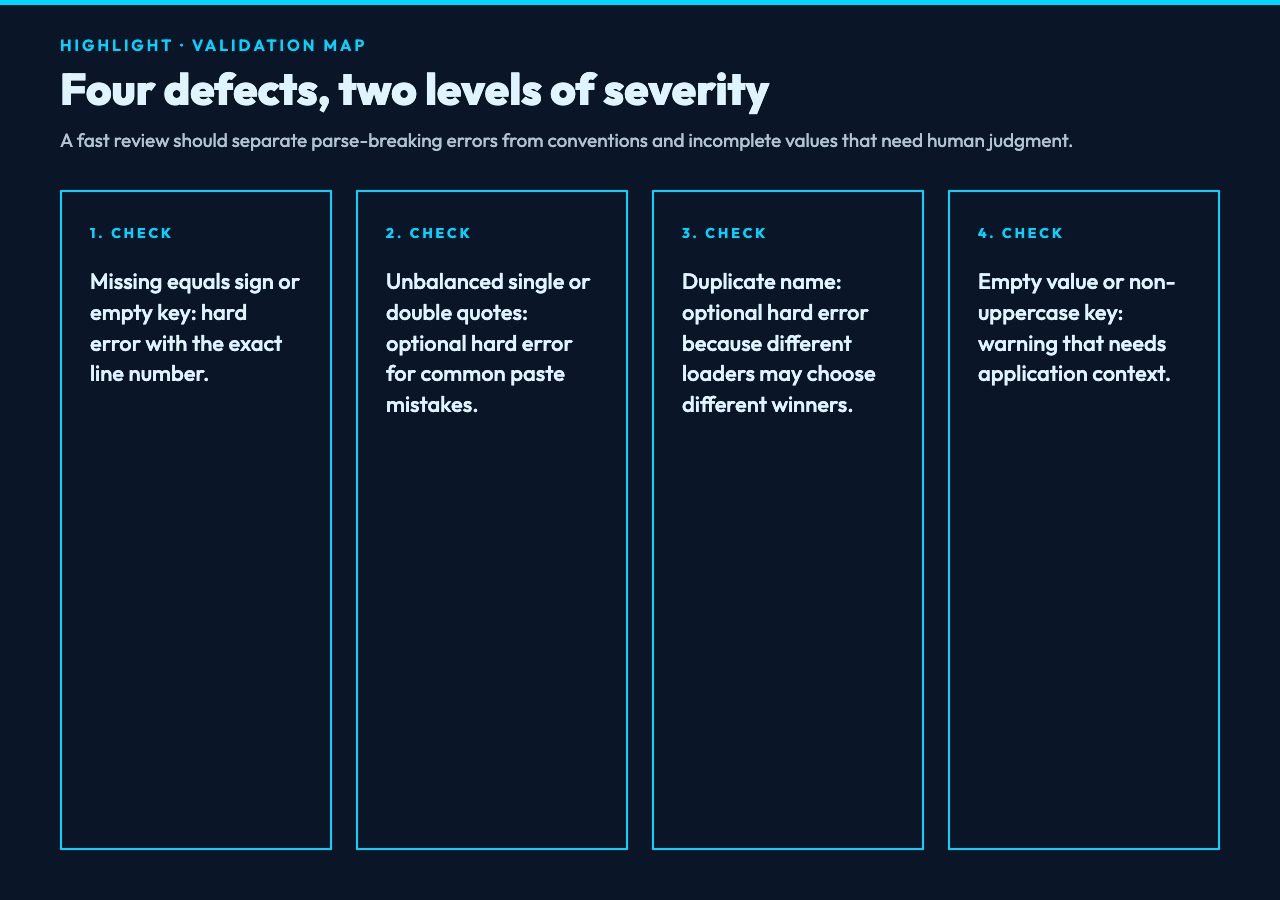
The tool performs four practical checks. It rejects a non-comment line without an equals sign and rejects an assignment with an empty key. With the optional checks enabled, it also reports unbalanced quotes, empty values, and duplicate variable names. Variable names outside uppercase letters, digits, and underscores produce warnings rather than hard errors.
That last choice is sensible. A key such as apiUrl is not universally invalid, but it is easy to miss beside API_URL, and shell tooling often assumes the uppercase convention. The report gives you evidence without pretending every style warning is a runtime failure.
Duplicate keys are more dangerous than they look
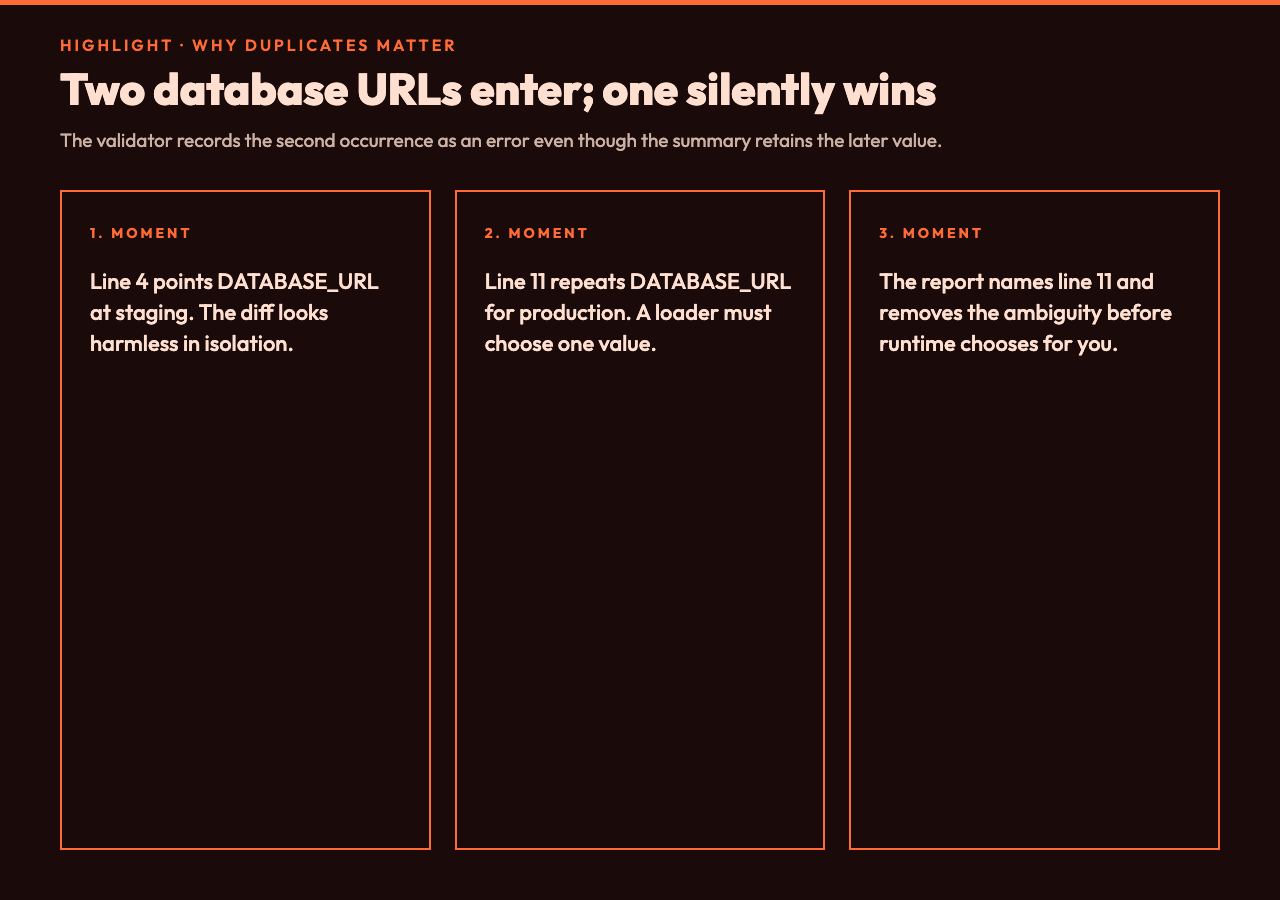
Consider a 12-line file with two database URLs. The first points to staging; the second points to production. Different dotenv loaders may use the first value, the last value, or expose behavior that changes after an upgrade. A reviewer sees both values. The running process sees one.
The validator tracks names as it moves downward. When duplicate checking is enabled, the second occurrence becomes a line-numbered error. This is more than tidiness. It removes an ambiguity that otherwise survives until the application chooses a winner.
Empty and quoted values need different judgments
An empty assignment can be intentional. FEATURE_FLAG= may mean disabled, while PAYMENTS_TOKEN= probably means the release should stop. That is why the tool treats empties as warnings and lets you turn the check off. The validator surfaces the risk; your deployment policy decides its severity.
Quote checking answers a narrower question: does the value contain an odd number of single or double quote characters after surrounding quotes have been removed? A line such as WELCOME_MESSAGE="Hello team is reported as an error. This catches common paste and edit mistakes, but it is not a full dotenv runtime emulator. Escaped quotes and loader-specific grammar deserve a final check in the exact library your application uses.
Read the summary as a release receipt
The result includes whether the file is valid, the number of errors and warnings, the count of variables, the number of processed lines, the variable names, and a validation timestamp. Those fields are useful in a pull-request comment or a release checklist because they make the review repeatable.
A clean result for 18 variables across 24 lines is a compact receipt. A later change that reports 17 variables tells you something disappeared even if the diff is noisy. The validator does display values in its text output, so never paste a production secret file into a shared ticket or public chat. Use redacted or non-production values when the report will leave your local machine.
A practical pre-deploy workflow
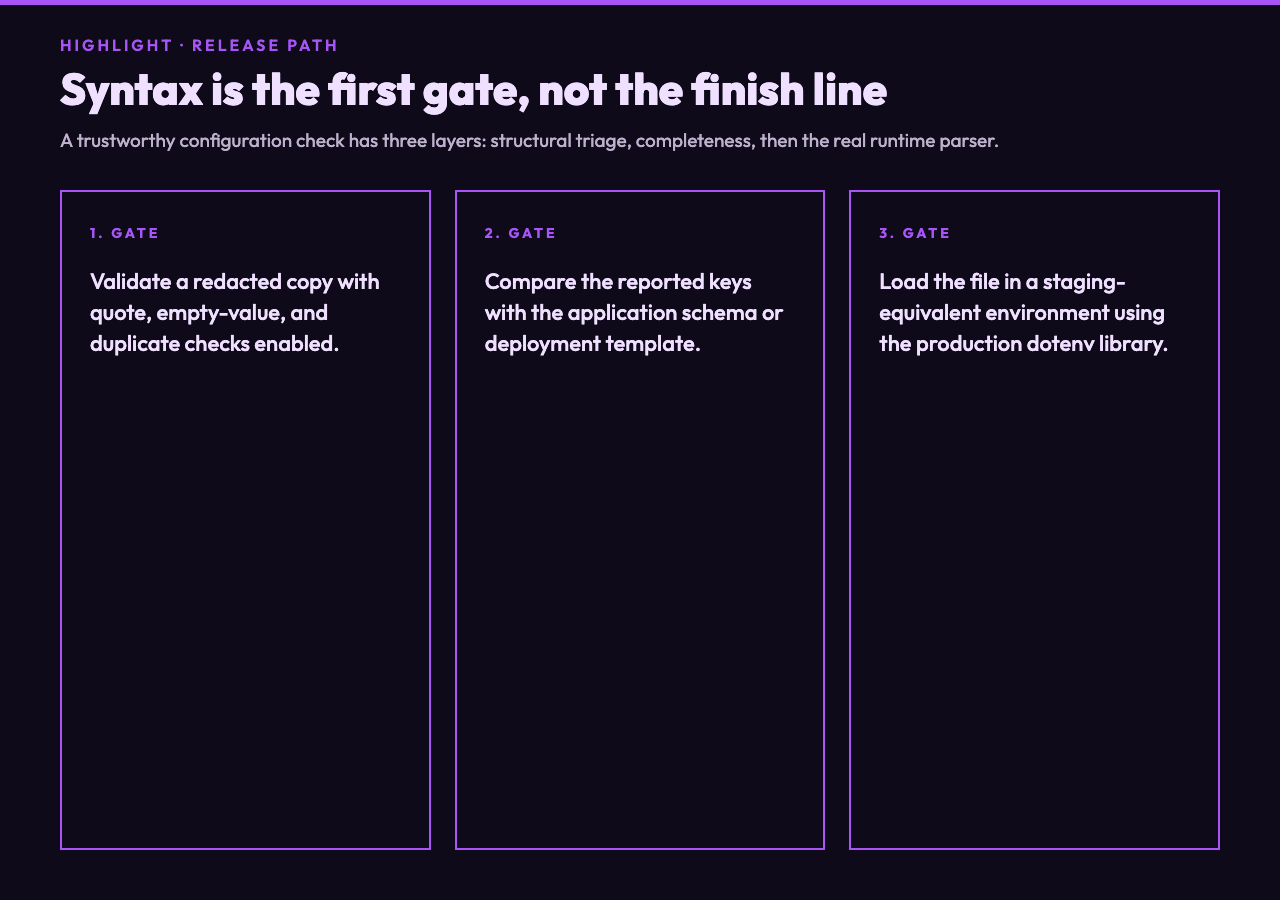
Start with a copy of the intended environment file and replace real secrets with unmistakable dummy values. Keep the keys and structural edge cases intact. Run the validator with quote, empty-value, and duplicate checks enabled. Fix hard errors first, then review each warning against the application contract.
Next, compare the reported key list with the configuration schema or deployment template. The validator can tell you that DATABASE_URL is well formed; it cannot tell you that your application also requires DATABASE_POOL_SIZE. That second comparison closes the gap between valid syntax and complete configuration.
Finally, run the application or its native dotenv loader in a staging-equivalent environment. The online check is fast structural triage, not a replacement for the parser that production executes. The value of the workflow is the sequence: catch cheap text defects first, then spend runtime feedback on deeper integration problems.
Where the tool draws the boundary
Source inspection reveals a deliberately small implementation. Blank lines and comments are skipped. Each remaining line splits at the first equals sign, so values may contain additional equals signs. Surrounding single or double quotes are removed before the optional empty and quote checks. Later duplicate values overwrite earlier ones in the variable summary even though the duplicate is still reported as an error.
Those details make the tool useful for a fast review, but they also define its limits. It does not expand variables, load multiple files by precedence, test whether a URL resolves, or prove that a credential works. It validates shape and common mistakes. Treating that boundary honestly makes the result more trustworthy, not less.
Make configuration failure boring
An environment file should not become interesting at 09:12 during a failed release. Run the structural check while the change is still cheap to fix, keep production values out of shared reports, and pair the result with your application’s own schema and loader. You can try the validator here, then carry its line-numbered findings back into the review that owns the change.
The important shift is procedural: stop treating configuration as text that gets trusted by proximity to the code. Give it a fast structural gate, a completeness check, and a runtime test. Then a missing equals sign, a second copy of a key, or an accidental empty value stays an ordinary mistake instead of becoming the first clue in a failed deployment. If your next release still breaks on configuration, let it be for a hard reason—not one a 20-second check could have named by line number. Explore more focused developer utilities at elysiatools.com.
