
When a 16-byte cache key, a 64-character content-addressable ID, and a 128-bit fingerprint all need to agree across three services and two programming languages, the hash function is not the hard part. The hard part is the algorithm choice, the UTF-8 byte boundary, and whether you store the digest as hex or Base64. The Text Hash Generator at Elysia Tools puts all five common digests on one screen so you can compare them side by side instead of guessing which one your downstream system actually wants.
The tool computes MD5, SHA-1, SHA-256, SHA-512, and CRC-32 over the same input in a single paste, returning both lowercase hex and Base64 for each. That sounds like a convenience feature. It is actually a debugging surface. The moment you realize two systems produce the same digest but disagree on the leading zeros, you stop trusting the hash and start trusting the encoding.
The Five-Algorithm Tradeoff Is Real, Not Academic
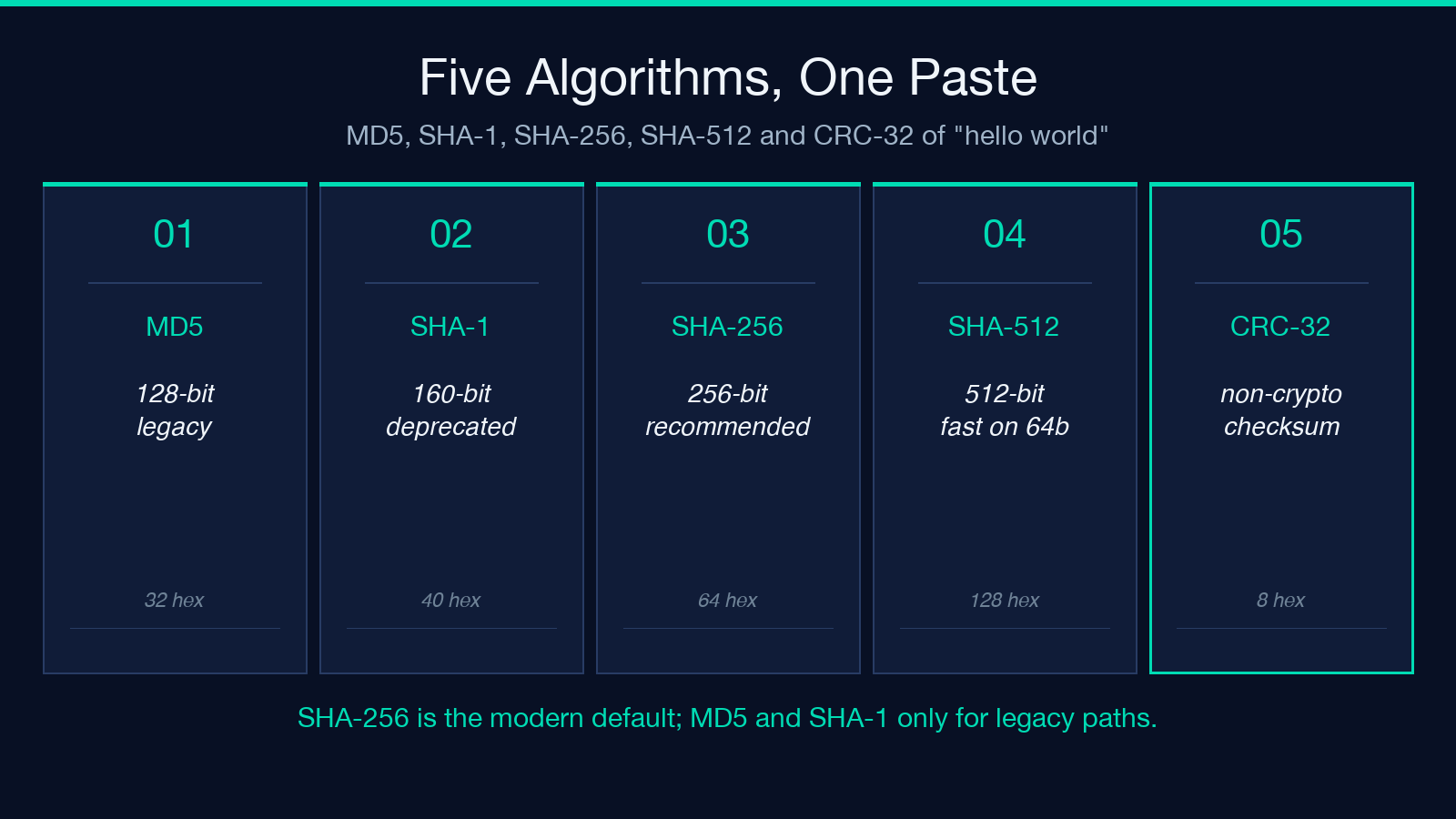
MD5 is 128 bits and broken for collision resistance, yet it still appears in legacy cache keys, ETag headers, and content-management workflows that predate SHA-256 adoption. SHA-1 is 160 bits and deprecated for security but survives in git internals, package mirrors, and certificate pinning paths that nobody has migrated. SHA-256 is the modern recommendation for new code. SHA-512 is the same family at higher throughput on 64-bit hardware. CRC-32 is not a cryptographic hash at all; it is a non-cryptographic checksum that detects accidental corruption at line speed.
When you hash the same string in all five, the digest lengths match the algorithm’s output size exactly. The tool renders every digest as lowercase hex and Base64 so the visual length alone tells you which algorithm produced it. MD5 hex is 32 characters, SHA-256 hex is 64, SHA-512 hex is 128. If your downstream service expects 64 hex characters and you send MD5, the bug is invisible at the type level and visible only when the cache lookup fails.
UTF-8 Byte Length Is the Hidden Variable
The tool hashes over the UTF-8 byte encoding of the input, not over the JavaScript string length. That distinction shows up the moment a non-ASCII character enters the picture. The string “café” has 4 Unicode code points but 5 UTF-8 bytes because the é is two bytes. Paste “café” and watch the input byte count: it reads 5, not 4. Every digest downstream is computed over those 5 bytes, which means a hash produced from a UTF-16 source and a hash produced from a UTF-8 source on the same string will not match.
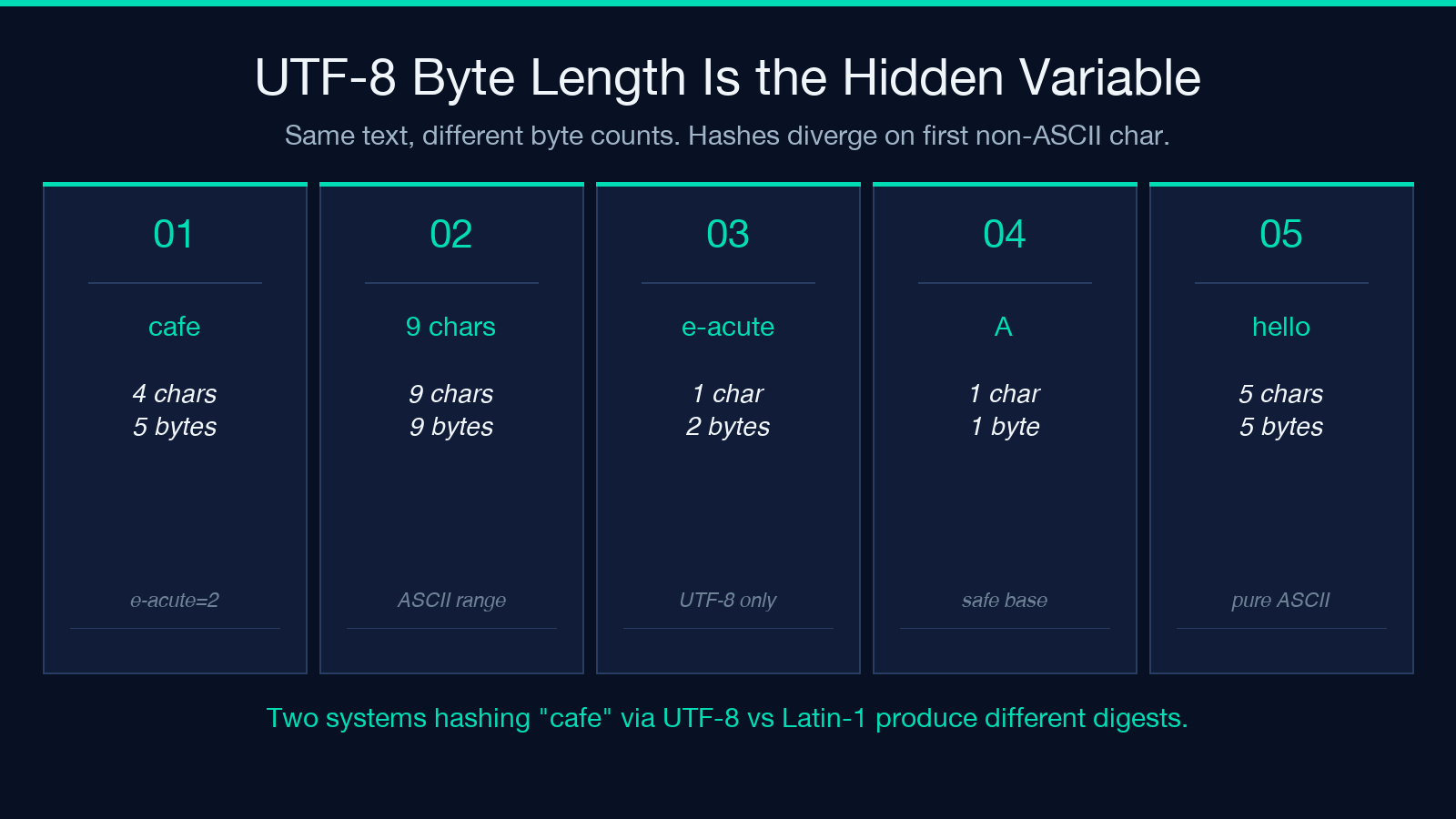
This is the single most common source of “the hash changed for no reason” reports in cross-platform cache work. Two systems reading the same file through different decoder paths agree on the text and disagree on the byte sequence. The Text Hash Generator exposes the byte count on screen so you can confirm the boundary before you commit the digest to a database key. When the byte count matches what the receiving service expects, the digests will match too.
Hex vs Base64: When the Encoding Matters
Every digest in the tool renders twice: once as lowercase hex and once as Base64. Both encode the same 256 bits for SHA-256; they differ only in how the bits are written. Hex is human-readable, survives copy-paste into any chat window, and tolerates case-insensitive comparison. Base64 is shorter, fits more naturally into URL fragments and JWT headers, and trips up any downstream system that does not URL-safe decode.
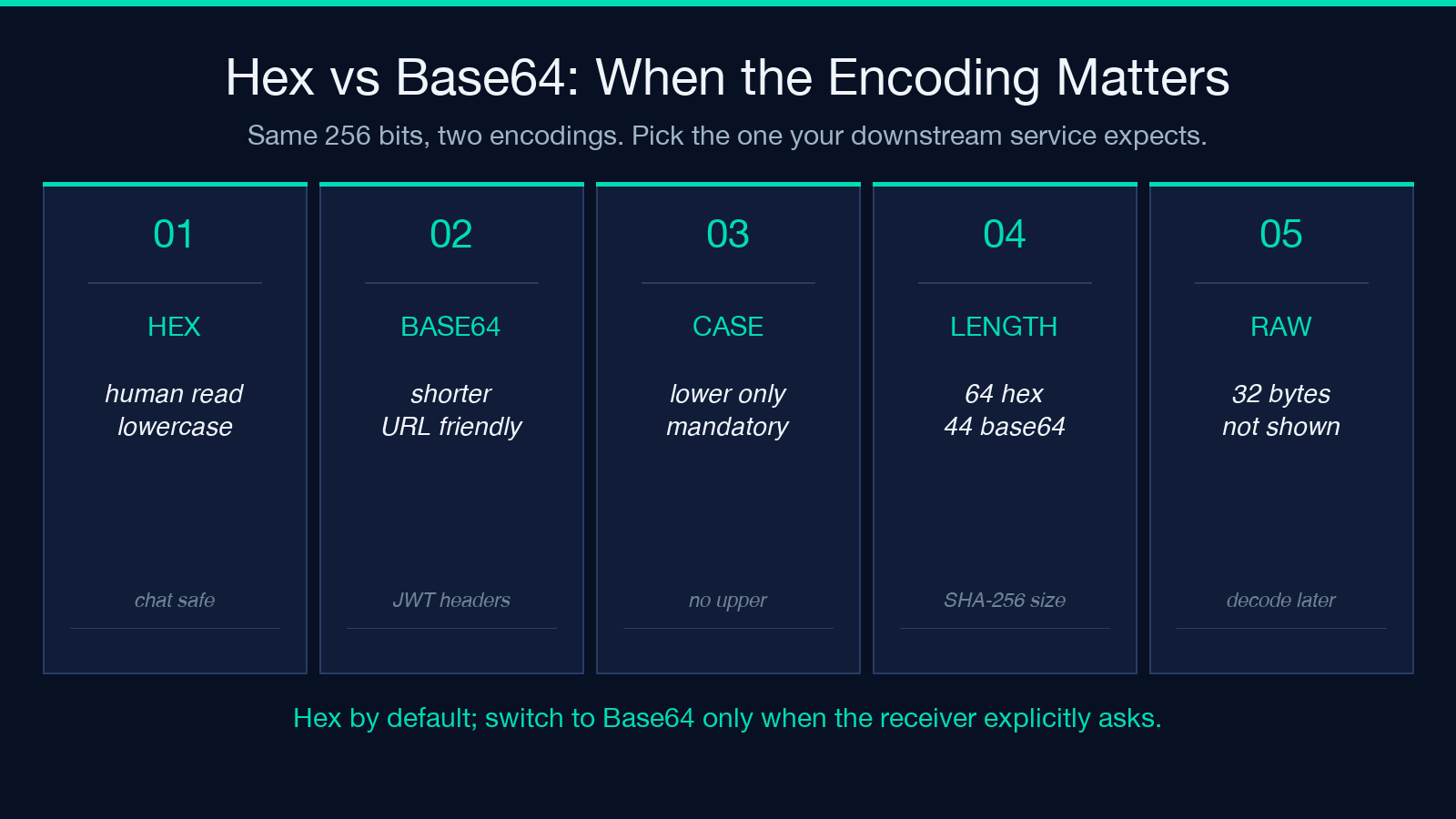
The practical failure mode is the case-sensitive comparison. A receiving service that lowercases the hex digest before comparing will accept your SHA-256. A receiving service that does not will reject your MD5 if you accidentally sent uppercase hex. The tool always emits lowercase hex for that reason. When you need Base64, you toggle once and the second column updates. When the downstream system wants the raw bytes, neither hex nor Base64 is right; you have to decode further, and the tool does not offer that path because the use case is rare and easy to misconfigure.
Why “Hello World” Always Hashes to the Same Digests
The canonical test vector is the SHA-256 of “hello world”: b94d27b9934d3e08a52e52d7da7dabfac484efe37a5380ee9088f7ace2efcde9. Every correct implementation of SHA-256 over UTF-8 bytes produces exactly that string. If your implementation produces anything else, the implementation is wrong or the input encoding is different. The MD5 of “hello world” is 5eb63bbbe01eeed093cb22bb8f5acdc3, and the SHA-1 is 2aae6c35c94fcfb415dbe95f408b9ce91ee846ed.
These three digests are the first thing to check when a hash pipeline fails end-to-end. Paste “hello world” into the tool, confirm the SHA-256 matches b94d27b9...2efcde9, and your environment agrees with the rest of the world. If the digest differs by even one character, the encoding is wrong or the algorithm was swapped for a similar-named variant. The tool’s reference vector panel anchors this check in five places, one per algorithm, so a single paste confirms all five reference vectors at once.
Cache Keys, Dedup Keys, and Content-Addressable IDs
A cache key derived from a hash is stable across deploys, language runtimes, and operating systems. That stability is the entire reason content-addressable storage works. When you store a file under its SHA-256 hex digest, every system that recomputes the hash on upload lands on the same key, which means dedup, replication, and integrity verification all fall out of the same primitive.
The tool’s typical use is generating those keys during development. You paste a JSON payload, copy the SHA-256 hex, paste it into your cache key prefix, and your local cache invalidation test now agrees with the production system that hashes the same payload. The five-algorithm side-by-side view is useful here because legacy caches sometimes want MD5 (faster, smaller key, acceptable collision risk for ephemeral entries) while the canonical store wants SHA-256 (collision-free at any practical scale).
The Three Failure Modes the Tool Catches
The first failure mode is algorithm drift: a junior engineer replaces SHA-256 with SHA-1 because the key is shorter, and the cache silently loses dedup correctness. The tool renders both digests next to each other so the length difference is visible before the commit lands.
The second is encoding drift: a server reads the input as Latin-1 while the client writes it as UTF-8, and the byte sequences diverge on the first non-ASCII character. The tool’s input byte counter surfaces this divergence on the same screen as the digests.
The third is format drift: a downstream system expects Base64 and receives hex, or expects uppercase hex and receives lowercase. The tool’s dual-format output means the engineer can copy the version the system expects and verify both render to the same byte sequence by re-pasting into a hex/Base64 converter. None of these three failures are visible at the algorithm level; they are all visible at the encoding level, which is exactly what the dual-output surface exposes.
Pairing With Cryptography Samples
The tool is the runtime version of what real code samples teach. The Android Cryptography Java Samples walk through MessageDigest.getInstance("SHA-256") end to end, and the Web Cryptography Python Samples show the same primitive in hashlib.sha256. When the two samples produce different digests for the same input, the cause is encoding, not algorithm. The Text Hash Generator gives you the expected digest without writing any code, so you can paste the output back into the sample’s expected value and isolate which side of the round trip is wrong.
Choosing the Right Algorithm for the Job
Use SHA-256 by default for any new code that needs collision resistance: content-addressable storage, integrity verification, signed payloads. Use SHA-512 when the extra 256 bits of headroom matter or when your target platform runs on 64-bit hardware and the SHA-512 instruction path is faster than SHA-256. Use SHA-1 only for compatibility with systems that have not migrated, and never for new cryptographic guarantees. Use MD5 only for non-security purposes: legacy cache keys, ETag headers where the protocol specifies MD5, deduplication of ephemeral data where accidental collisions are tolerable. Use CRC-32 for accidental corruption detection on storage and transfer, never for security.
The five-algorithm view in the tool makes the choice empirical. You paste the input once, read the digests, and pick the one whose length and format match what your downstream system expects. That decision is the entire output of the hash step, and the Text Hash Generator is the shortest path to making it correctly.
Explore more tools at elysiatools.com.
