
A join is a contract, and the most expensive part of the contract is the part you do not write down. Most ad-hoc join scripts go wrong in one of three ways: the keys are not aligned (whitespace, case, trailing newlines), the join type is implicitly inner and silently drops rows the caller meant to keep, or the output separator is whatever the input separator happened to be and the next tool in the chain cannot parse it. The Multi-Table Joiner on Elysia Tools takes the most common shape of that contract and pins it down: paste two tables, pick a separator, declare which column on each side is the key, choose inner / left / right / full, and emit the joined result. That is the entire surface area. The value is not novelty — it is that it does the obvious thing, every time, without you re-deriving the semantics from scratch.
Why a dedicated joiner earns its place
You paste two CSVs into a chat window. The first has customer IDs and email addresses; the second has the same IDs and signup dates. You want one row per customer, with both fields, joined on the ID. That should not require a 30-line pandas script, a Jupyter notebook, or a Stack Overflow detour into merge() versus join() versus concat().
The Multi-Table Joiner on Elysia Tools takes the most common shape of that contract and pins it down: paste two tables, pick a separator, declare which column on each side is the key, choose inner / left / right / full, and emit the joined result as a CSV or TSV. That is the entire surface area. The value is not that it does anything magical — it is that it does the obvious thing, every time, without you re-deriving the semantics from scratch.
Generic tools earn their keep when the alternative is reinventing a wheel. A join is exactly that wheel. In practice, most ad-hoc join scripts go wrong in one of three ways: the keys are not aligned (whitespace, case, trailing newlines), the join type is implicitly inner and silently drops rows the caller meant to keep, or the output separator is whatever the input separator happened to be and the next tool in the chain cannot parse it. Each of those failures is invisible until the row count comes back wrong.
A purpose-built joiner surfaces those decisions in the input panel. Delimiter is a dropdown: comma, tab, semicolon, or pipe. First-row-contains-headers is a checkbox that propagates to the key-column dropdown. Join type is a labeled selector, not a free-text SQL clause. The output separator is a separate dropdown so you can keep the input as CSV and emit TSV, or vice versa. None of those controls is novel. The point is that they are present together, in the same form, every time you run the join.
The four join types, in plain English
The four join types in the tool — inner, left, right, and full — correspond to four real questions about what the output should contain:
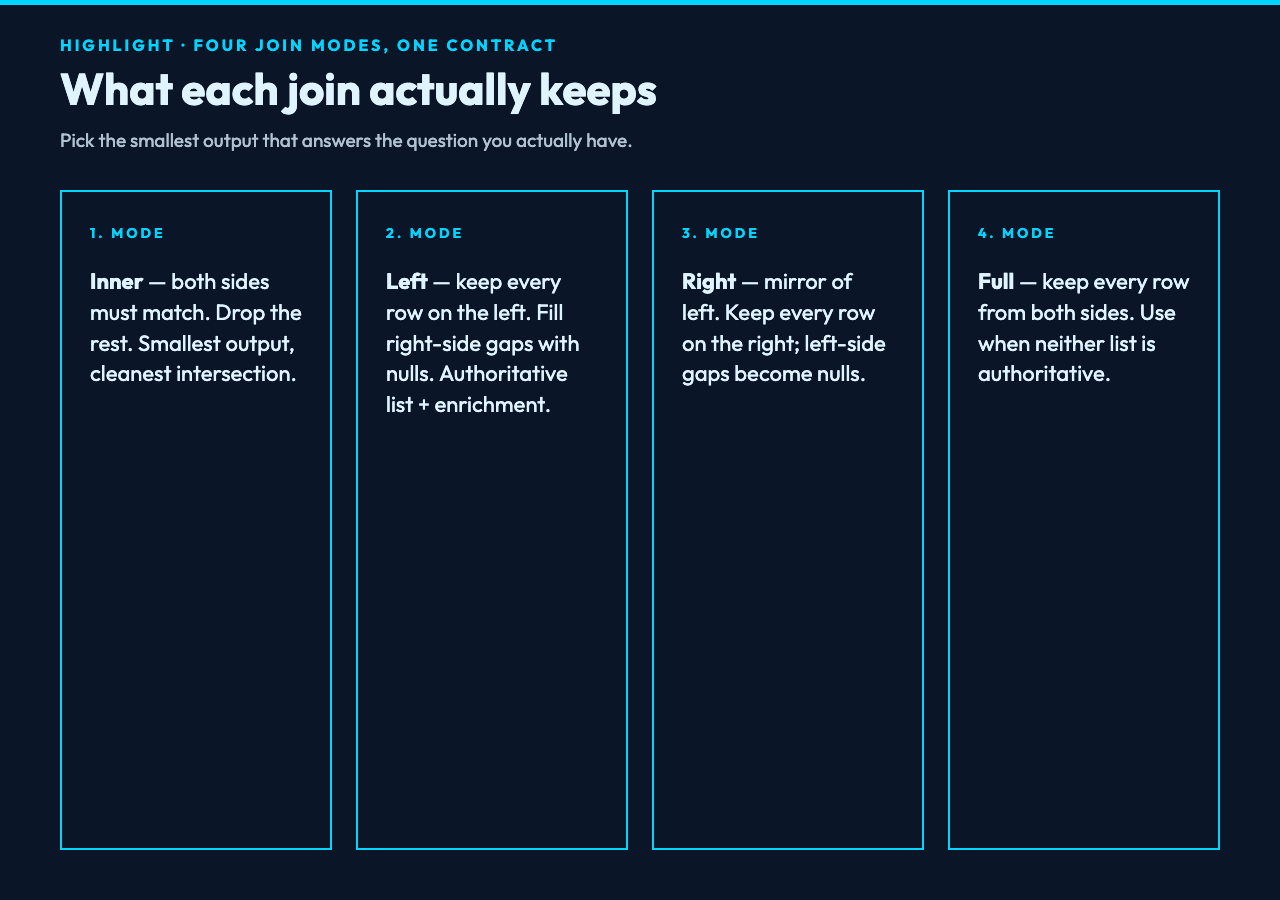
- Inner — keep only rows where the key exists on both sides. The smallest output. Use when a missing match is an error and you want to see only the clean intersections.
- Left — keep every row from the left table, and add columns from the right where the key matches. Rows on the left with no match get nulls on the right side. Use when the left table is the authoritative list and the right table is enrichment.
- Right — the mirror of left: keep every row from the right, fill left-side gaps with nulls. Use when the right side is the authoritative list.
- Full — keep every row from both sides, with nulls where there is no match on the other. Use when both lists are partial views of the same population and you want to see the union plus the gaps.
These four are not a one-to-one map of SQL because the tool is intentionally narrower — there are no USING clauses, no composite keys in the freeform condition, no cross joins. The narrower scope is the point: there is one dropdown, one decision, and no way to silently pick the wrong semantic.
How the key-column contract works
The two key-column fields — “Left Table Key Column” and “Right Table Key Column” — are the most error-prone part of any join. They take the literal header name from each table, not a column index, which means renaming a column in the input does not silently break the join: the dropdown will not find the old name and the run will refuse to start. That is a feature, not friction.
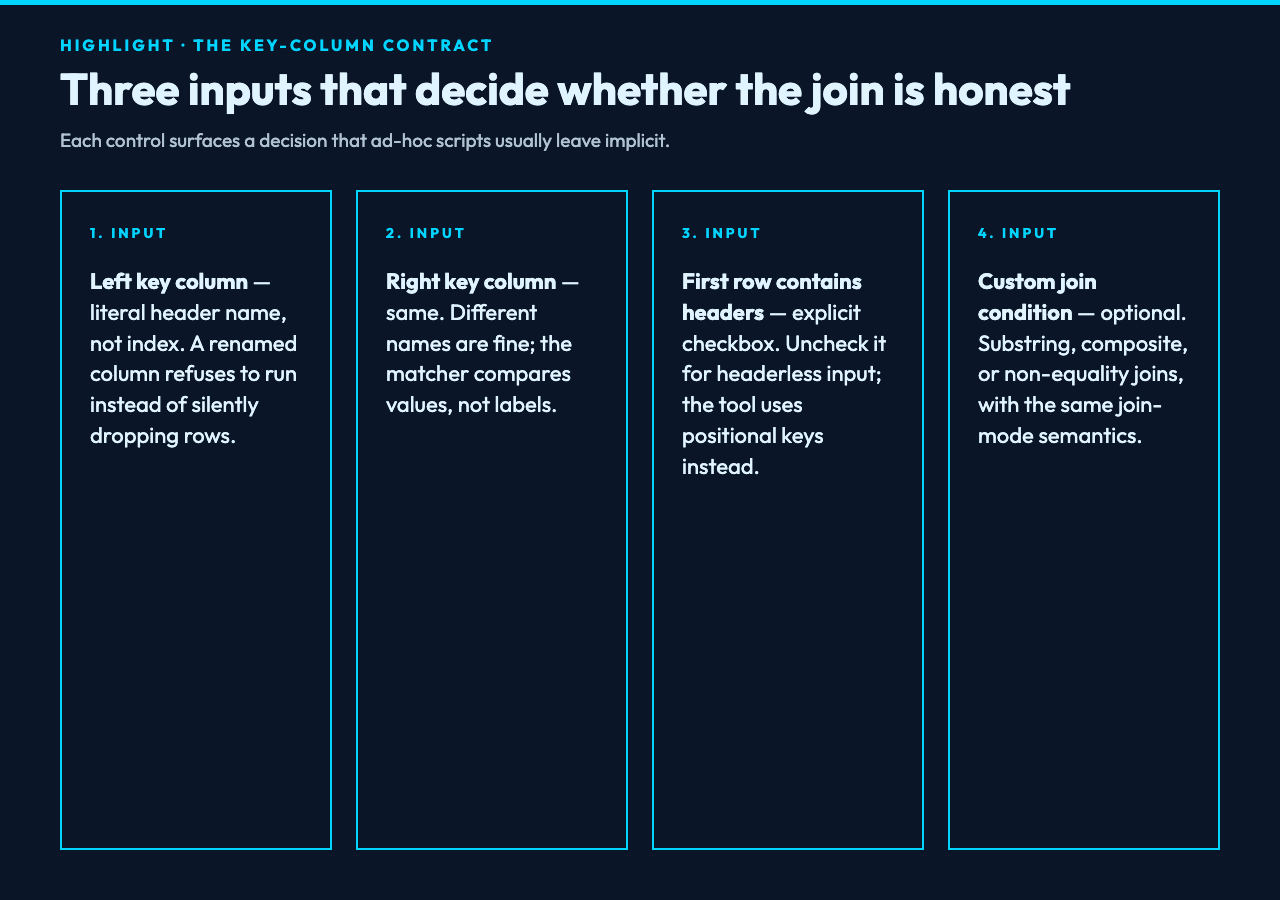
When the two columns have different names — for example customer_id on the left and id on the right — the tool still works; you specify each name in its own field. The matcher compares values, not column names. The third field, “Custom Join Condition (Optional)”, is for the rare case where the join is not a simple equality but a substring or composite expression; most users will leave it blank.
If the headers are missing entirely, uncheck the “First Row Contains Headers” box and the tool treats each row as data with positional keys; this is where ad-hoc scripts usually break because the positional logic is implicit and easy to get wrong. Pinning it as an explicit checkbox removes that ambiguity.
What the output looks like in practice
The output is a single table that follows standard join semantics. For an inner join of two five-row tables with two shared IDs, the output is two rows. For a left join with the same input, the output is five rows — the three unmatched rows on the left side appear with empty cells where the right-side columns would have been.
Because the tool is honest about what kind of join it ran, downstream code can trust the row count. A pipeline that expects “every customer has exactly one email” can assert len(output) == len(customers) and have a fighting chance of catching mismatches before they propagate. That assertion is what most hand-written scripts skip — they trust pandas to do the right thing, and pandas does the right thing for inner, but the right thing for left requires the caller to have asked for it.
For example outputs and delimiter variants, the Elysia Tools samples page hosts reproducible inputs that exercise the four join types against the same fixture, which makes it easy to compare what changes between join modes without rebuilding the test data from scratch.
Why the output separator deserves its own dropdown
The “Output Separator” selector is small but it solves a real problem. The most common failure mode when chaining tools — joining here, then parsing again downstream — is that the join output uses the same separator as the input. If the input was a CSV with embedded commas inside quoted fields, the joined output can produce rows that look fine until a downstream parser trips on the embedded delimiter. Pinning the output separator lets you keep the input as comma-separated and emit a tab-separated result, which downstream tools usually parse more forgivingly.
This is also where the “Custom Join Condition (Optional)” field earns its keep for non-equality joins. If the join is “left contains right” — for example, matching a free-text description in the left table against a tag in the right table — the custom condition accepts that expression and the dropdown for join type still controls which side is preserved on a miss. The combination of “narrow join semantics, explicit condition” is a deliberate trade: you give up the unbounded expressiveness of full SQL, and in return you get a joiner whose output is predictable every time.
A short worked example across the four join modes
Suppose the left table is three customer records with IDs 1, 2, 3 and one row each for email, and the right table is two signup records with IDs 2 and 3 and one row each for signup_date. The four join modes produce four visibly different outputs:
- Inner returns two rows: IDs 2 and 3, with both email and signup_date populated. ID 1 is dropped because it has no match on the right.
- Left returns three rows: IDs 1, 2, and 3, all with their email, but ID 1 has an empty cell where signup_date would have been.
- Right returns two rows: IDs 2 and 3, both with email and signup_date, and the left-side row for ID 1 is silently dropped because it has no match on the right.
- Full returns three rows: IDs 1, 2, and 3, but the layout is whichever side is shorter on the miss — ID 1 appears once with its email and a null signup_date, and IDs 2 and 3 appear once each with both fields populated.
That four-output matrix is the entire behavior of the tool on the same input. There are no surprises because there are no implicit defaults: every cell in the output can be traced back to a row in one of the inputs, and every dropped row corresponds to a specific join-mode choice.
When to use this and when to reach for SQL
Reach for the Multi-Table Joiner when the join is a one-off or a small repeatable step in a pipeline — two or three tables, four join modes, a handful of keys, no aggregations afterward. It is the right tool when the bottleneck is “decide what kind of join this should be” rather than “compute this join over millions of rows.”
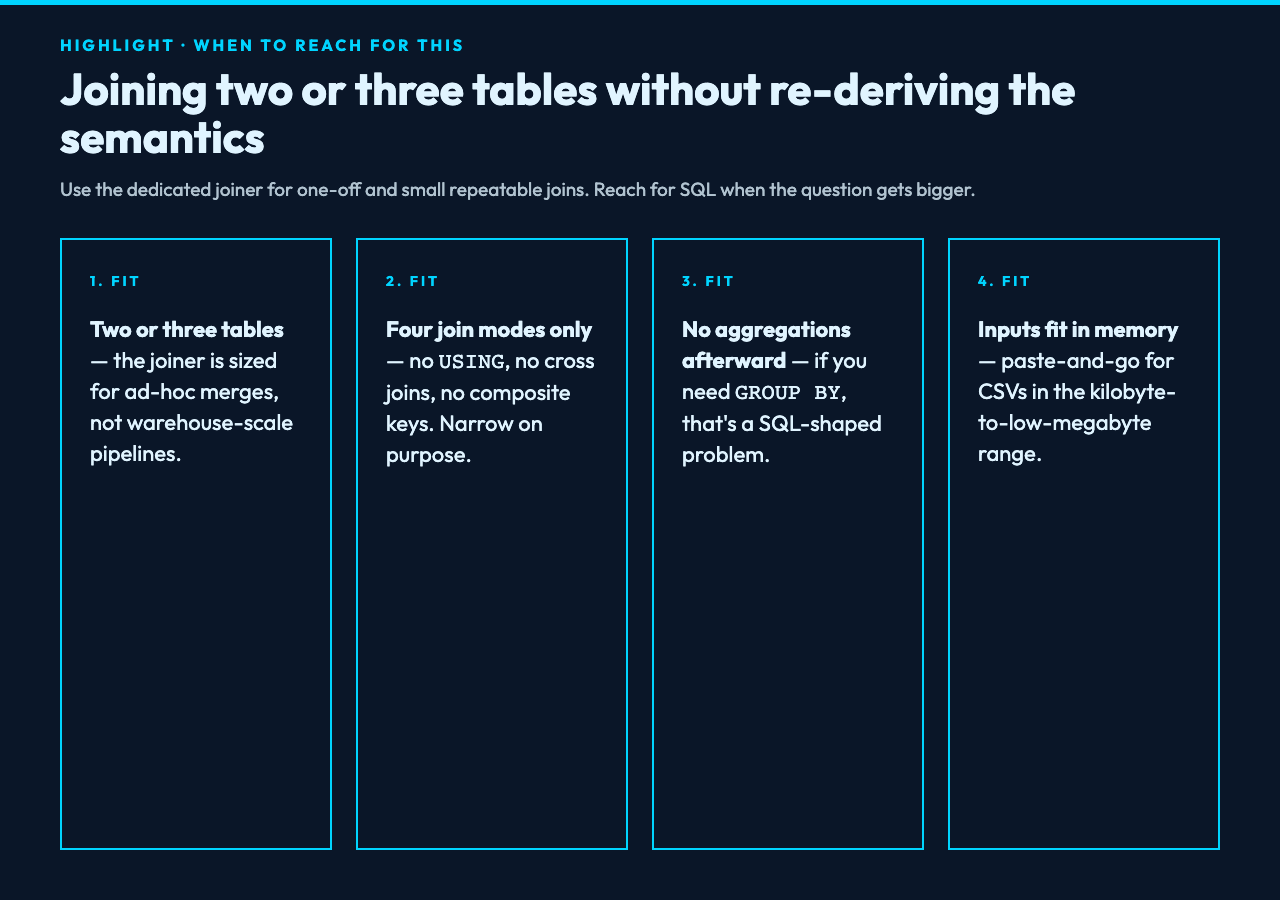
Reach for SQL or pandas when the join is part of a larger query with aggregations, when the keys are computed (a hash, a normalized form, a substring), or when the input does not fit in memory and you need a real query engine with a planner. The Multi-Table Joiner is not a substitute for a database; it is a substitute for the ten minutes you would spend re-deriving the join semantics every time you do an ad-hoc merge.
Explore more tools at elysiatools.com.
Closing — why the guesswork is the expensive part
A join is a contract, and the most expensive part of the contract is the part you do not write down — the implicit inner join, the implicit positional key, the implicit separator that propagates downstream. Pin those decisions in the input panel and the rest of the workflow becomes trivially repeatable: paste, declare, run, parse. The point of a dedicated joiner is not novelty; it is the removal of guesswork. Once the guesswork is gone, scaling to ten tables or ten thousand rows is a matter of copy-paste, not a fresh script.
Stop writing one-off joiners in Python; pin your contract, then let the boring machinery do its job. The Multi-Table Joiner is one of those small, opinionated tools that pays for itself the third time you reach for it.
